Outline X-Ray
BedrockTexture packPvpby Sycure_Gaming
About this texture pack
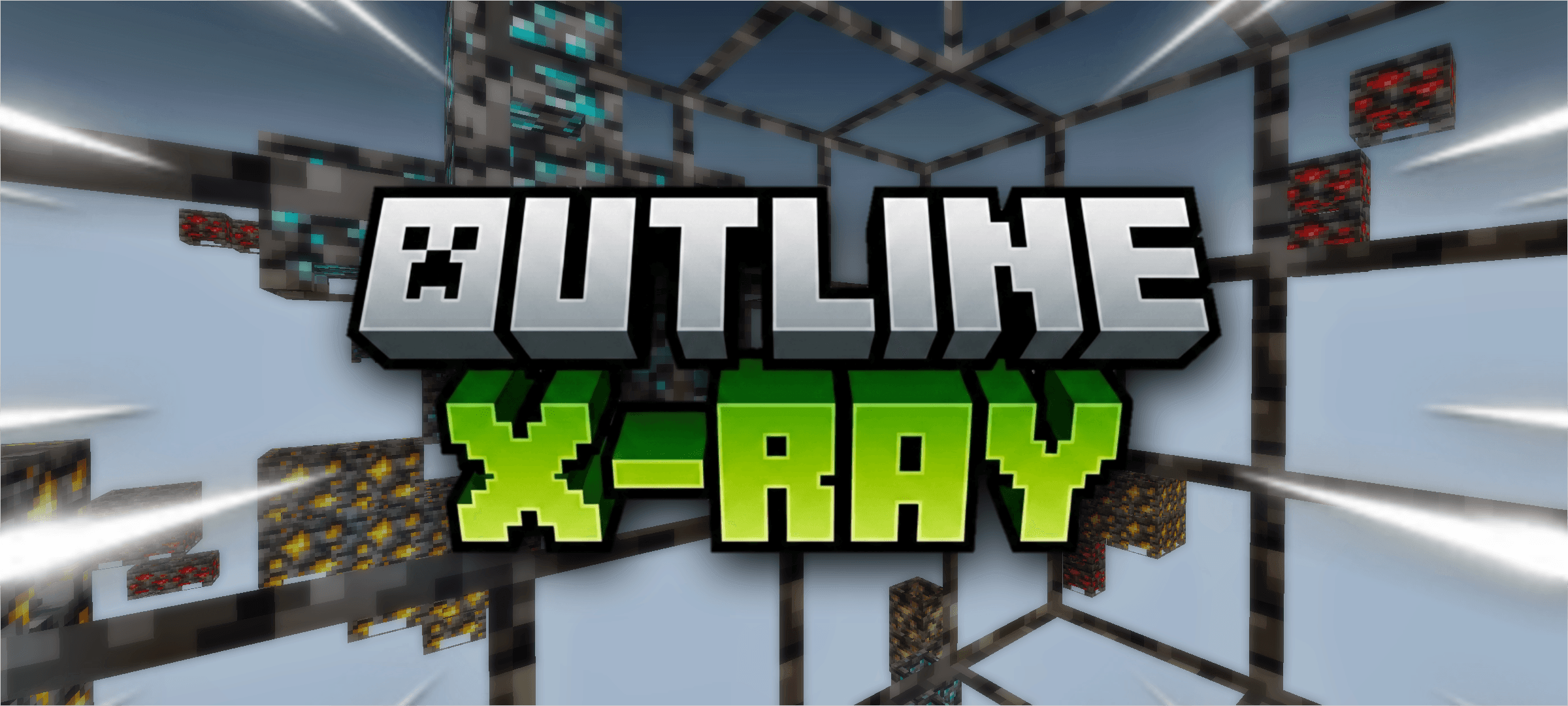
This Resource Pack Provides X Ray With Outlined Common Blocks So That You Can See Which Block Is Next To You.
Read the author’s full description (807 words)
Written by Sycure_Gaming.
Outline X-Ray Resource Pack
Welcome to the next generation of mining utility. Built for modern Minecraft Bedrock engines, the Outline X-Ray Resource Pack redefines how you find resources underground by providing crystal-clear ore visibility without sacrificing your spatial awareness.
Why You Should Use This Pack ?
Instead of the traditional X-Ray experience where the entire world becomes an unnavigable void, this pack offers a smarter, safer approach to mining:
- The Flaw of Standard X-Ray: Traditional packs make non-valuable blocks completely invisible. While great for spotting diamonds, this makes navigating ravines incredibly dangerous and increases your risk of mining straight into lava pools or falling down sheer drops.
- The Outline Solution: Rather than erasing common blocks like stone, deepslate, and netherrack entirely, this pack renders a distinct, clean outline around their borders.
- Perfect Spatial Awareness: You get a clear visual grid of the cave structures around you. You will know exactly where every block is located, allowing you to build bridges and navigate complex cave systems safely.
- Uncompromised Ore Hunting: Even with the structural outlines visible, you still retain perfect visibility of all valuable ores glowing in the distance.
Essential In-Game Settings -
To ensure the outlines render correctly and to prevent visual glitches, you must navigate to your Video Settings and configure the following before entering your world:
- Smooth Lighting — OFF: This prevents the game from attempting to blend shadows across transparent blocks, which can cause rendering errors.
- Fancy Graphics — OFF: This optimizes the block rendering engine so it prioritizes your outlines without interference from vanilla aesthetic features.
- Beautiful Skies — OFF: This heavily reduces the background rendering load, keeping your frame rate stable when looking through hundreds of transparent blocks.
- No Experimental Toggles Needed: This pack functions strictly as a visual enhancement. It works perfectly straight out of the box without the need to enable Beta APIs or experimental toggles in your world settings.
Brightness and Lighting Notice:
Because of the specific rendering techniques used to draw the block borders, lighting works seamlessly with this pack installed:
- Default Fullbright Included: This pack now includes default fullbright (Night Vision) built directly in, functioning natively in patched MCPE, BetterRenderDragon, and MBLoader.
- No External Fullbright Shaders: You do not need to install external fullbright shaders or night vision packs. Stacking external lighting mods can corrupt the custom materials and cause outlines to fail.
- Help Me -
System Compatibility and Requirements:
Please read this carefully before installing - Because this pack utilizes advanced rendering techniques for the block borders, it is not compatible with standard, outdated vanilla render engines. Your client must meet the following specifications:
- Supported Versions: This pack exclusively supports Minecraft Bedrock/Pocket Edition versions 1.26.52 and above.
- Required Render Engines: To process the custom materials, fullbright, and outlines correctly, your game client must be running a Better Renderdragon setup, MaterialbinLoader, or a properly patched version of MCPE.
- Vanilla Limitations: If you attempt to run this on an unpatched or older version of the vanilla game, the outlines will not render, and all blocks will simply appear as solid textures.
Note:- If you are following all the instructions and getting black blocks, try removing the pack and reapplying it and restarting the game.
❓ Frequently Asked Questions (FAQ)
Q: Does this pack disable Xbox Live achievements?
A: No! Because this is strictly a resource/texture pack and does not use any behavior packs or scripts, you can safely use it in your survival worlds without disabling achievements.
Q: Do I need to turn on Experimental Features?
A: No. This pack functions entirely as a visual enhancement and works out of the box without any experimental toggles.
Q: Why do my blocks just look solid black?
A: This is almost always caused by an unsupported game version. The Outline X-Ray requires Minecraft Bedrock 1.26.52 and relies on custom materials. You must be using a compatible render engine setup (like BetterRenderDragon, MaterialBinLoader, or a patched MCPE). If your client is set up correctly, try removing the pack from your Global Resources, restarting the game, and reapplying it.
Q: Do I need a separate fullbright or night vision pack?
A: No! Fullbright lighting is built natively into the materials of this pack. Do not stack other lighting or night vision shaders, as they will conflict and break the outlines.
Q: How do I turn the X-Ray on and off in-game?
A: Due to Minecraft Bedrock limitations, resource packs cannot be toggled on or off while actively playing in a world. To turn off the X-Ray effect, you must Save & Quit, go to your Resource Packs setting, and deactivate it.
Q: Will I get banned for using this on multiplayer servers?
A: From a technical standpoint, this pack works on servers because it does not inject scripts or modify game code. However, using X-Ray is against the rules on most public multiplayer servers. Use it at your own risk!
Images
What’s new in the latest update
The author’s notes for the file uploaded .
- Fixed Mod Not Working in 26.50 or above versions.
- Added Thinner Outlines For Better Visibility.
- Changed Shape Of Ores From Cauldron To Chorus Flower.
Video
How to install
- Download the file below. On iOS or Android, open it from your Downloads with Minecraft; on Windows, double-click it.
- Minecraft imports the pack automatically. Enable it in your world’s settings under Behavior Packs or Resource Packs; an add-on usually needs both.
- Playing on a Realm or server? Everyone needs the same packs, and the host has to enable them.
Advertisement