Me Poppy Playtime
BedrockAdd-onFantasyby MeBesm
About this add-on
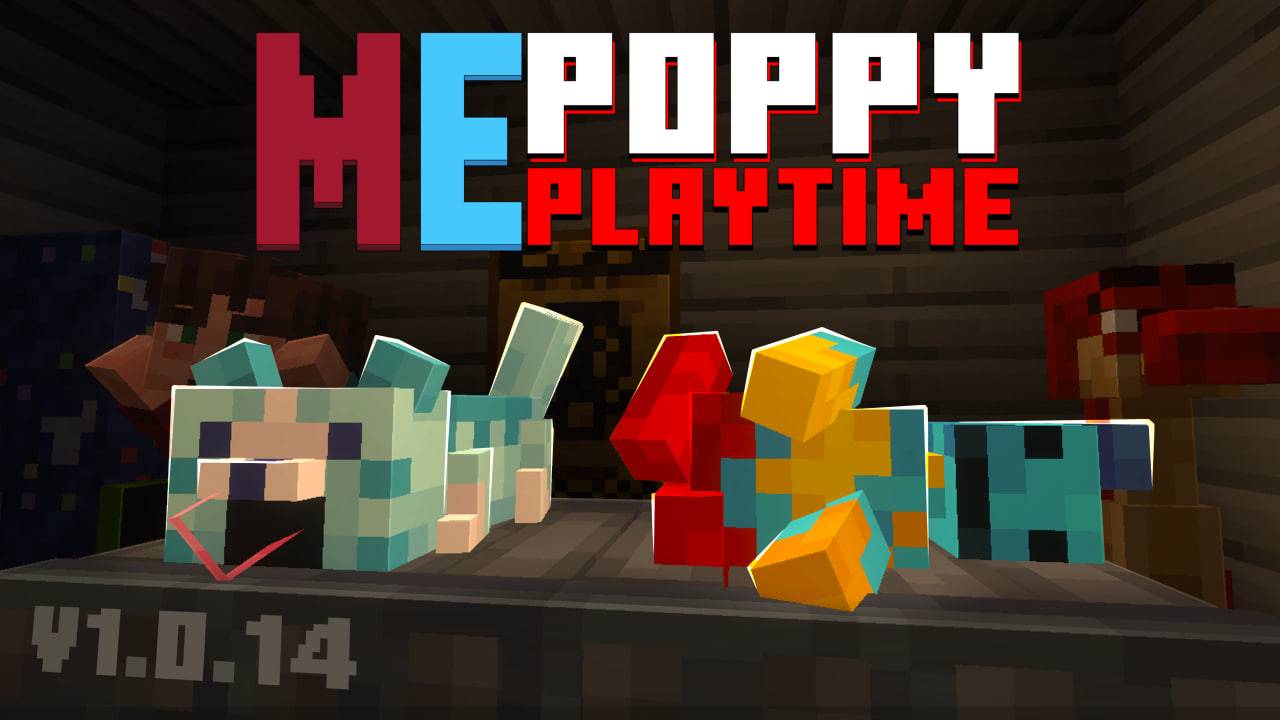
Welcome to the Poppy Playtime addon for Minecraft Bedrock! by MeBesm
Read the author’s full description (149 words)
Written by MeBesm for the MCPEDL post, shown as published.
v1.0.15
The addon is dedicated to the 'Poppy Playtime' franchise.
In the video above is an overview of the addon’s current update!
You can support me with money on PayPal. I will be very grateful.
*Support Me* - https://paypal.me/MeBesm
The addon has a physical GrabPack. With animations, and many hands.
In the addon, there are a huge number of CHARACTERS!!! You can also transform into them.
Other things in the addon, I won't have time to explain each one separately: There are a lot of blocks and toys. Many doors and mechanisms. There is Glowby, and magnets. There is a gas mask. There is gel. A platform for jumps. There is a case with Poppy and Poppy herself. Televisions, cutscenes, cardboard, posters.
And A LOT OF EVERYTHING!!!!!!!
DO NOT DISTRIBUTE FILES TO OTHER SERVICES WITHOUT PERMISSION! Or you'll get hit for copyright.🚨
🔗 Socials
Discord: https://discord.gg/f5SHj32uAj
YouTube: https://www.youtube.com/@MeBesm
Telegram: https://t.me/tMeBesm
Images
What’s new in the latest update
The author’s notes for the file uploaded .
Changelog (EN)
🔧 Main Mechanics & Fixes
-
GrabPack Rework: Equipping it now gives 1 item.
-
LMB / RMB — shoot hands.
-
Shift + LMB — opens the equipment menu (items and hands).
-
Shift + RMB — opens the hand selection menu.
-
-
Fixed all morphs: they now work correctly in multiplayer.
-
Added Nightmare Huggy morph.
-
TVs no longer take damage.
-
Improved the cursor — it is now correctly square-shaped.
-
Adjusted the block hitbox for the Cat-Bee scanner.
🎨 Remodels & Visual Updates
-
Complete Remodels: Nightmare Huggy (including its spawn egg and TV), Cat-Bee, and its scanner.
-
Reworked Characters: Boogie Bot and Bron.
-
Reworked Toys: Huggy, Kissy, Boxy, and a slightly modified MeBesm toy.
-
Updated Boxes: Boogie Bot and Candy Cat.
Video
How to install
- Download the file below. On iOS or Android, open it from your Downloads with Minecraft; on Windows, double-click it.
- Minecraft imports the pack automatically. Enable it in your world’s settings under Behavior Packs or Resource Packs; an add-on usually needs both.
- Playing on a Realm or server? Everyone needs the same packs, and the host has to enable them.
- Starting a new world? Choose its seed first: the Seed Map shows villages, structures and biomes near spawn for any Bedrock seed.
Advertisement