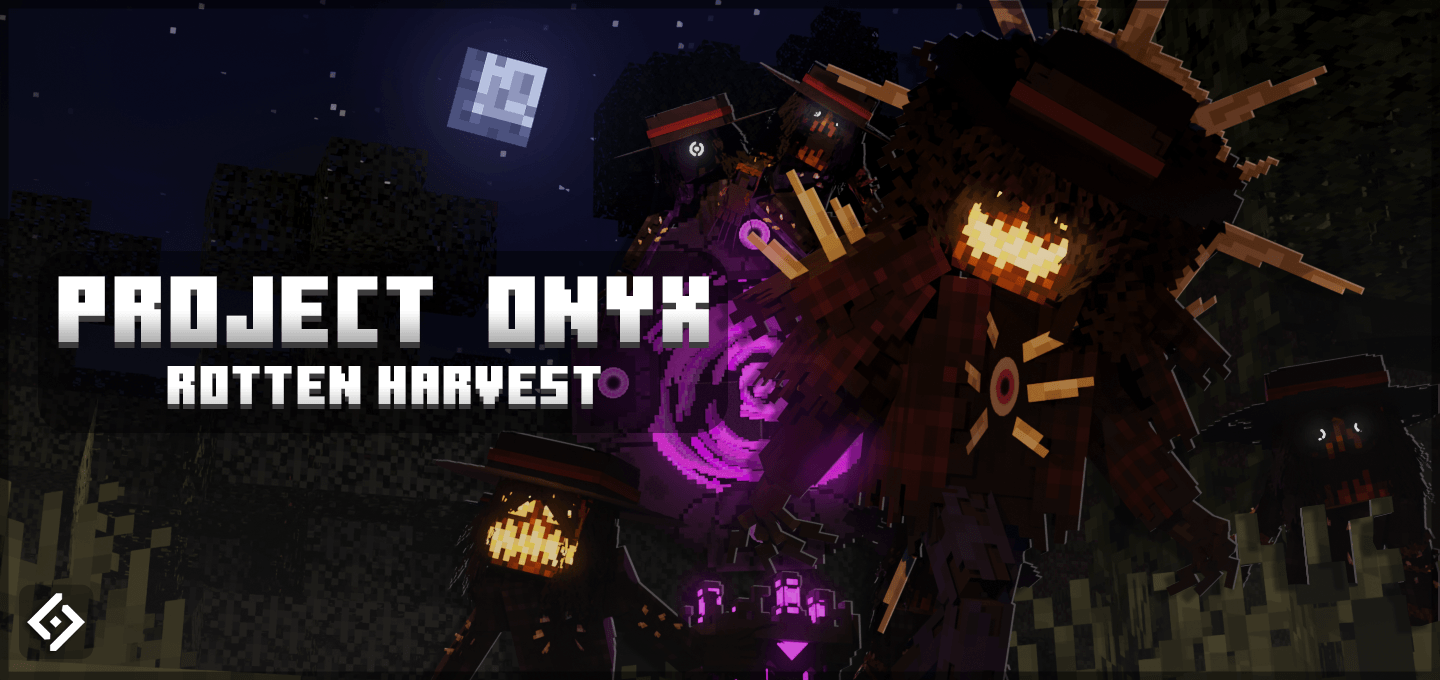
Project Onyx: Rotten Harvest
BedrockAdd-onHorrorby ItsDarkwolf6
About this add-on
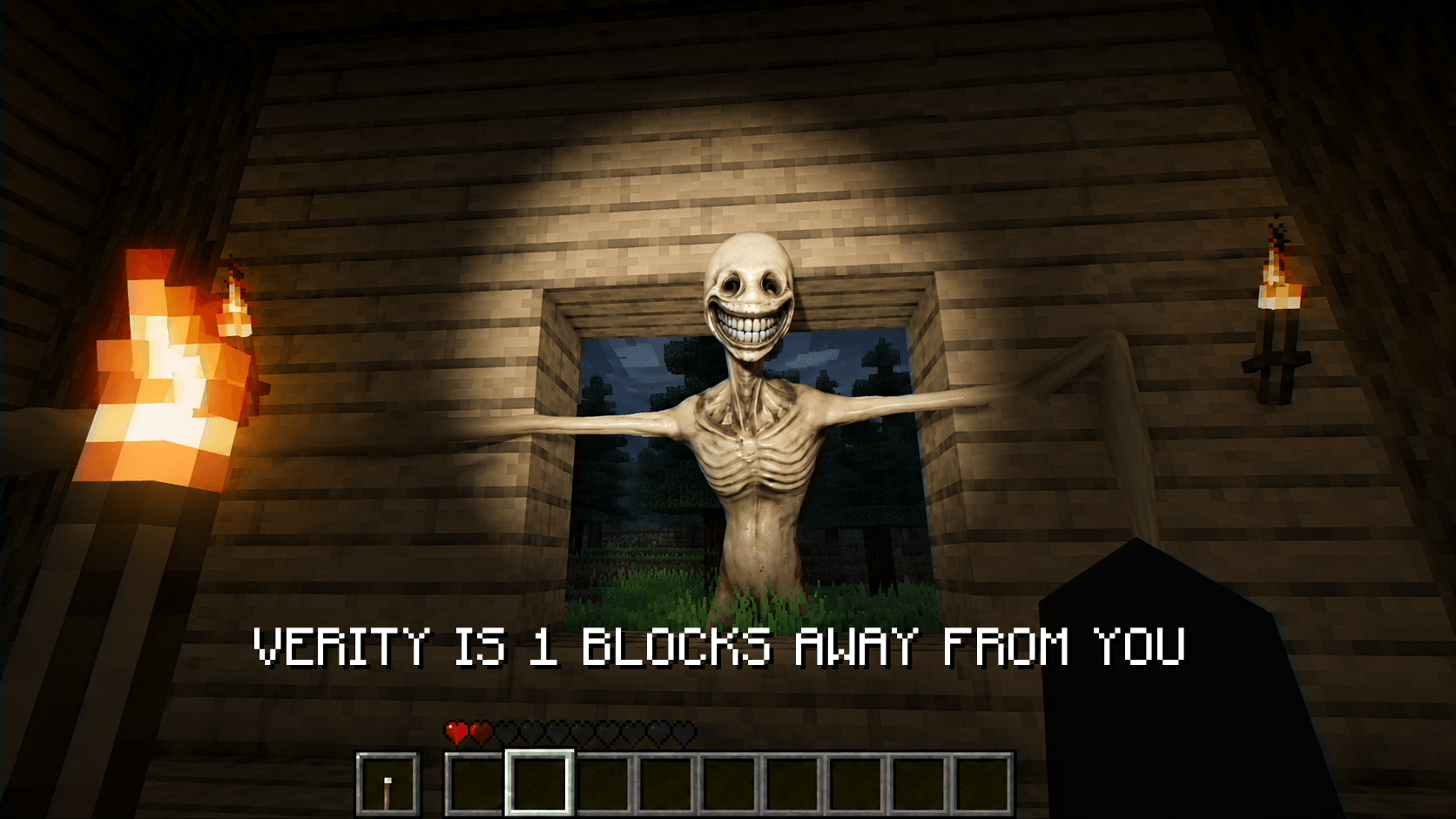
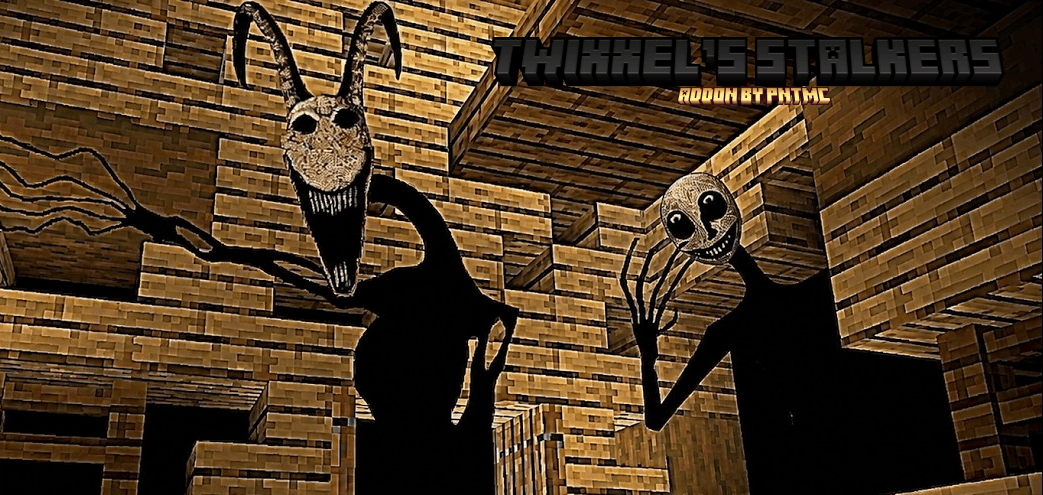
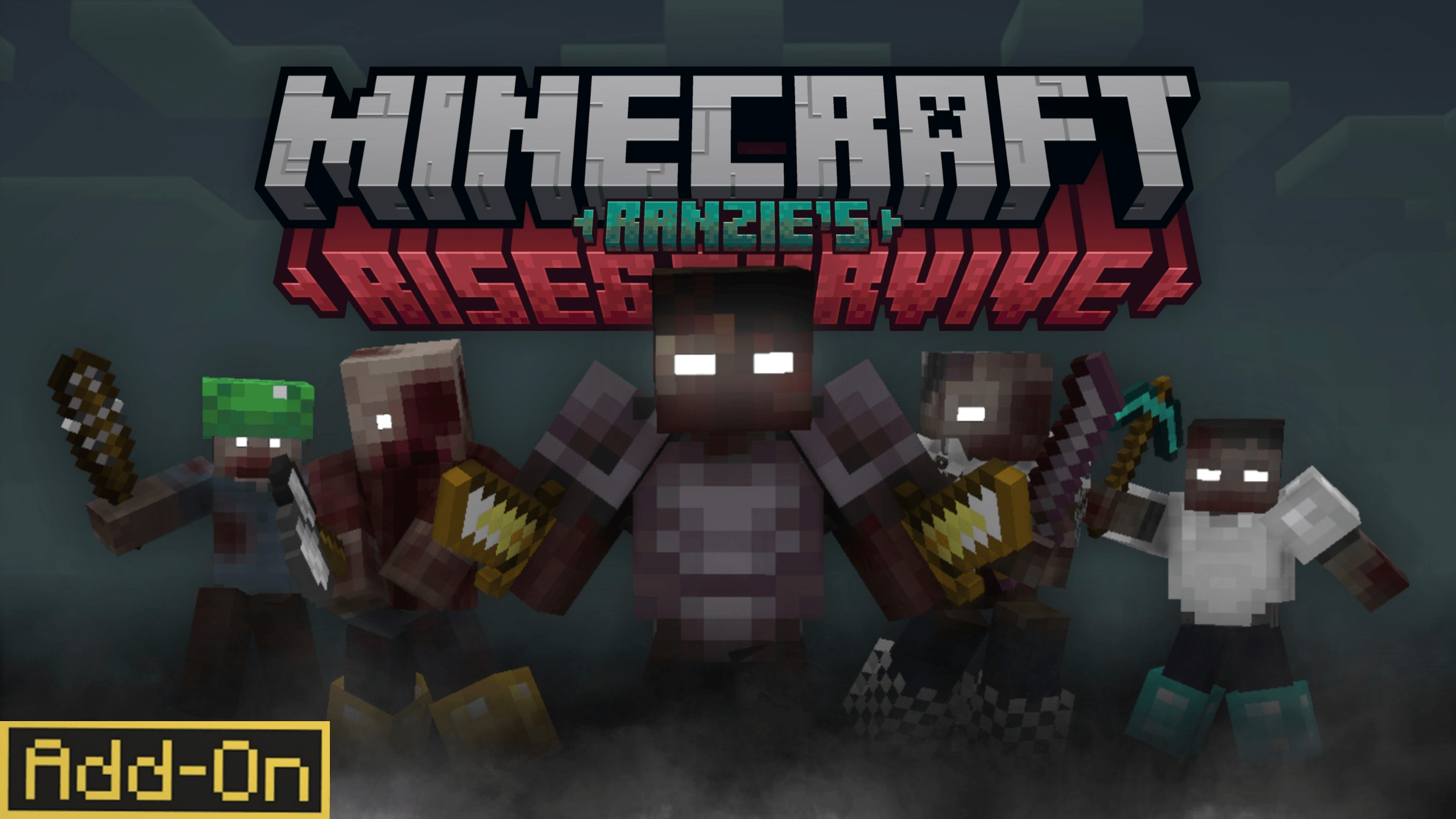
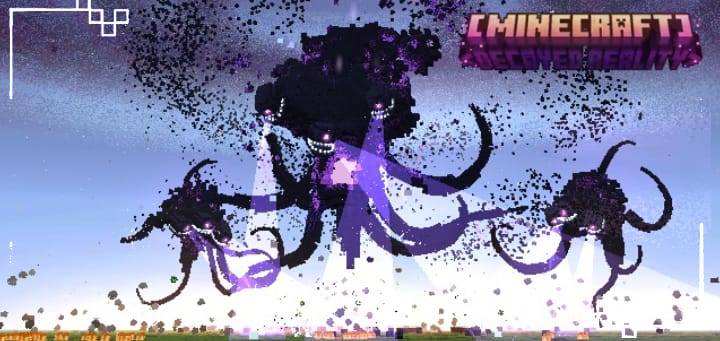
Adds a new spooky raid inspired by the Pumpkin Moon from Terraria.
Read the author’s full description (233 words)
Written by ItsDarkwolf6 for the MCPEDL post, shown as published.
- Overview -
Project Onyx: Rotted Harvest is a Halloween spin-off of another project of mine named "Project Onyx". The original pack is a tower defense Add-On that has you face off against waves of robotic villagers. This pack is similar, but offers completely new mobs, equipment, and mechanics to hone in on the Halloween spirit.
- Guide Book -
(Book looks weird due to image compression, looks good in-game)
Spawning in, you are given the recipe to the pack guidebook. This book will tell you everything you need to know about this Add-On. This book spawns an image in front of you like a normal book, and the item can be used to flip through pages.
- Key Features -
This pack adds a new block that summons a new type of raid inspired by the Pumpkin Moon from Terraria. When it starts, the raid summons three new types of mobs over five waves, then spawns a boss at wave six. When this raid is completed, nearby players are rewarded with various items.
This raid also has four different difficulties, making the mobs spawned from the event more powerful the higher the difficulty. And of course, the higher the difficulty, the better the loot.
If the normal raid is too short for you, there is also an Endless Mode!
- Equipment -
This pack also adds six new pieces of equipment. Collect them all and see what they do!
Images
What’s new in the latest update
The author’s notes for the file uploaded .
Project Onyx: Rotten Harvest - v1.0:
- Add-On released!
- Halloween spinoff of "Project Onyx", adds a new spooky raid inspired by the Pumpkin Moon from Terraria.
Video
How to install
- Download the file below. On iOS or Android, open it from your Downloads with Minecraft; on Windows, double-click it.
- Minecraft imports the pack automatically. Enable it in your world’s settings under Behavior Packs or Resource Packs; an add-on usually needs both.
- Playing on a Realm or server? Everyone needs the same packs, and the host has to enable them.
- Starting a new world? Choose its seed first: the Seed Map shows villages, structures and biomes near spawn for any Bedrock seed.
Advertisement