RARISOW PACK V2
BedrockTexture packUtilityby rarisowpe
About this texture pack
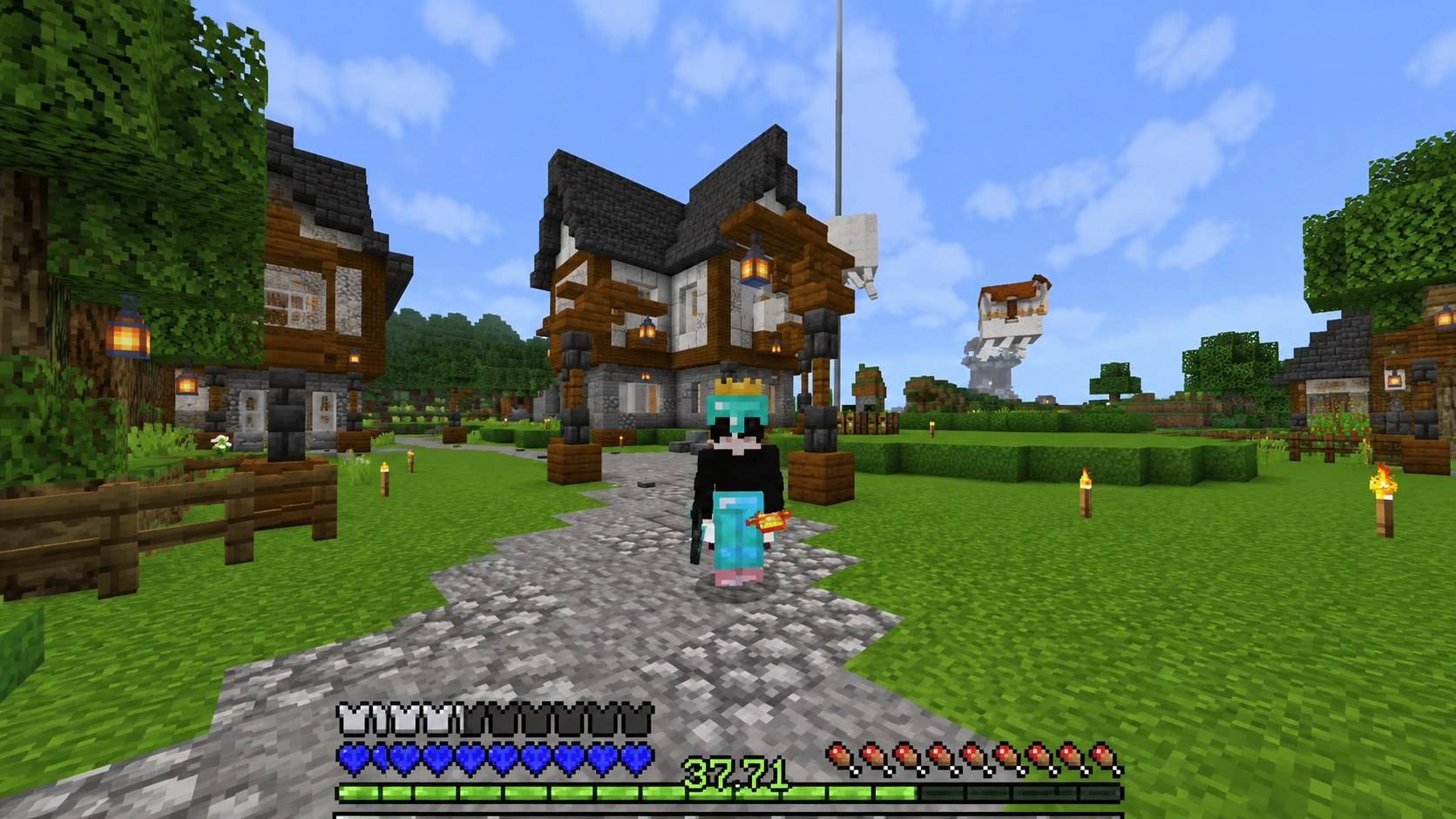
Full and beautiful texture
Read the author’s full description (172 words)
Written by rarisowpe.
# RARISOW PACK V2 — Minecraft Bedrock
**Give your Minecraft Bedrock world a fresh new look with RARISOW PACK V2!**
RARISOW PACK V2 is a customized resource pack designed to refresh the visual experience of Minecraft Bedrock Edition with modified textures and a distinctive in-game style.
### Features
* **Custom Textures:** Modified visual assets for a personalized Minecraft experience.
* **Visual Enhancements:** Updated game visuals for a refreshed appearance.
* **Minecraft UI Elements:** Customized interface assets.
* **Bedrock Edition:** Created for Minecraft Bedrock resource-pack workflows.
### Installation
1. Download the `.mcpack` file.
2. Open the file with Minecraft Bedrock Edition.
3. Wait for the import process to finish.
4. Open your world settings and navigate to Resource Packs.
5. Activate RARISOW PACK V2.
### Compatibility
Compatibility may depend on your Minecraft Bedrock version and other installed packs. Test the pack before publishing to confirm that its textures and features work as intended.
**Pack Name:** RARISOW PACK V2
**Edition:** Minecraft Bedrock
**Type:** Resource Pack
Please respect the original creators' credits and the licenses applicable to any third-party
assets included in this pack.
How to install
- Download the file below. On iOS or Android, open it from your Downloads with Minecraft; on Windows, double-click it.
- Minecraft imports the pack automatically. Enable it in your world’s settings under Behavior Packs or Resource Packs; an add-on usually needs both.
- Playing on a Realm or server? Everyone needs the same packs, and the host has to enable them.
- Starting a new world? Choose its seed first: the Seed Map shows villages, structures and biomes near spawn for any Bedrock seed.
Advertisement