Rise FPS | Render Distance editor | FPS BOOST | FPS Optimizer | Feather Client Requirements | lunar client | Extreme FPS Boost
BedrockTexture packPvpby GAMERJOTXT
About this texture pack
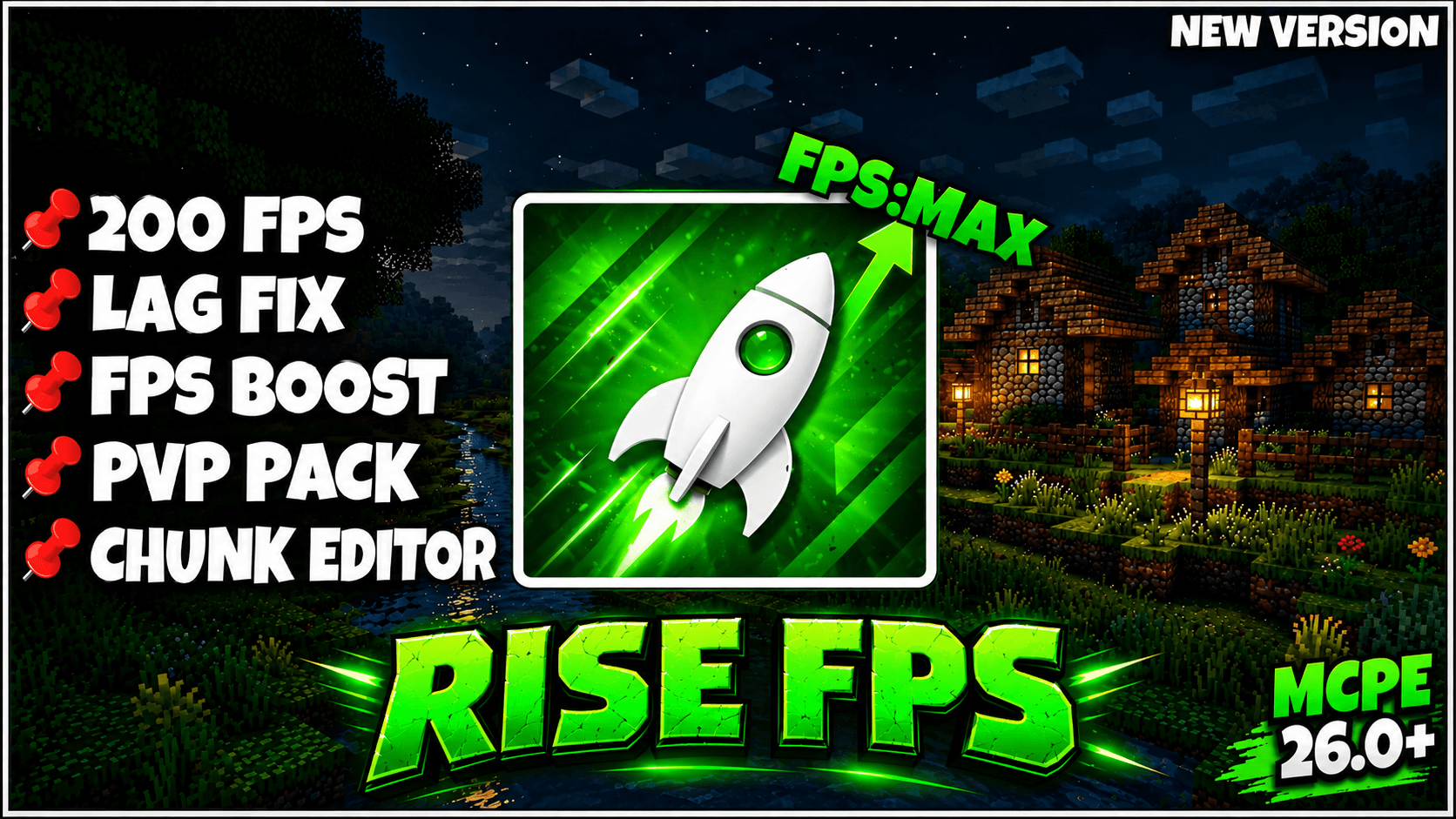
🚀 Rise FPS is a lightweight PvP & FPS Boost pack for low-end devices! ⚡ Features chunk editor (0.5–4+ chunks), short swords, low fire, mini tools & food, no animations, no par...
Read the author’s full description (168 words)
Written by GAMERJOTXT.
🚀 Rise FPS
🔥 Rise FPS is a lightweight PvP & FPS Boost pack designed especially for low-end devices. It reduces unnecessary visual effects, improves clarity, and helps provide a smoother Minecraft experience with a clean and optimized UI.
⚡ Features
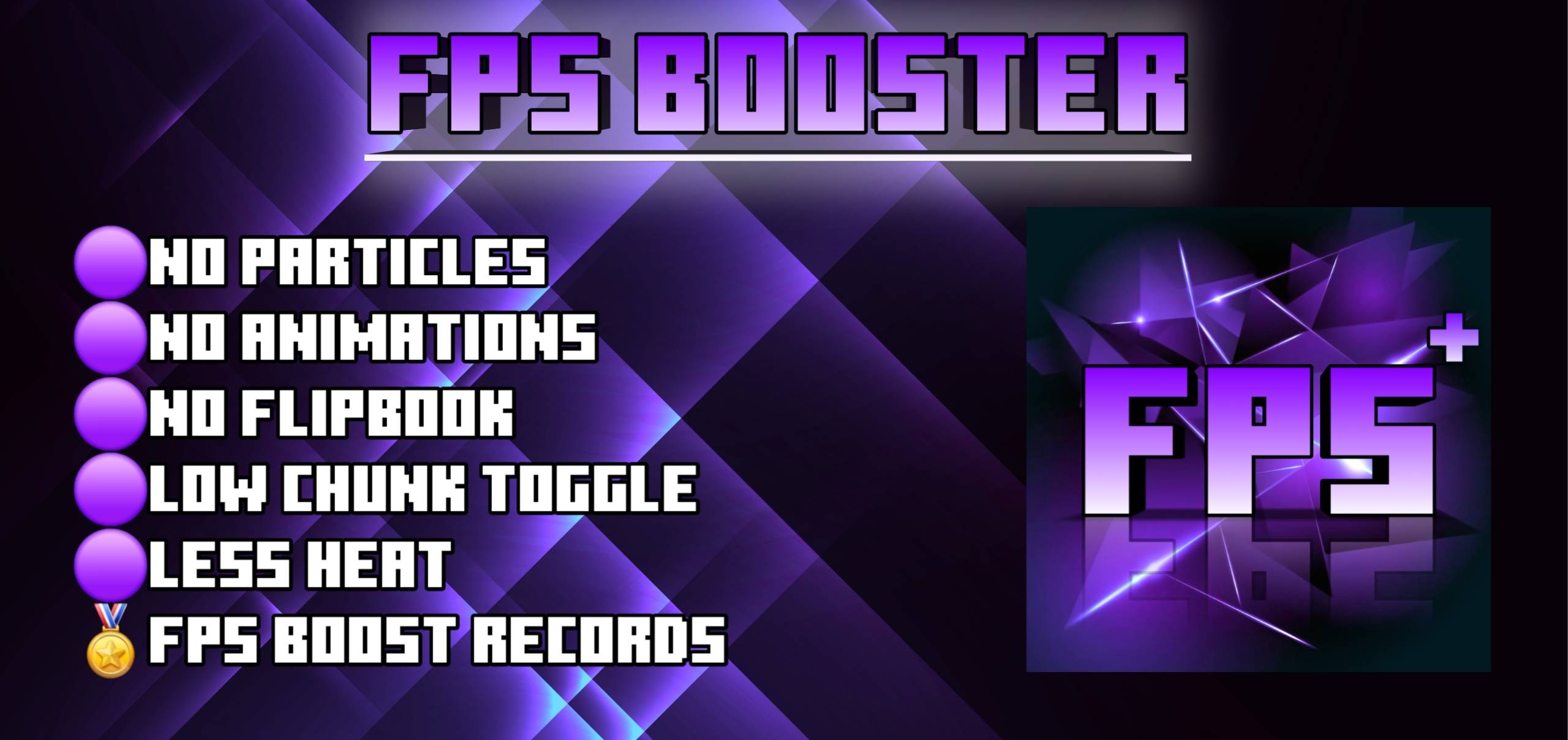
- 🚀 FPS Boost — Optimized for smoother gameplay
- 🧩 Chunk Editor — Choose chunk distance from 0.5, 1, 2, 3, 4 chunks
- ⚔️ Short Swords — Better visibility during PvP
- 🔥 Low Fire — Keeps your screen clear during combat
- 🥊 PvP Pack — Designed for faster and cleaner PvP
- 📱 Low-End Device Optimization — Helps reduce lag on weaker devices
- 🛠️ Mini Tools — Smaller tools for a cleaner view
- 🍎 Mini Food — Compact food textures
- 🚫 No Animations — Removes unnecessary animations
- ✨ No Particles — Reduces visual particles
- 💥 No Crit Particles — Cleaner combat visuals
- 💧 Clean Liquids — Cleaner water and lava visuals
- 🧶 Wool Overlays — Improved wool visibility
- 🧪 No Potion Particles — Removes potion effect particles
- 🗿 Mini Totem — Compact totem for better visibility
🎮 Best For
✅ Low-End Devices
✅ PvP
✅ FPS Boost
✅ Smoother Gameplay
✅ Cleaner Visuals
✅ Competitive Minecraft
❤️ Created with love by GAMERJOTXT
Rise FPS — Less Lag. More FPS. Better PvP. 🔥
Images
What’s new in the latest update
The author’s notes for the file uploaded .
FPS BOOSTER & Render Distance Editor 🚀
How to install
- Download the file below. On iOS or Android, open it from your Downloads with Minecraft; on Windows, double-click it.
- Minecraft imports the pack automatically. Enable it in your world’s settings under Behavior Packs or Resource Packs; an add-on usually needs both.
- Playing on a Realm or server? Everyone needs the same packs, and the host has to enable them.
Advertisement