Saiyan Block (Dragon Ball)
BedrockAdd-onMultiplayerby Syron Studios
About this add-on
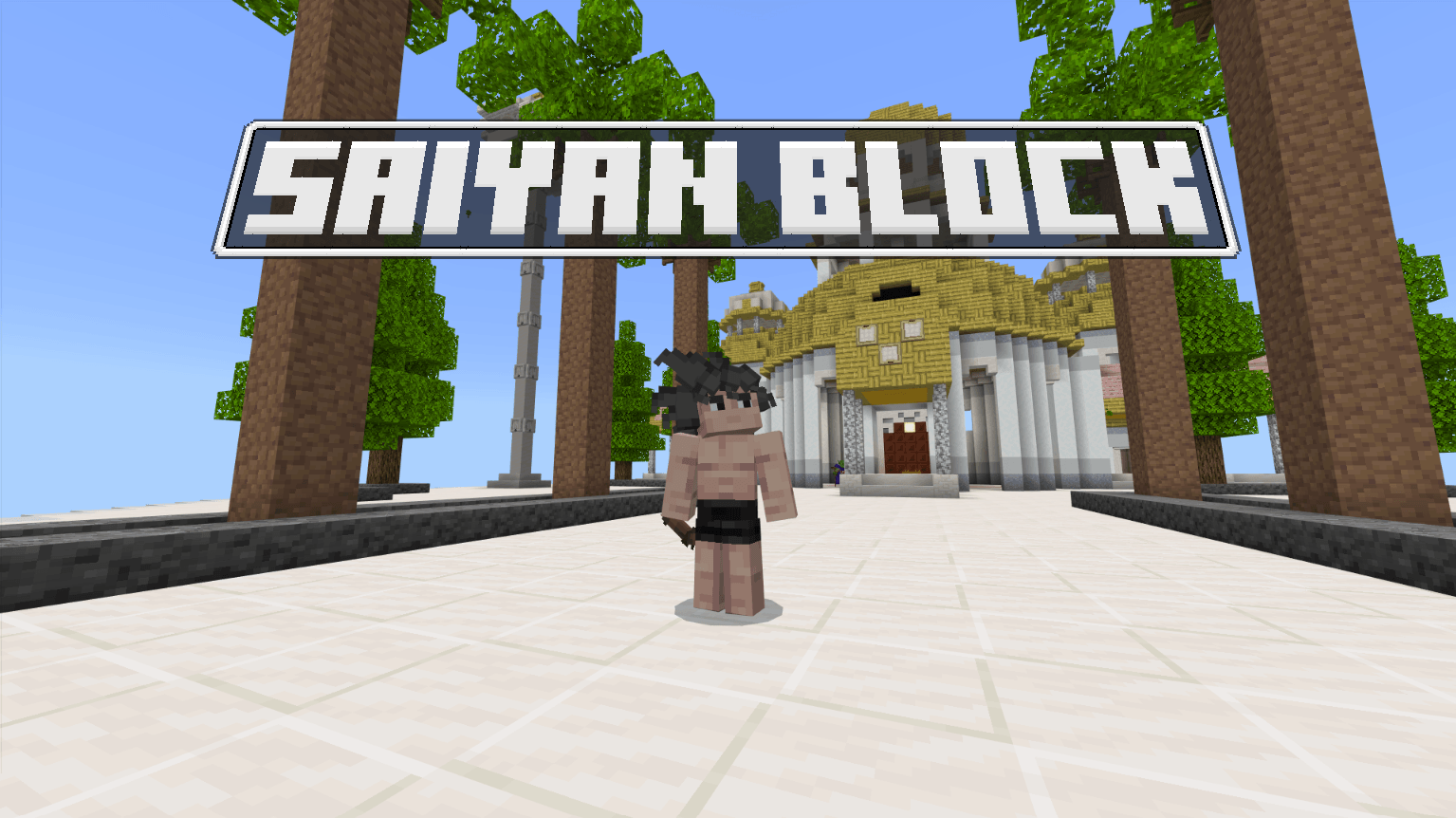
A Dragon Ball addon featuring epic transformations, powerful abilities, intense battles, and exciting adventures.
Read the author’s full description (233 words)
Written by Syron Studios.
Welcome to Saiyan Block!
Experience the Dragon Ball universe like never before in Minecraft Bedrock!
Begin your journey as a warrior, choose your race, and push beyond your limits to become one of the strongest fighters in the universe. Train your abilities, master powerful techniques, unlock incredible transformations, and challenge legendary enemies.
Explore new dimensions, meet iconic characters, complete missions, and discover the secrets hidden throughout the world. Whether you fight to protect the innocent or seek ultimate power, your journey is yours to decide!
Collect the legendary Dragon Balls, summon Shenron, and make your wishes come true!
Features
- Choose Your Race: Play as a Saiyan, Human, Namekian, or Arcosian, each with unique abilities and transformations.
- Powerful Transformations: Unlock new forms and reach incredible levels of power.
- Character Progression: Level up, improve your attributes, and develop your own fighting style.
- Training & Techniques: Train to become stronger and learn iconic abilities from the Dragon Ball universe.
- Exploration & Dimensions: Discover unique locations, explore different worlds, and encounter powerful enemies.
- Missions & Challenges: Complete quests, participate in tournaments, and earn valuable rewards.
- Customization: Personalize your character with different appearances, equipment, and abilities.
- Dragon Balls: Search for the seven legendary Dragon Balls and summon Shenron to grant your wishes.
- Your Own Path: Choose between good and evil, and shape your adventure through your decisions.
The path to becoming the ultimate warrior starts here. How far will you go?
How to install
- Download the file below. On iOS or Android, open it from your Downloads with Minecraft; on Windows, double-click it.
- Minecraft imports the pack automatically. Enable it in your world’s settings under Behavior Packs or Resource Packs; an add-on usually needs both.
- Playing on a Realm or server? Everyone needs the same packs, and the host has to enable them.
- Starting a new world? Choose its seed first: the Seed Map shows villages, structures and biomes near spawn for any Bedrock seed.
Advertisement
More add-ons
- Add-ons
SERP PokeDrock SMP POKEFUN – Multiplayer Server Connect addon
by BOYS MSG 01
- Downloads
- 128K
- Rating
- 4.4