Sodium FPS Booster
BedrockTexture packUtilityby The_Zahin_GAMER
About this texture pack
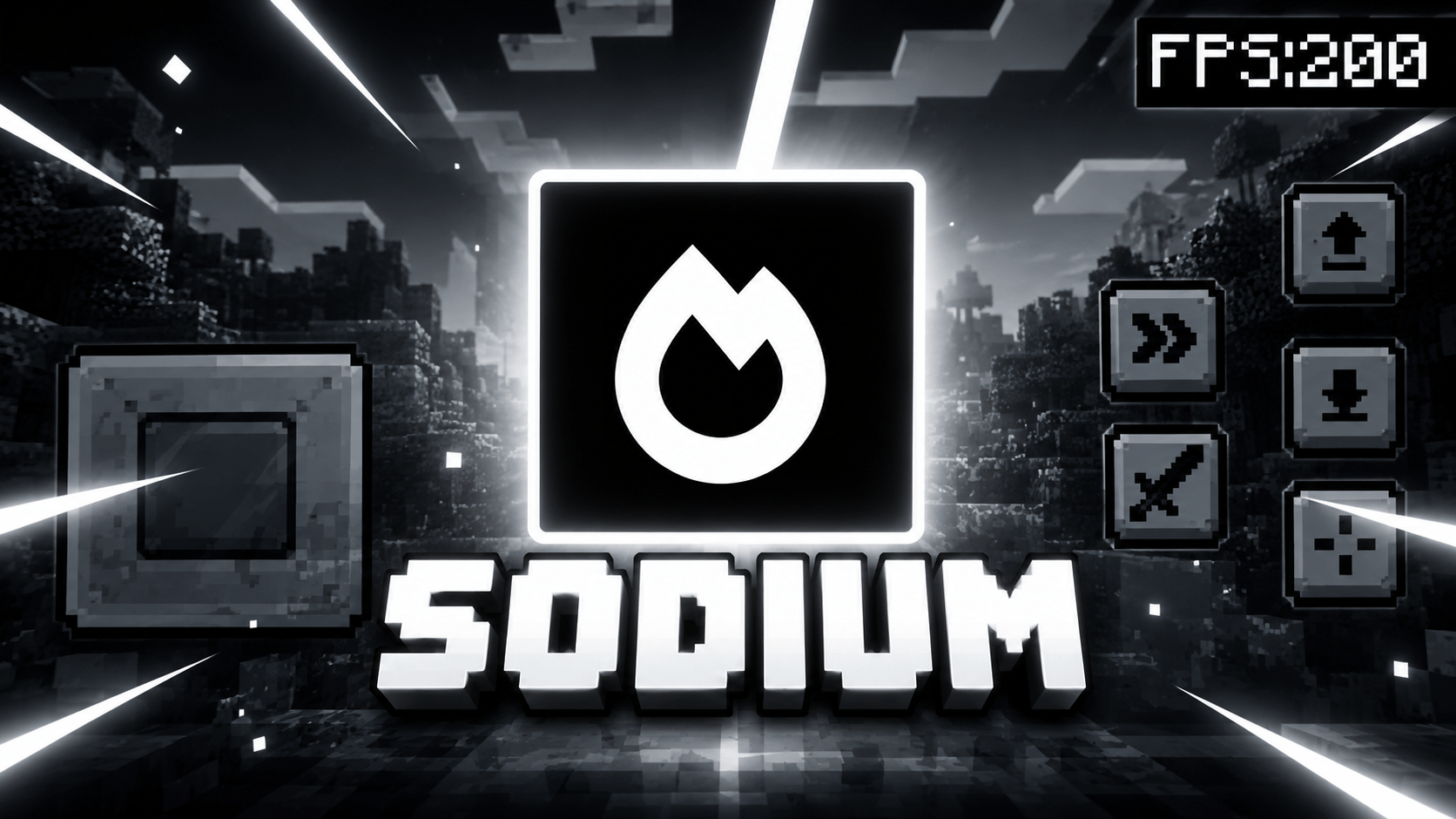
Sodium FPS Booster is a lightweight resource pack for Minecraft Bedrock / PE that improves performance by reducing heavy particle effects and simplifying selected textures. Choo...
Read the author’s full description (331 words)
Written by The_Zahin_GAMER for the MCPEDL post, shown as published.
Sodium FPS Booster
Lag-free Minecraft for Bedrock / PE
Created by The_Zahin_GAMER
Sodium FPS Booster is a pure resource pack designed to help low-end and mid-range devices run Minecraft Bedrock Edition more smoothly. It reduces visual effects that commonly cause lag (especially particles) while keeping the game fully playable.
It is not a full rendering engine rewrite like the Java Edition Sodium mod. Instead, it uses safe, standard Bedrock techniques: particle overrides and optimized textures.
Profiles
Open the pack settings (gear icon) after activating the pack to choose one of three profiles:
Balanced — 72 heavy particle effects removed
Good starting point with minimal visual change.
Performance — 114 particle effects removed fast (opaque) leaves, lighter rain/snow, clouds, glint, vignette, and shadow textures
Recommended for most devices that need a noticeable boost.
Ultra Potato — 117 particle effects removed fast leaves, rain/snow visuals hidden, vignette removed, and tiny textures
Maximum FPS mode for very weak devices.
Fishing bite particles are always kept.
Features
Significant reduction in particle load (dust, smoke, explosions, campfires, weather effects, etc.)
Fast opaque leaves on Performance and Ultra profiles (less transparency overdraw)
Simplified effect textures (clouds, weather, enchantment glints, shadows, vignette)
Three selectable profiles with different intensity levels
Pure resource pack — no scripts or behavior pack
Compatible with Minecraft Bedrock / PE 1.21
Works on phones, tablets, and other Bedrock platforms
Installation
Download the .mcpack file.
Open it with Minecraft to import the pack.
Go to Settings → Global Resources and activate Sodium FPS Booster.
Tap the gear icon on the pack and select your preferred profile (Balanced, Performance, or Ultra Potato).
Restart your world if the changes do not apply immediately.
Notes
Higher profiles trade visual quality for better performance. Opaque leaves and reduced particles are most noticeable on Performance and Ultra.
Best results are usually seen in particle-heavy situations (rain, lots of mobs, campfires, explosions, etc.).
Compatible with most other resource packs (place this pack higher in the list if you want its optimizations to take priority).
Enjoy smoother gameplay!
Images
How to install
- Download the file below. On iOS or Android, open it from your Downloads with Minecraft; on Windows, double-click it.
- Minecraft imports the pack automatically. Enable it in your world’s settings under Behavior Packs or Resource Packs; an add-on usually needs both.
- Playing on a Realm or server? Everyone needs the same packs, and the host has to enable them.
- Starting a new world? Choose its seed first: the Seed Map shows villages, structures and biomes near spawn for any Bedrock seed.
Advertisement