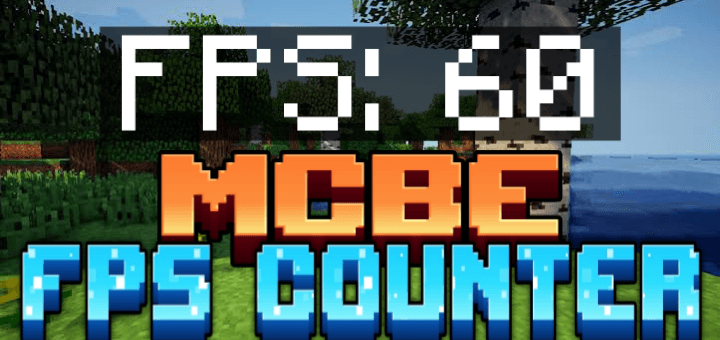
Star's FPS Counter
BedrockTexture packOtherby ayy star
About this texture pack
Can't find a reliable FPS Counter for your game? Worry Not! Star's FPS Counter has come to the rescue!
Read the author’s full description (211 words)
Written by ayy star.
Star's FPS Counter
Star's FPS Counter allows you to see live FPS in game and it is as accurate as it gets!
And the best part? It doesn't disable achievements!
The people who don't have access to a reliable FPS Counter on their platform, like the people on mobile and consoles, can use this in game FPS Counter to make do!
Showcase Video:
Installation guide :
- Download the file and import it into Minecraft.
- Go to "settings/video" and turn off the "view bobbing" toggle like shown below:
- Apply the pack to your world or global resources.
- Enjoy!
Customize Size:
- You can customize the size of FPS counter by going to the resourse pack's settings and adjusting the slider.
If you like this texture pack, please do consider supporting me, you could do that by donating to me, spreading your word, or simply by downloading more of My Addons.
SUPPORT ME ON PATREON: https://patreon.com/AyyStar
Doubts or queries? Join our Discord: Star's Studio
Copyright Message
All Rights Reserved
If you want to showcase this addon in your video, that's fine.
You cannot use any part of my addon, however little it may be, in your own addon without my permission.
You cannot distribute my addon in any way, shape or form without my permission.
What’s new in the latest update
The author’s notes for the file uploaded .
Star's FPS Counter V-1.20:
Changes:
- The Fps counter now changes colour based on the number of fps you're getting.
Video
How to install
- Download the file below. On iOS or Android, open it from your Downloads with Minecraft; on Windows, double-click it.
- Minecraft imports the pack automatically. Enable it in your world’s settings under Behavior Packs or Resource Packs; an add-on usually needs both.
- Playing on a Realm or server? Everyone needs the same packs, and the host has to enable them.
- Starting a new world? Choose its seed first: the Seed Map shows villages, structures and biomes near spawn for any Bedrock seed.
Advertisement