Verity BE (Official)
BedrockAdd-onHorrorby Utlover65
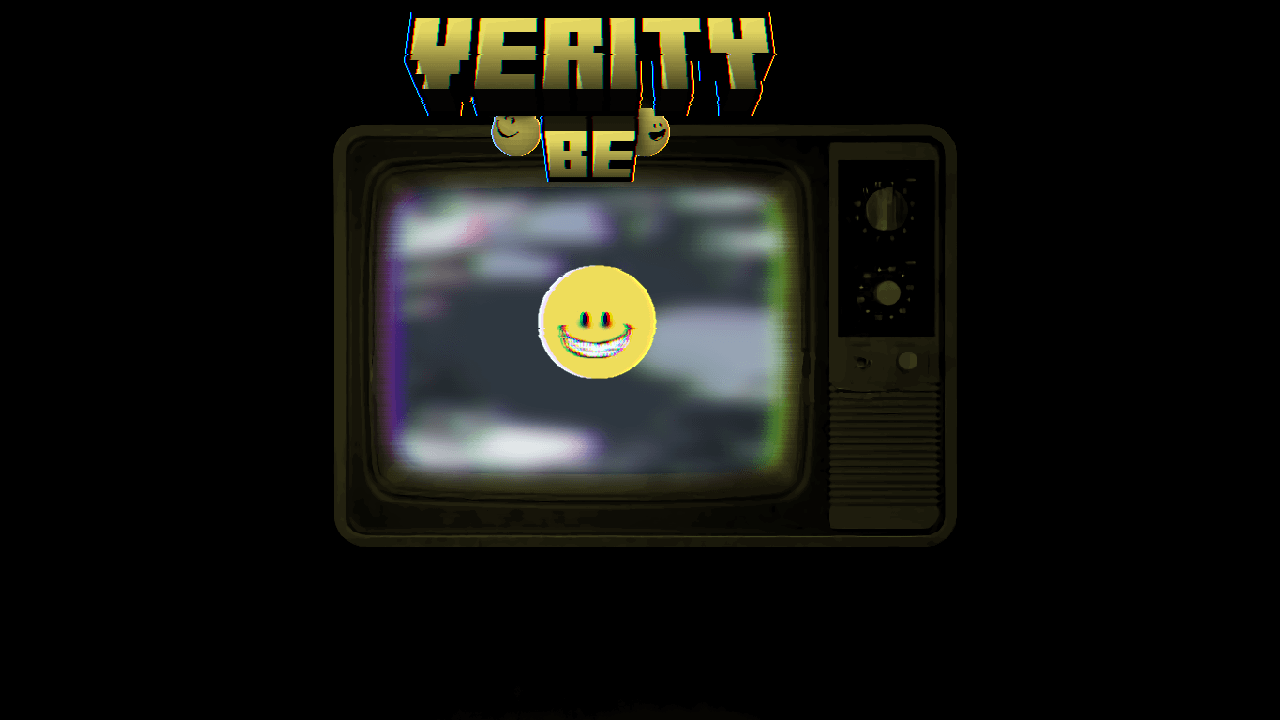
About this add-on
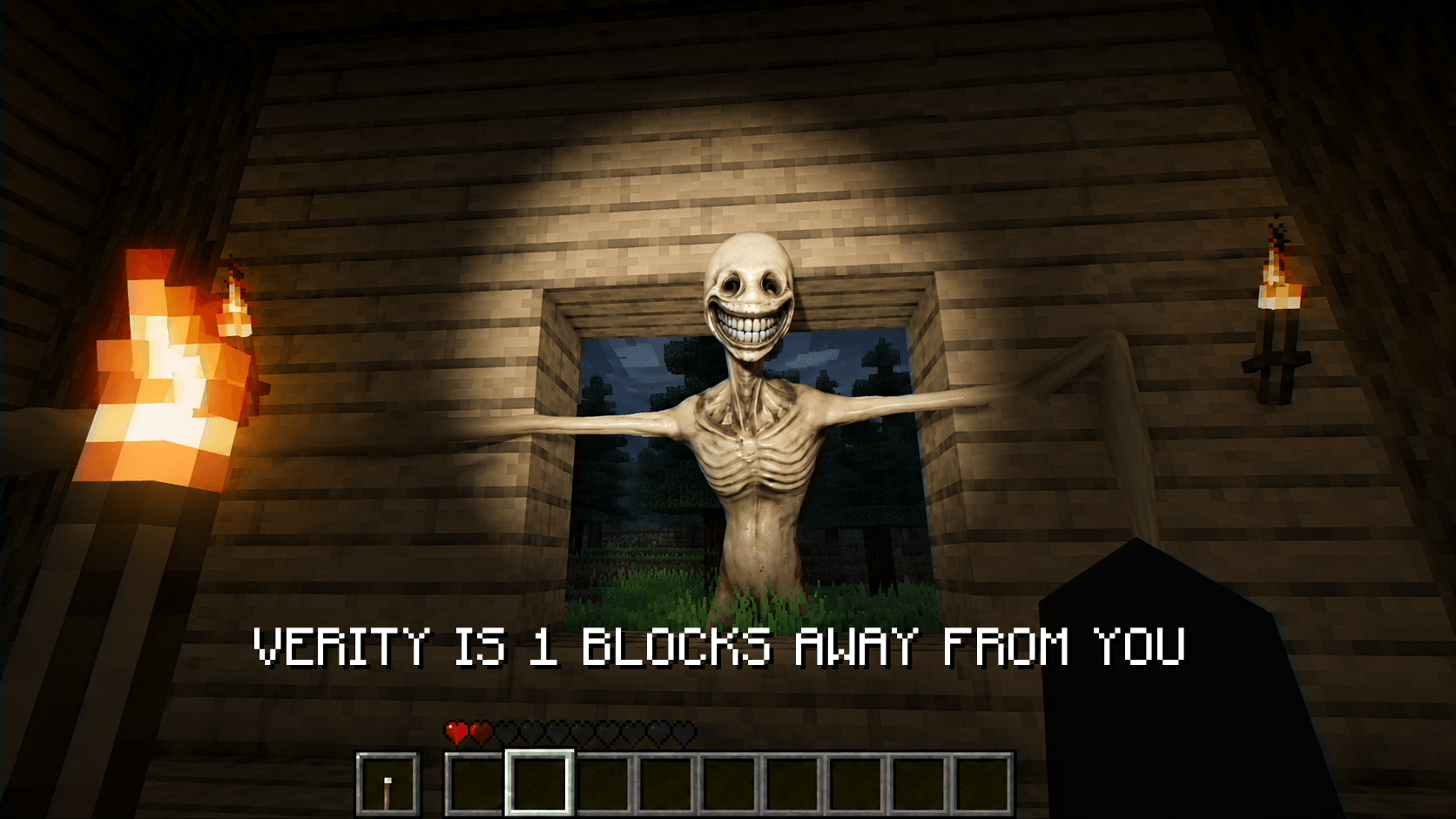
Verity™ Is An Add-On That Introduces A Helper Friend called Verity, It knows everything..
Read the author’s full description (402 words)
Written by Utlover65 for the MCPEDL post, shown as published.
"I know everything."
Verity brings the mysterious entity from the viral Minecraft horror series into Minecraft Bedrock Edition.
The moment you enter your world, you'll meet a strange yellow companion known as Verity. At first, it seems helpful — offering guidance, conversation, and assistance throughout your adventure.
But the longer Verity stays in your world, the more questions start to surface.
What is Verity?
Why does it seem to know things it shouldn't?
And what happens when its personality starts to change?
Setup Tutorial: https://www.youtube.com/watch?v=Hg-t03cNvKY
Setup
Enable Beta APIs under Experimental Toggles — at the bottom of your world's settings (under Behavior Packs)
Join our Discord for support and updates
Run the connect command in chat (see tutorial/Discord for exact command)
Required: Minecraft 1.26.30 (a.k.a. 26.30)
How to Play
Talk to Verity by chatting "Verity" followed by whatever you want to say — distance doesn't matter, he'll hear you anywhere.
Ask him almost anything: math, lore, general knowledge, or have him play a sound or song if you're bored.
He's been here a while. The longer he stays in your world, the more his personality shifts — what he says, and how he says it, won't stay the same.
Features
•Real AI-driven conversations — Verity actually responds to what you say
•Reactive faces
•A four-phase evolving personality that changes the longer Verity is in your world
FAQ
Q: Verity is only saying "..." — why?
A: Either you haven't run the debugger connect command (/script debugger connect traye.ddns.net or the automatic version), or something went wrong on the backend. Check Discord for status updates.
Q: Verity's dialogue box isn't appearing. What do I do?
A: Usually means Beta APIs aren't enabled, or you're on an outdated version of Verity. Update and double-check your world settings.
Q: What Minecraft version do I need?
A: 1.26.30 (a.k.a. 26.30).
Q: Verity isn't responding at all. Why?
A: A few common causes:
You haven't run the debugger connect command
Beta APIs aren't enabled
Q: What is "hive mind"?
A: https://youtu.be/aTUvlcG38NQ
Q: Do I need cheats enabled?
A: Yes, absolutely.
Q: Verity isn't talking to me — what do I do?
A: Type "Verity" followed by whatever you want to say.
Q: I'm Getting an "Error: No Purpose", what should I do?
A: https://youtube.com/watch?v=zML6cfqFzRc&feature=youtu.be
Language Support
Supports All languages
Support the Project
Verity's AI costs real money to run. If you'd like to help keep it alive:
☕ Ko-fi: https://ko-fi.com/utlover65
Credits
•Thatmob
•Draco12191712 — animations
Images
Video
How to install
- Download the file below. On iOS or Android, open it from your Downloads with Minecraft; on Windows, double-click it.
- Minecraft imports the pack automatically. Enable it in your world’s settings under Behavior Packs or Resource Packs; an add-on usually needs both.
- Playing on a Realm or server? Everyone needs the same packs, and the host has to enable them.
- Starting a new world? Choose its seed first: the Seed Map shows villages, structures and biomes near spawn for any Bedrock seed.
Advertisement