White Outline Selection+
BedrockTexture packPvpby NonpausebleMC
About this texture pack
A simple texture pack that changes the block selection outline from black to white for better visibility.
Read the author’s full description (138 words)
Written by NonpausebleMC.
🔷 About White Outline Selection
Built for builders, miners, and everyday players, White Outline Selection replaces the default black block selection outline with a clean white highlight for improved visibility.
🔷 What Sets White Outline Selection Apart?
- Brighter Selection Outline – Replaces the default black outline with a crisp white outline that's easier to see in most environments.
- Cleaner Building Experience – Improve block visibility while building, mining, and interacting with your world without changing core gameplay.
Whether you're constructing detailed builds or exploring underground, White Outline Selection provides a clean, modern selection outline that stands out when you need it most.
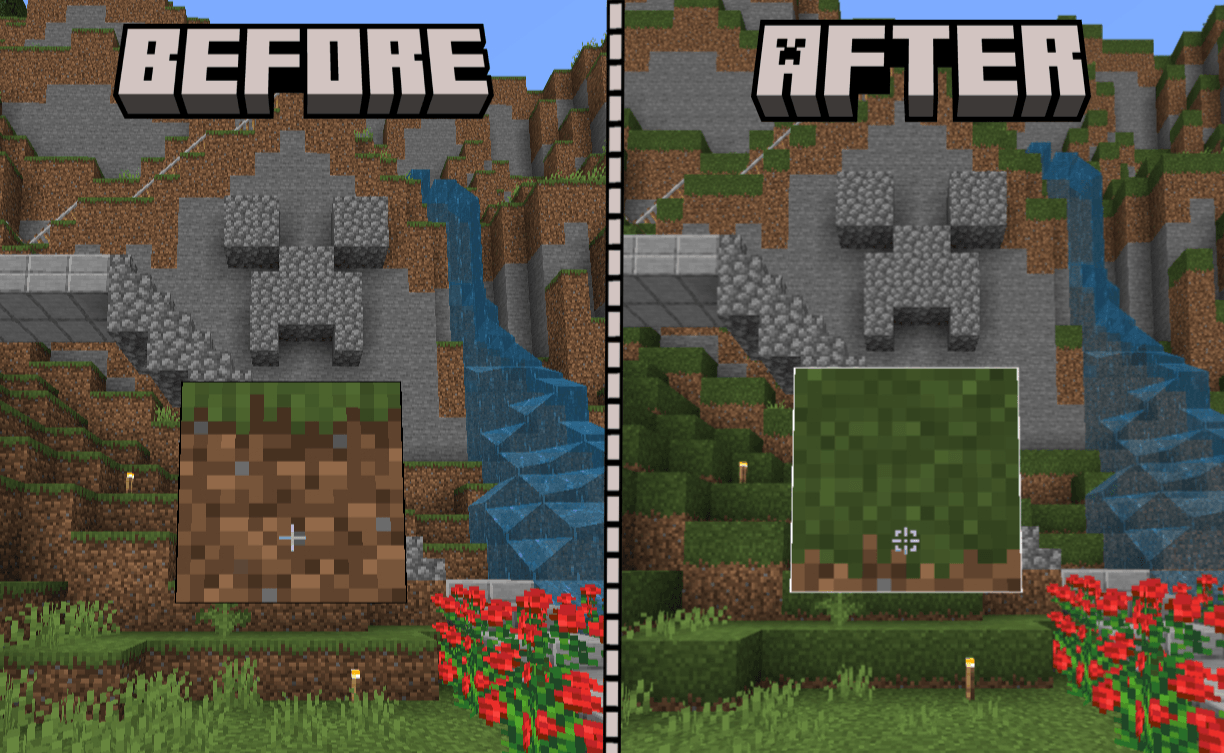
Note: If you are experiencing something like this:
Just go to Settings - Video - and Turn on Outline Selection to solve the Issue!!
If you enjoy this texture pack, Try Truly Bedrock , by just clicking the name of pack!
Images
What’s new in the latest update
The author’s notes for the file uploaded .
🔷 Version 1.0.5 - Update Support
🔷 // Updated //
- Updated support to 1.19.30 – 1.26.4X
How to install
- Download the file below. On iOS or Android, open it from your Downloads with Minecraft; on Windows, double-click it.
- Minecraft imports the pack automatically. Enable it in your world’s settings under Behavior Packs or Resource Packs; an add-on usually needs both.
- Playing on a Realm or server? Everyone needs the same packs, and the host has to enable them.
Advertisement