Animated RGB GUI v3.2.12 [v26.30]
BedrockAdd-onOtherby CrisXolt
![Animated RGB GUI v3.2.12 [v26.30] screenshot 1 of 1](/mods/media/media.forgecdn.net/attachments/904/319/mcpedl.png)
About this add-on
A UI pack to make an animated RGB (Or Chroma) XP bar, hotbar, and Inventory screens!
Read the author’s full description (365 words)
Written by CrisXolt for the MCPEDL post, shown as published.
Preface:
Warning: If you are using mobile device, make sure to set “File Storage Location” to “External” before importing this resource pack, otherwise, your save data may be lost in case the game future updates break modified UI data.
And please, be sure to read carefully this post before downloading and using this resource pack, thank you!
Animated RGB GUI:
A UI pack to make an animated RGB XP bar and level number!
It's designed only for gaming communities.
Features:
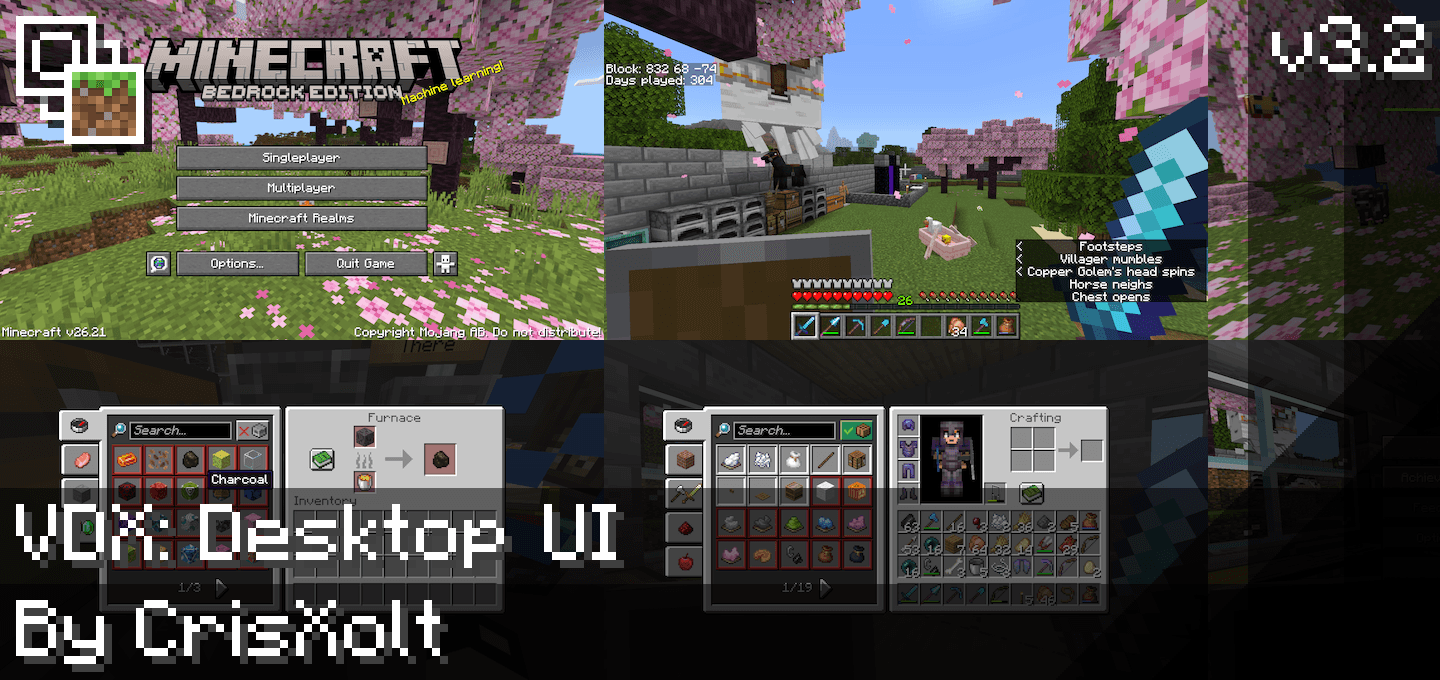
- Not only does it include the RGB Hotbar and XP Bar in the HUD, but it also includes all the inventory containers screens, with the selective appearance of Bedrock UI, PvP UI and Java UI (Powered by VDX UI 3.2.12).
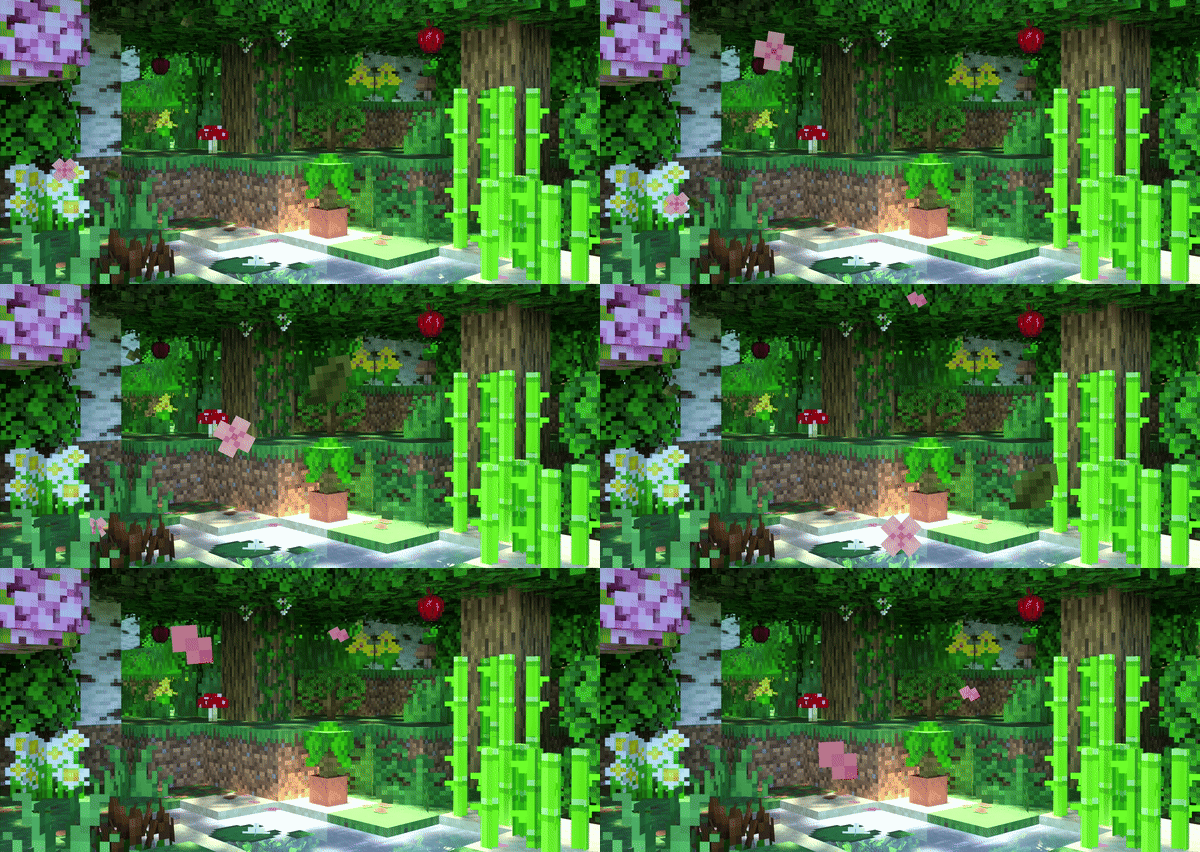
- The animation textures with total of 40 frames (Very smooth)!
- Now it is compatible for all devices! ;D
- Now includes every pocket inventory screens, yay!
Screenshots:
And that's not all:
RGB Inv GUI is fully compatible with another of my projects called VDX UI. ;D
Just make sure you put RGB GUI Resource Pack higher than VDX UI.
Terms of Use:
You may:
- Make review about this pack, as long as you credit me as “@CrisXolt”. And put original download link in description (This forum post).
You may not:
- Make customized APK/APPX and monetized content (pirate modifications), no one will have the permission.
- Use my modified JSON and UIDX data files claiming this work as your, without permission of course. Specially do not modify/erase the text in the first line code in each .json file. (Example text: //File Made/Modified by @CrisXolt or “Some people who contributed”).
- Redistribute this resource pack made by me in another pages/app store, no one will have the permission.
- Do not use for third-party projects, much less to merge with "Concept Clients" resource packs, no one will have the permission.
If you have any more questions about this, please let me know by sending a message/question in chat, on discord server: CrisXolt's Refuge.
Final Note:
Those default JSON UI data and JE UI designs is made originally by Mojang and Microsoft, UI design re-make as JSON UI data are modified by me for entertainment purposes.
Just enjoy and good luck! ;D
What’s new in the latest update
The author’s notes for the file uploaded .
- Furnace:
- Added official version of Furnace Recipe Book!
- Global:
- Updated to minimum version 26.30.
- HUD:
- Fixed a bug where the crosshair was sometimes not visible.
- Inventory:
- Updated the bundle modules, in order to fix a bug where the block icon doesn't shown.
- Recipe Book tabs now will be visible again.
- Added gray slot image in recipes, only for controllers.
How to install
- Download the file below. On iOS or Android, open it from your Downloads with Minecraft; on Windows, double-click it.
- Minecraft imports the pack automatically. Enable it in your world’s settings under Behavior Packs or Resource Packs; an add-on usually needs both.
- Playing on a Realm or server? Everyone needs the same packs, and the host has to enable them.
- Starting a new world? Choose its seed first: the Seed Map shows villages, structures and biomes near spawn for any Bedrock seed.
Advertisement
More add-ons
- Add-ons
Better Foliage Addon/Texture Pack for Bedrock(Major Bugfixes!)
by Fused Bolt
- Downloads
- 2.5M
- Rating
- 3.7