SmooTea Shader | Low End Shader
BedrockTexture packShadersby Azion Studios
About this texture pack
Makes Minecraft Good without Sacrificing Performance!
Read the author’s full description (198 words)
Written by Azion Studios.
Supports 26.30 (above)
What Is this Shader?
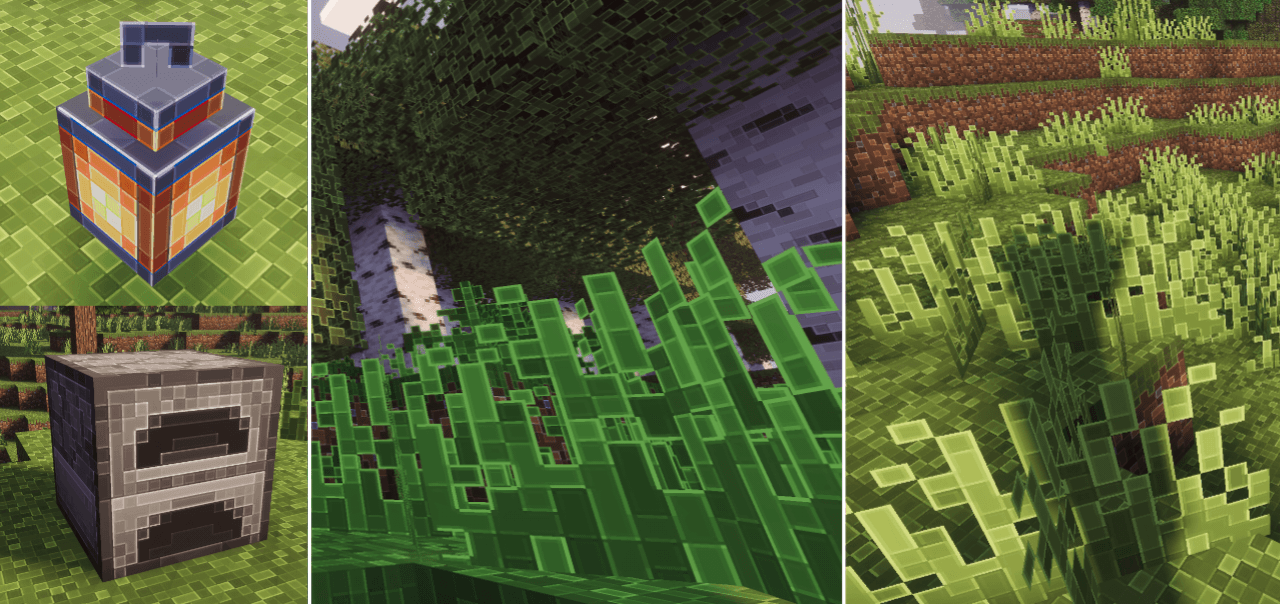
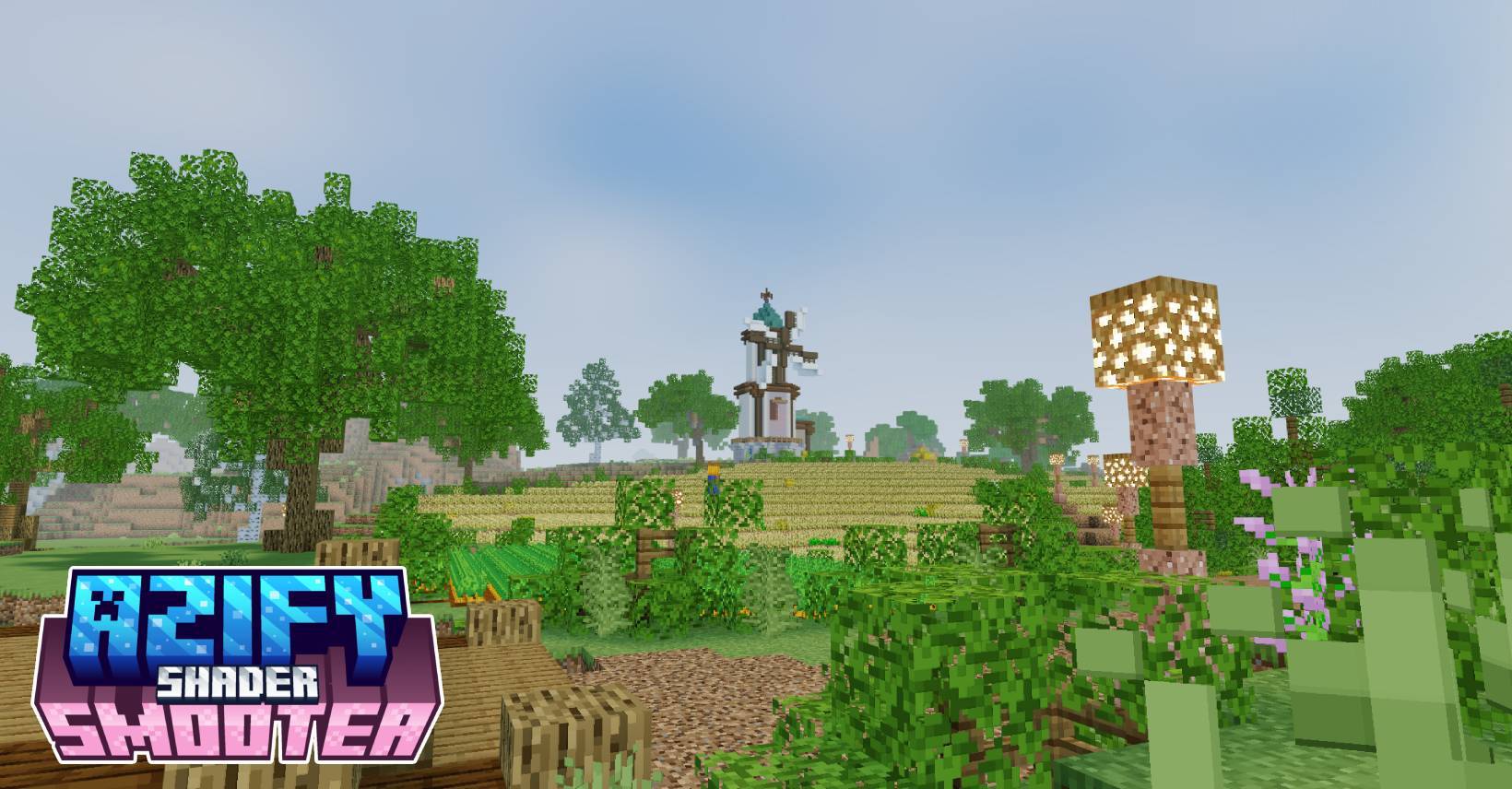
SmooTea Shader is a charming aesthetic shader pack designed to transform your world with a soft, pastel-inspired color palette. It features smooth, subtle clouds and calming water animations that create a peaceful atmosphere for your gameplay.
If you’re looking to give your world a cozy and "cute" vibe, this shader is perfect. It emphasizes a cleaner visuals and gentle lighting, making every biome feel more inviting and aesthetically pleasing for players who love a softer look.
Is This Shader demanding?
Most of the time No. Since SmooTeaShader prioritizes smooth-end graphics and cozy details, it is mostly not that resource-intensive. It is recommended for low-end devices.
Changelog: v4.0
- Optimized static normals
- Optimized Clouds
- Optimized Fogs
- Optimized Enitities
- Optimized TorchLights
- New Water!
- New End Dimension!
- Brighter Nether
- Slightly Re-adjusted the coloring
- Added Performance Mode
- Some Bug fixes*
HOW TO USE?
Disclaimer: Minecraft Bedrock does not officially support loading custom shaders. The following are unofficial methods for loading shaders.
CLICK ME TO REDIRECT TO TUTORIAL!
NOTE:
MERGED - means it contains ios, android and windows in one file.
For "Windows and Android" Download from the link provided!
Downloads:
- AzifySmooTea-v4.4.mcpack (LATEST)
- AziFySmooTea-v4.0.mcpack
- AzifySmooTea-v3.3.mcpack
- AzifySmooTea-v3.5.0-beta
- AziFySmooTea-v3.0.1
.
Images
What’s new in the latest update
The author’s notes for the file uploaded .
v4.6
- new update
- supoorts 26.50+
Video
How to install
- Download the file below. On iOS or Android, open it from your Downloads with Minecraft; on Windows, double-click it.
- Minecraft imports the pack automatically. Enable it in your world’s settings under Behavior Packs or Resource Packs; an add-on usually needs both.
- Playing on a Realm or server? Everyone needs the same packs, and the host has to enable them.
- Starting a new world? Choose its seed first: the Seed Map shows villages, structures and biomes near spawn for any Bedrock seed.
Advertisement