All texture packs
Better Vibrant Visuals | Static Light
BedrockTexture packShadersby Ale
About this texture pack
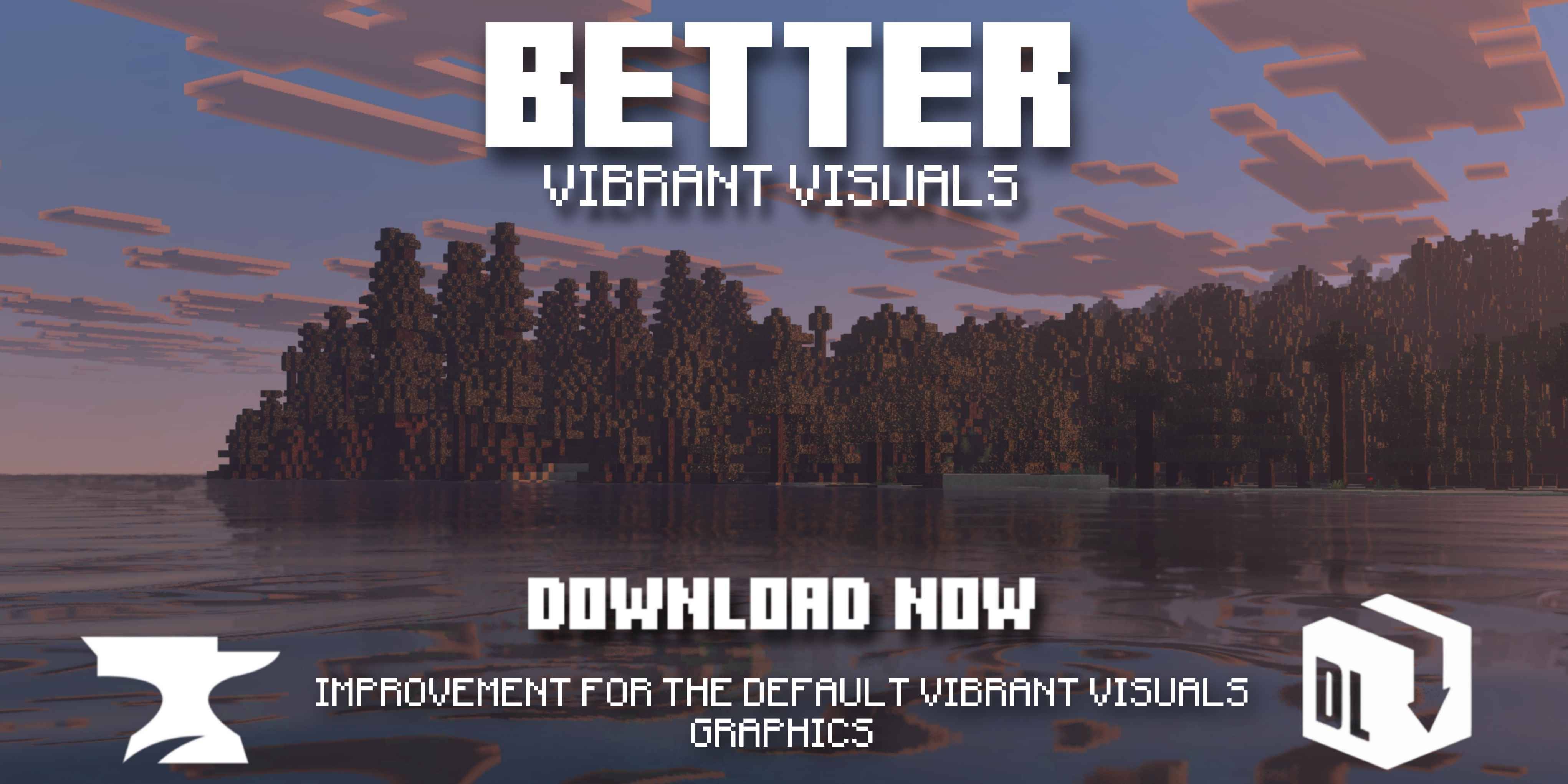
This is a pack that enhances the Vibrant Visuals Base by adding better colors, waters, sunbeams, and skies...
Read the author’s full description (282 words)
Written by Ale for the MCPEDL post, shown as published.
Screenshots Better Vibrant Visuals
- Day
- Sunset
- Night
- Under Water
Characteristics
This package has 2 different versions which are:
- Better Vibrant Visuals Default: Realistic Water Waves, Realistic Caustics.
- Better Vibrant Visuals Vanilla: Vanilla Water Without Waves, Vanilla Clouds, Vanilla Caustics, Vanilla Sun and Moon.
Requirements
- Game Version: To try Vibrant Visuals, you need to enable the beta/preview version in Bedrock Edition and turn on the "Vibrant Visuals" option when creating or editing a new world.
- Vibrant Visuals in Minecraft Bedrock requires an Adreno 640 GPU (Snapdragon 855) or a Mali GPU (Mediatek 1000 series) for mobile devices. For PCs, a GPU with DirectX 12FL11 is recommended.
Mobile Devices
- Adreno 640 GPU: This GPU is found in the Snapdragon 855 processor.
- Mali GPU: The Mediatek 1000 series or a Mediatek GPU.
- A12 Bionic processor.
PC
- DirectX 12FL11: A GPU with DirectX 12FL11 is recommended for PCs.
Copyrighted
- This package is copyrighted.
- Distribution of this package is prohibited, especially for personal gain or profit.
- It can be used as a Vibrant Visual Pack and as a Deferred Pack (Preferably use it as a Deferred Pack so that you have all the features available.
Changes
- Static lighting has been added to almost all light-emitting blocks.
- Reflective textures, such as quartz, have been implemented
- Candles now have color-based lighting, other blocks have had their lighting tweaked and improved, and glow berries now have static lighting.
It works perfectly in the latest version, v26.12.
- Static lighting has been added, which is already available in v26.10. I've added many light-emitting blocks with colorful light, but I'll gradually add all the possible ones.
If you want to have better quality content, I invite you to donate your grain of sand.
How to install
- Download the file below. On iOS or Android, open it from your Downloads with Minecraft; on Windows, double-click it.
- Minecraft imports the pack automatically. Enable it in your world’s settings under Behavior Packs or Resource Packs; an add-on usually needs both.
- Playing on a Realm or server? Everyone needs the same packs, and the host has to enable them.
- Starting a new world? Choose its seed first: the Seed Map shows villages, structures and biomes near spawn for any Bedrock seed.
Advertisement