DeathStare BP
BedrockAdd-onPvpby MutantSample
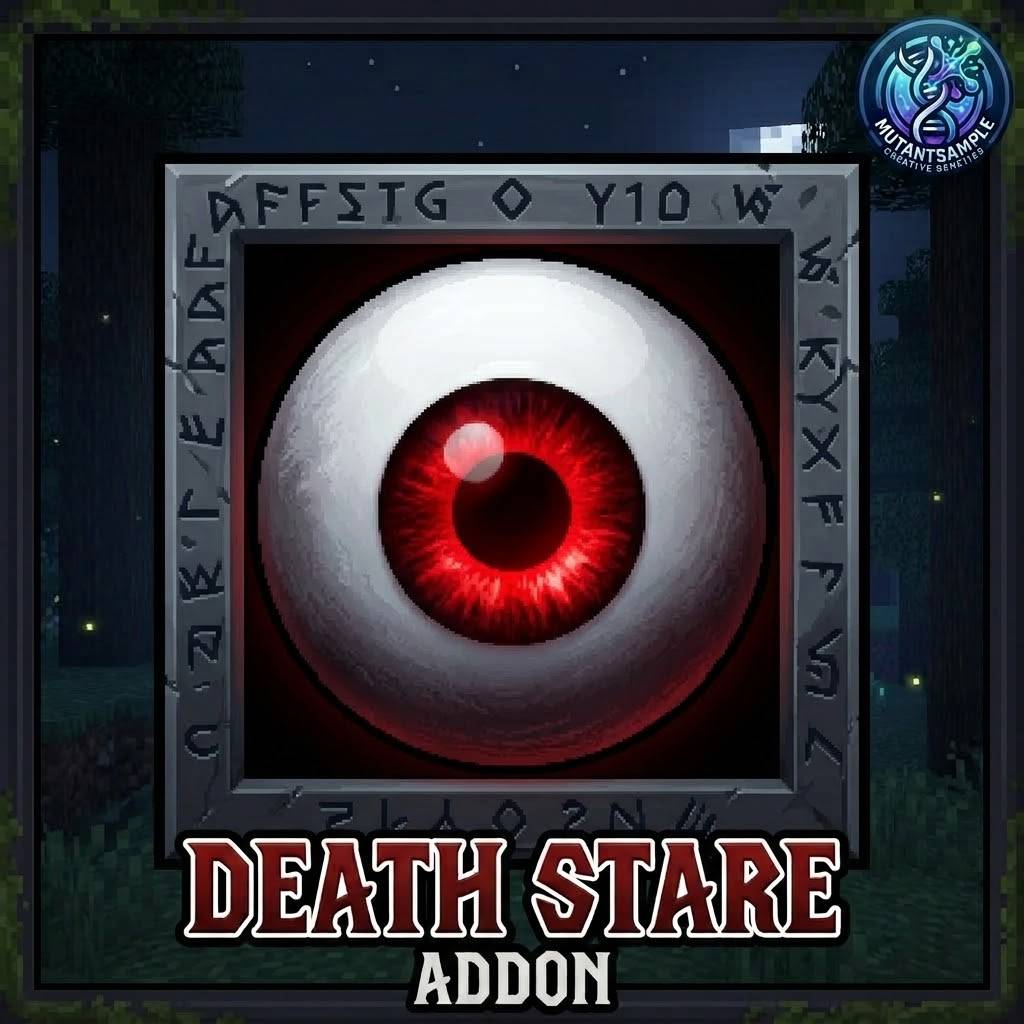
About this add-on
Crouch-activated kill aura. Look at a mob while sneaking and it dies — works on all mobs, no aiming at feet required. 👁️
Read the author’s full description (228 words)
Written by MutantSample.
☠️ DeathStare BP ☠️
By MutantSample 👋
Ever wanted a clean, simple way to clear mobs without spamming attack? This addon gives you a crouch-activated kill aura — sneak, aim at a mob, and it's gone. That's it. 😄
✨ Features
· 🎯 Crouch to activate — nothing happens unless you're sneaking, so no accidental kills while building
· 👁️ Real center-mass aiming — hits silverfish, chickens, horses, and everything in between where you're actually looking, not at their feet
· 📏 Distance-scaled accuracy — tight aim up close, forgiving at range
· ⚡ 1-tick sampling — fast screen swipes still register, no more "I looked right at it and nothing died" moments
· 🧟 Works on all mobs within 50 blocks of your view
📦 How to Install
1. Download the .mcaddon file 📥
2. Open it — Minecraft will import it automatically
3. Create or edit a world and enable the behavior pack ✅
4. Make sure Beta APIs are NOT required — this runs on the stable @minecraft/server API
5. Hop in, sneak, and aim 🎯
🛠️ Compatibility
· ✅ Minecraft Bedrock Edition (latest stable)
· ✅ No experimental toggles needed
· ✅ Works in singleplayer and multiplayer
⚠️ Please Don't Reupload 🙏
This addon was made by MutantSample. Please do not copy, reupload, or redistribute it — including modified versions — without my permission. If you want to feature it in a video, pack, or showcase, link back to this page instead. Credit is always appreciated! 💙
💬 Feedback
Found a bug or have a suggestion? Drop a comment — I read them all. 🐛
How to install
- Download the file below. On iOS or Android, open it from your Downloads with Minecraft; on Windows, double-click it.
- Minecraft imports the pack automatically. Enable it in your world’s settings under Behavior Packs or Resource Packs; an add-on usually needs both.
- Playing on a Realm or server? Everyone needs the same packs, and the host has to enable them.
- Starting a new world? Choose its seed first: the Seed Map shows villages, structures and biomes near spawn for any Bedrock seed.
Advertisement
More add-ons
- Add-ons
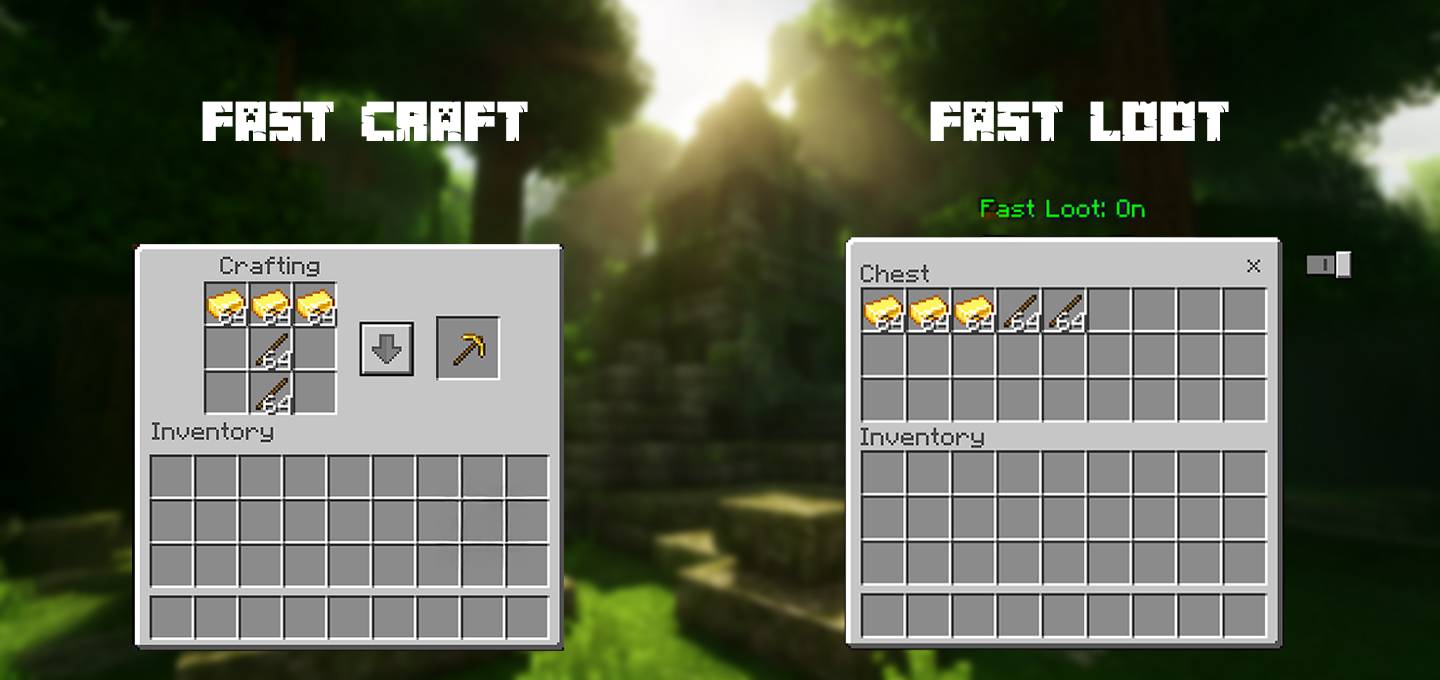
Fast Craft & Fast loot Texture pack | Quick Craft & Quick Loot!
by Mod MCPE
- Downloads
- 1.6M
- Rating
- 3.8