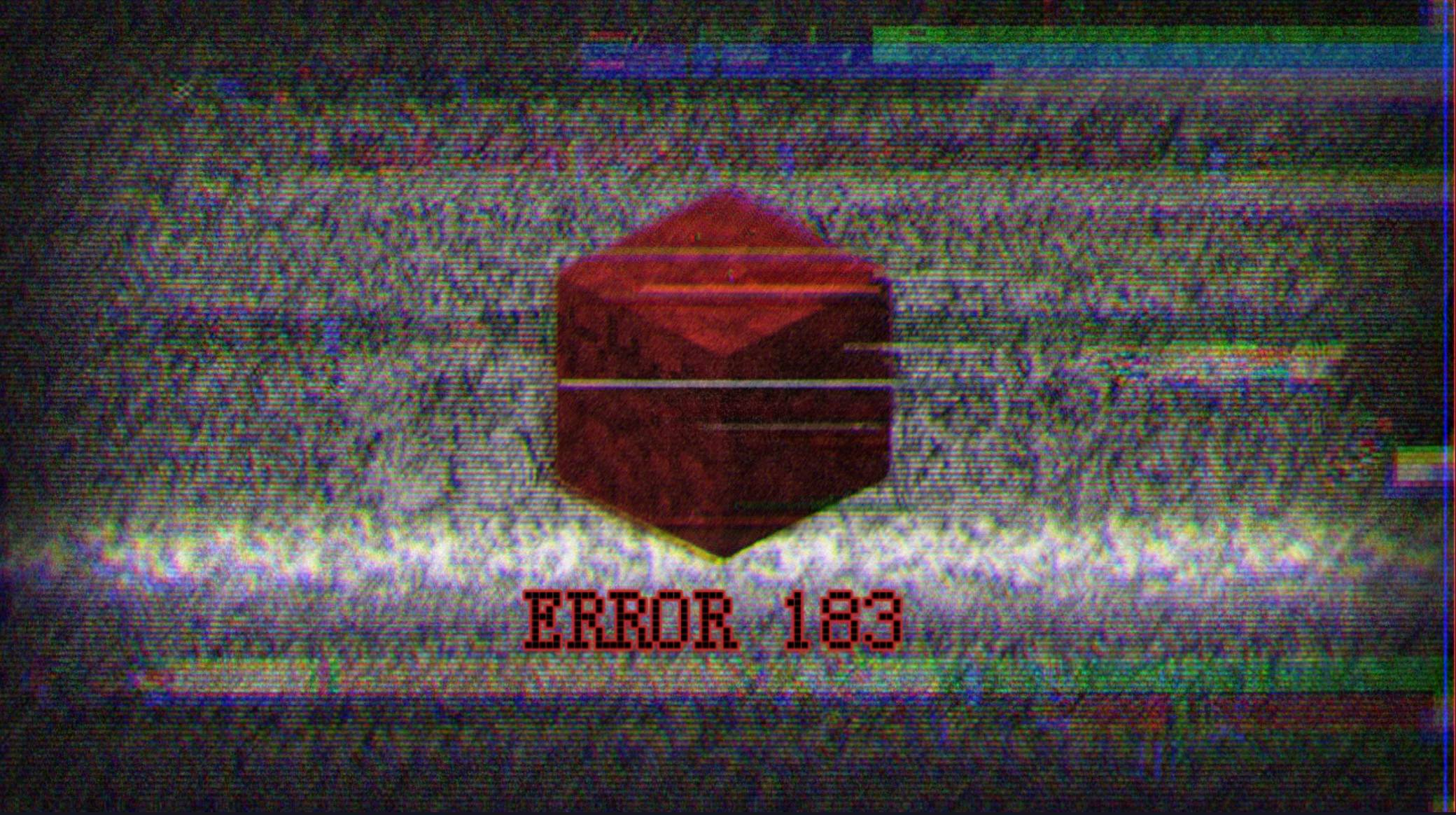
ERROR 183
BedrockAdd-onHorrorby Spartan Studios
About this add-on
Inspired By Lost Versions of Minecraft. “Minecraft Prototype Edition” , also known as Forgotten by Mojang, is a custom creepypasta series based on a fictional lost version of ...
Read the author’s full description (361 words)
Written by Spartan Studios for the MCPEDL post, shown as published.
⚠️ Do not republish my work to other websites please. And if you're gonna make a video about the mod, please use the mcpedl link or curseforge link instead of making your own download. Thank you.
Also I recommend you using Fancy graphic in your video settings. But i don't recommend you using hardcore mode to play the mod because you will die at least once.
“ERROR 183”, also known as "The Forgotten Prototype", is a fictional lost version of Minecraft inspired by Minecraft Creepypasta entities, Error 422, and other corrupted versions.
Paranormal activities will occur over time and become more and more common.. Until your world starts to collapse. But this mod will not interact with your device.
Can you survive in this harsh, broken, unsupported version of Minecraft?
Fictional lore:
The Prototype Edition was Mojang’s earliest attempt to create something… but it was unstable, corrupted, and seems to be alive.
It attempt to mimic the newer versions of Minecraft to appear normal, but it is not. And it eventually got abandoned and forgotten by the developers...
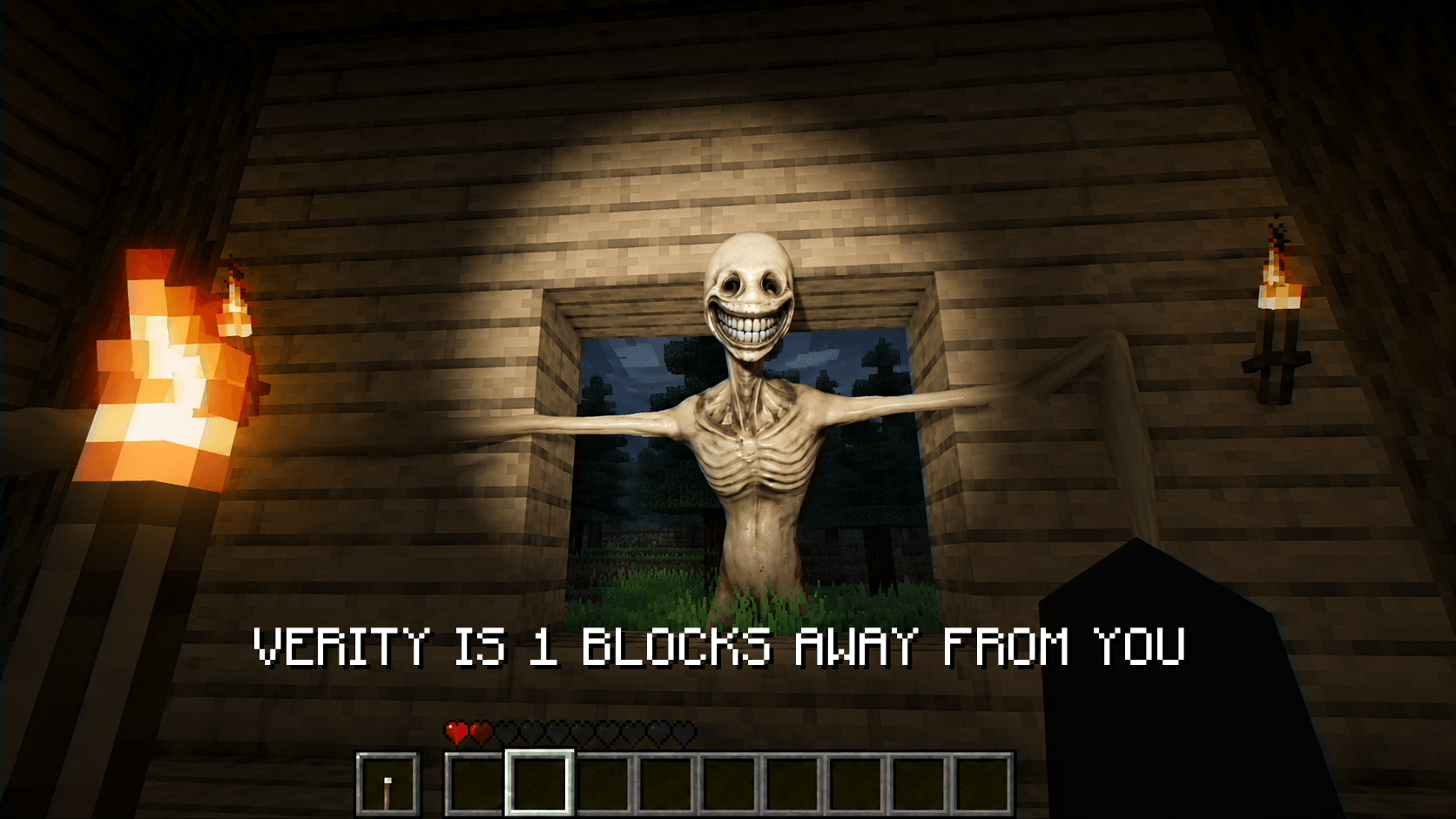
There is one main entity in this mod : failed_exp_183.
It will have a chance of appearing to attack you after 50 minutes of gameplay, and it will happen again after a while. So be aware!
Before it strike, it will stand from a distance watching you.
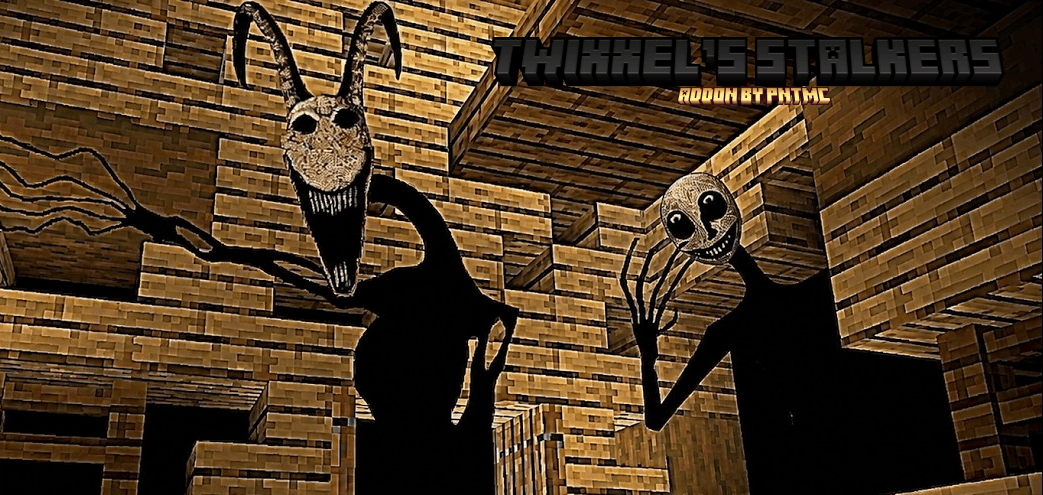
Few screenshots of the Mod :
That’s all i can show you. Discover the rest by yourself! Enjoy.
My YouTube Channel : https://youtube.com/@spartanjet16?si=Xr9MHsCChXLdCd7V
If any bugs report it on my discord server!
My Discord server : https://discord.gg/7UdVnJcK5x
If you’re on PC and can’t download the mod. Try to Extract everything, select the files (both behaviour pack and resource pack), right-click, and compress them into a new ZIP. Rename the new file back to .mcaddon and try importing again.
If some PC players still have trouble, i suggest you to use the manual method:
Rename your file to .zip and extract it.
Manually copy the folders into the Minecraft directory on PC:
Path:
%AppData%\Roaming\Minecraft Bedrock\Users\Shared\games\com.mojang
Place contents into the resource_packsand behavior_packs folders respectively.
If still doesn’t work. Try to download it on a mobile device since it works for mobile somehow.
Images
What’s new in the latest update
The author’s notes for the file uploaded .
v0.4.7
-Added signs appearing in your world.
-Improved failed_exp_183 entity
[ If you’re on PC and can’t download the mod. Try to Extract everything, select the files (both behaviour pack and resource pack), right-click, and compress them into a new ZIP. Rename the new file back to .mcaddon and try importing again.
If some PC players still have trouble, i suggest you to use the manual method:
Rename your file to .zip and extract it.
Manually copy the folders into the Minecraft directory on PC:
Path:
%AppData%\Roaming\Minecraft Bedrock\Users\Shared\games\com.mojang
Place contents into the resource_packsand behavior_packs folders respectively.
If still doesn’t work. Try to download it on a mobile device since it works for mobile somehow.]
How to install
- Download the file below. On iOS or Android, open it from your Downloads with Minecraft; on Windows, double-click it.
- Minecraft imports the pack automatically. Enable it in your world’s settings under Behavior Packs or Resource Packs; an add-on usually needs both.
- Playing on a Realm or server? Everyone needs the same packs, and the host has to enable them.
- Starting a new world? Choose its seed first: the Seed Map shows villages, structures and biomes near spawn for any Bedrock seed.
Advertisement