Glow Em All Shader | Glowing Ores
BedrockTexture packShadersby Azion Studios
About this texture pack
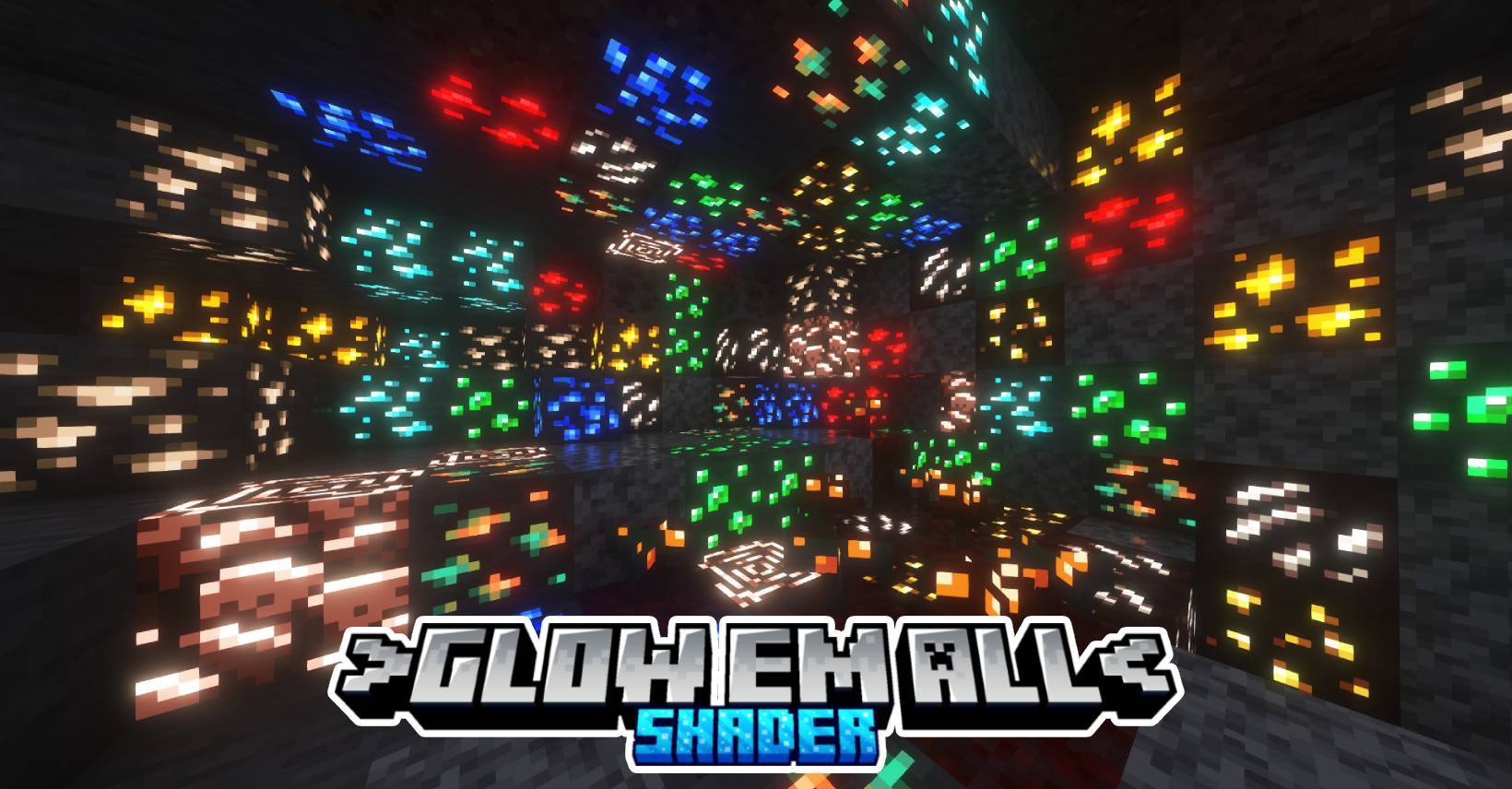
Lights up ores, blocks, and caves because, mining should glow! Want it more technical, gamer-style, or clean and pro? I can tweak it.
Read the author’s full description (273 words)
Written by Azion Studios.
Support on 26.33 (Or Higher Only)
Azify Glow Em All is a cool shader for Minecraft Bedrock! It makes the game look better, with glowing ores, More fun, more adventure!
This shader will not work without using required patches! Please read the installation guide before downloading.
Download:
- afgea-3.8.0-merged.mcpack
- afgea-3.7.1-merged.mcpack
- afgea-3.7.0-merged.mcpack
Features
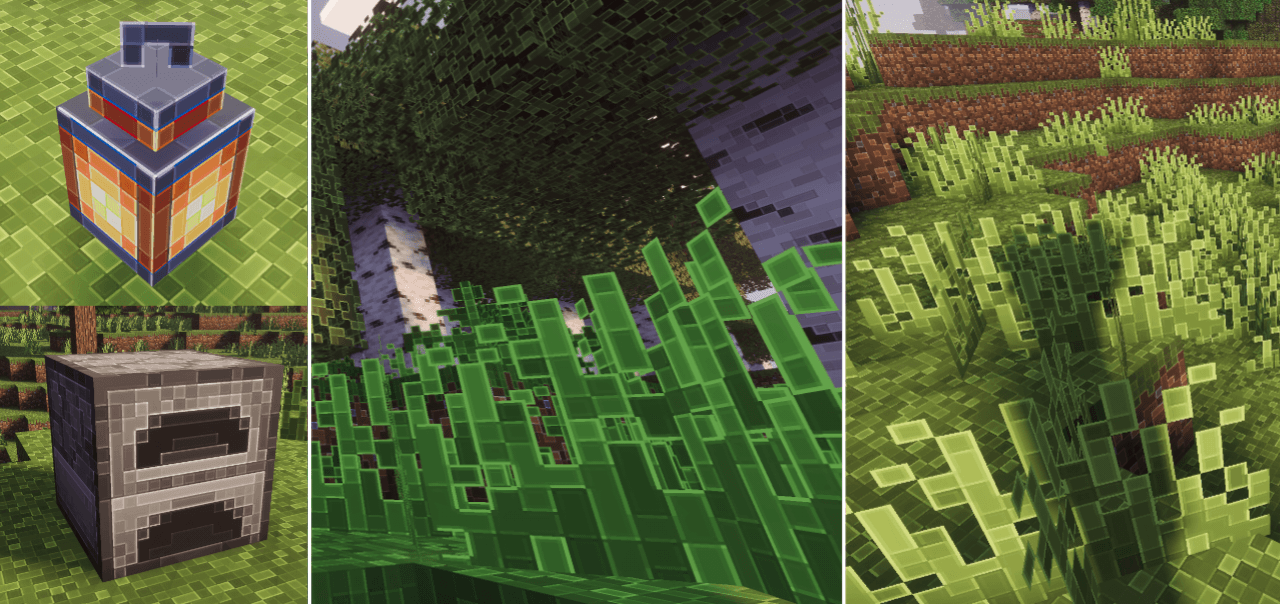
- Glow Ores
- More texture support
- Bloom Effect Ores
- Bloom Effect Torches
- Brighter Cave (optional)
Options For cave Brighter:
Default Minimum Brightness: Just a minimum brightness
Common Brightness: More visible cave 50% brighter
Insane Brightness: Much more visible cave 80% brighter
Installation
Disclaimer: Minecraft Bedrock does not officially support loading custom shaders. The following are unofficial ways to load shaders.
Android
1. Install MB Loader APK.
2. Import the resource pack to Minecraft and activate it in global resources.
3. Launch Minecraft through MB Loader APK.
Windows
- Use BetterRenderDragon to enable MaterialBinLoader.
- Import the resource pack and activate it in the global resources.
If BetterRenderDragon does not support your Minecraft version, use this Matject tool instead to install shaders.
Linux (x86_64 arch)
This method is for mcpelauncher-manifest.
1. Install mcpelauncher-materialbinloader-mod.
2. Import the resource pack and activate it in global resources.
*iOS
Sorry. There isn't an easy method to install shaders on iOS devices. You either require jailbreak or would have to install an untrusted IPA.
NOTE:
This shader only works on 1.21.100 since Mojang changed the lighting there. If you try it on older versions like 1.21.94, it’ll just bug out because of the old lighting system.
MERGED - means it contains ios, android and windows in one file.
Anyways thank you very much for 338.2K downloads in curseforge! ;)
Download:
- afgea-3.8.0-merged.mcpack
- afgea-3.7.1-merged.mcpack
- afgea-3.7.0-merged.mcpack
.
What’s new in the latest update
The author’s notes for the file uploaded .
v4.8
- new update
- supoorts 26.50+
- new glow textures
Video
How to install
- Download the file below. On iOS or Android, open it from your Downloads with Minecraft; on Windows, double-click it.
- Minecraft imports the pack automatically. Enable it in your world’s settings under Behavior Packs or Resource Packs; an add-on usually needs both.
- Playing on a Realm or server? Everyone needs the same packs, and the host has to enable them.
- Starting a new world? Choose its seed first: the Seed Map shows villages, structures and biomes near spawn for any Bedrock seed.
Advertisement