Godzilla (King of the Monsters)
BedrockAdd-onHorrorby MysticMinecraft
About this add-on
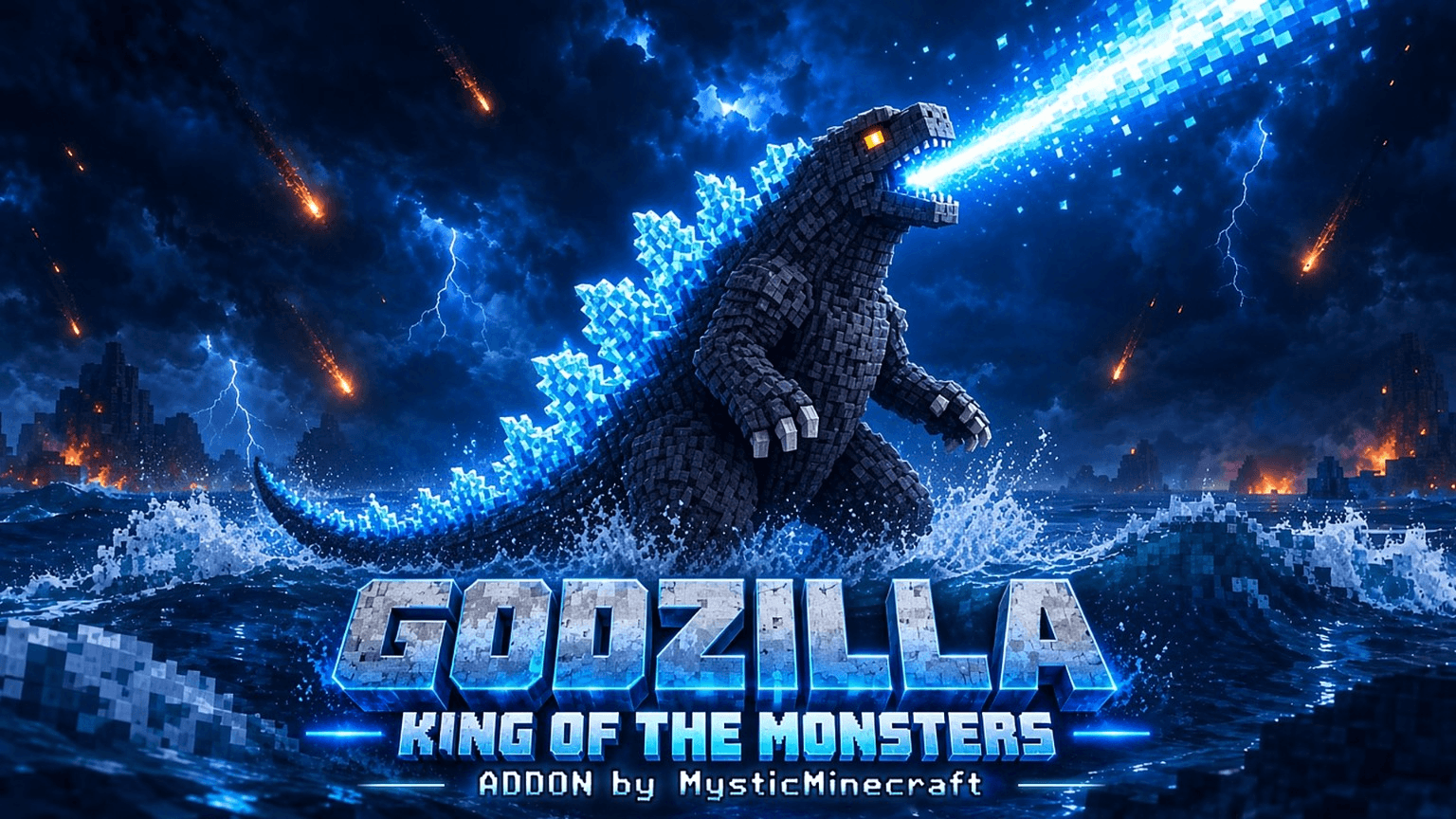
Giant 50-block Godzilla with Atomic Breath, a red Burning Form, swimming and diving, and a Uranium Core energy system. By MysticMinecraft.
Read the author’s full description (207 words)
Written by MysticMinecraft for the MCPEDL post, shown as published.
Godzilla: King of the Monsters
by MysticMinecraft
The King of the Monsters has arrived in Minecraft Bedrock Edition! Summon a colossal 50-block Godzilla and command his nuclear power.
🌊 FEATURES
- Colossal Godzilla: 50 blocks tall, with 30,000 health, extreme durability and regeneration.
- Atomic Breath: his signature blue energy beam.
- Red Burning Form: a spiral heat ray that devastates everything, at a heavy energy cost.
- Powerful Attacks: tail swipe, stomp, heavy smash, grab-and-throw and roar.
- Amphibious: he swims and dives in the ocean.
- Custom animations, sounds and particle effects.
☢️ ENERGY SYSTEM
- Godzilla spawns with 30% energy.
- Feed him Uranium Cores: each one adds 10% (max 100%).
- Atomic Breath costs 10%. The red Burning ability costs 60–80%.
- Below 20% energy he is too weak to attack.
🎮 KAIJU CONTROLLER
Use the Kaiju Controller to command Godzilla. Sneak use cycles through the modes: Atomic Breath, Spiral Heat Ray, Roar, Stomp, Tail, Grab and more. The Burning Kaiju Controller activates Burning Form. The Kaiju Controller also shows his current energy.
📦 INSTALLATION
1. Open the .mcaddon file with Minecraft Bedrock Edition.
2. Wait for both packs to import.
3. Activate the Behavior Pack and Resource Pack in your world.
4. Enter the world and run /summon gojira:godzilla
Requires Minecraft Bedrock 1.21.0 or newer.
Images
How to install
- Download the file below. On iOS or Android, open it from your Downloads with Minecraft; on Windows, double-click it.
- Minecraft imports the pack automatically. Enable it in your world’s settings under Behavior Packs or Resource Packs; an add-on usually needs both.
- Playing on a Realm or server? Everyone needs the same packs, and the host has to enable them.
- Starting a new world? Choose its seed first: the Seed Map shows villages, structures and biomes near spawn for any Bedrock seed.
Advertisement