GURJAR X Newb Shader
BedrockTexture packShadersby gamerzmcpe
About this texture pack
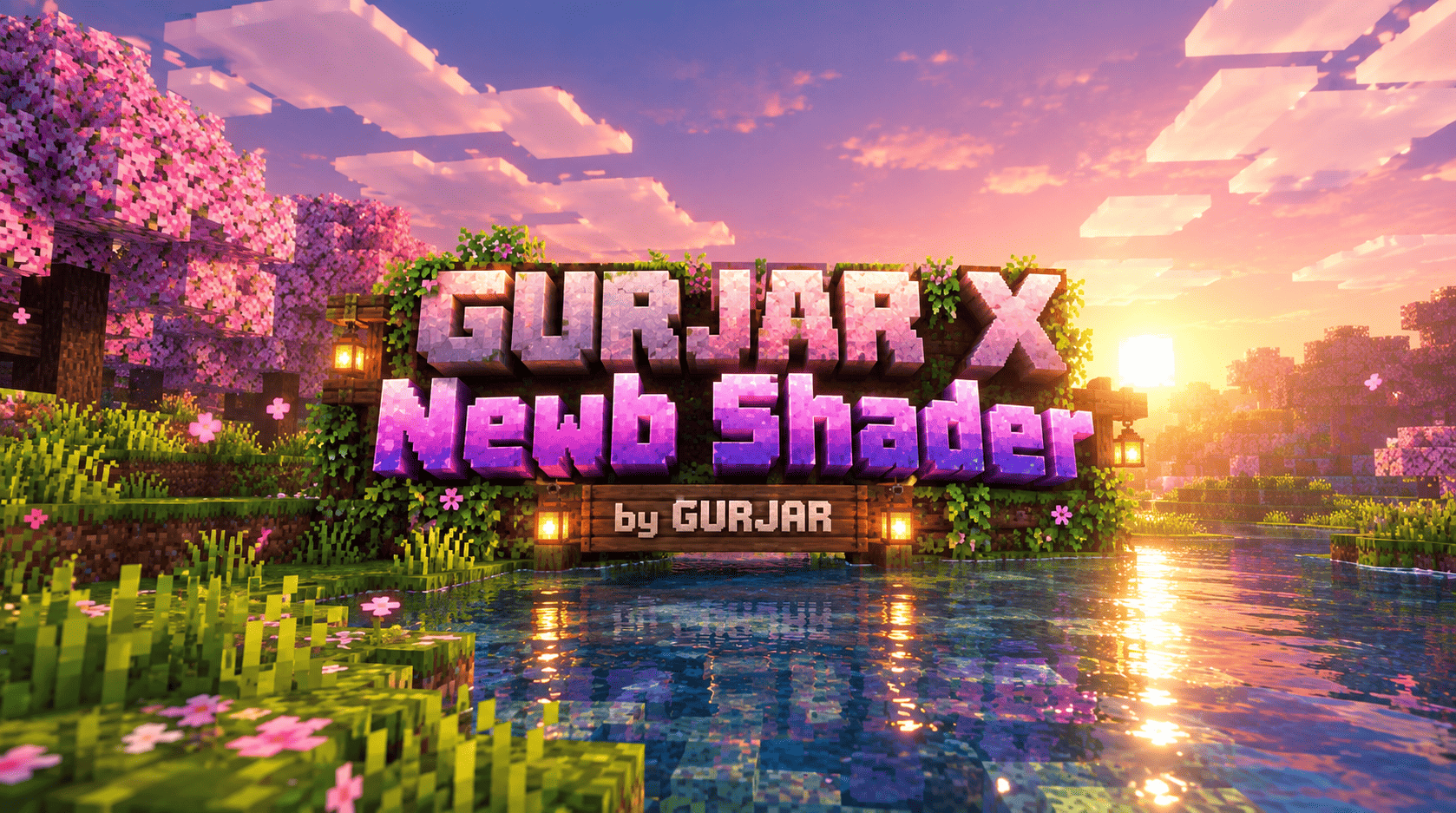
GURJAR X Newb Shader is an original, vibrant shader for Minecraft Bedrock — rich saturated colors, dramatic soft-bloom lighting, and a colorful atmosphere across every biome and...
Read the author’s full description (492 words)
Written by gamerzmcpe.
GURJAR X Newb Shader is a fully custom, original visual overhaul for Minecraft Bedrock Edition, built entirely on Mojang's native Vibrant Visuals deferred rendering pipeline. This isn't a reskin or a fork of another shader — every lighting curve, color value, and atmospheric setting in this pack was designed from scratch to deliver one clear goal: a colorful, vivid, cinematic-feeling Minecraft experience that still runs smoothly on mobile devices.
✨ Features
🌅 Dynamic, Dramatic Lighting
The sun and moon follow a custom illuminance and color curve that shifts smoothly across the full day-night cycle — soft cool blues at dawn, warm golden-orange tones building through sunrise, a bright neutral glow at midday, and a rich amber-pink wash returning at sunset. Nights are lifted with a gentle blue-purple moonlight rather than flat darkness, giving nighttime exploration a calm, atmospheric feel instead of pure black.
🎨 Rich, Punchy Color Grading
Saturation, contrast, and gamma are individually tuned across shadows, midtones, and highlights using a Hable tone-mapping curve. Grass pops, water glows, skies feel alive — without ever blowing out or looking unnatural. This is the heart of the "colorful" identity of this shader.
☁️ Vivid, Glowing Skies
Sky scattering (Rayleigh Mie) is boosted for deep, rich blues during the day and a strong, soft sun bloom that spreads dramatically near the horizon at sunrise and sunset — similar to the soft golden-hour glow seen in high-end shader showcases, achieved here through Mojang's official rendering settings rather than any third-party shader code.
🌊 Lively Water
Custom wave motion, wind-driven ripple detail, and a hand-crafted animated caustics texture (procedurally generated, fully original — not reused from any other pack) bring oceans, rivers, and lakes to life with real motion and light play.
🌑 Balanced Shadows
Soft-filtered shadows keep the world looking natural and three-dimensional without harsh, distracting edges.
🌌 Works Across Every Dimension
Because this shader adjusts the game's core lighting and atmosphere engine, it enhances the Overworld, the Nether's glowing lava tones, and the End's dramatic starry void — no separate configuration needed.
⚙️ Requirements
- Minecraft Bedrock 1.21.80
- Vibrant Visuals experimental toggle enabled at world creation (this cannot be turned on for existing worlds — create a new world with it enabled)
- A device capable of running Bedrock's deferred rendering pipeline
📥 Installation
- Tap the .mcpack file to import it into Minecraft
- Go to your world's Resource Packs settings and activate only GURJAR X Newb Shader (disable any other shader/resource pack that changes lighting)
- Create or load a world with Vibrant Visuals enabled
- Enjoy the new look — no sliders, no extra setup, it's active the moment you enable it
💡 Notes
Every value in this shader — lighting curves, color grading, sky scattering, water, and the caustics texture — was independently designed and generated for this project. Expect regular tuning and improvements in future updates based on user feedback.
🙌 Credits
- Creator & Designer: GURJAR — original concept, lighting design, color grading, and all configuration values
- Built using Mojang's official Vibrant Visuals render-control system (public JSON API), not based on any other shader's code or assets
Images
How to install
- Download the file below. On iOS or Android, open it from your Downloads with Minecraft; on Windows, double-click it.
- Minecraft imports the pack automatically. Enable it in your world’s settings under Behavior Packs or Resource Packs; an add-on usually needs both.
- Playing on a Realm or server? Everyone needs the same packs, and the host has to enable them.
- Starting a new world? Choose its seed first: the Seed Map shows villages, structures and biomes near spawn for any Bedrock seed.
Advertisement