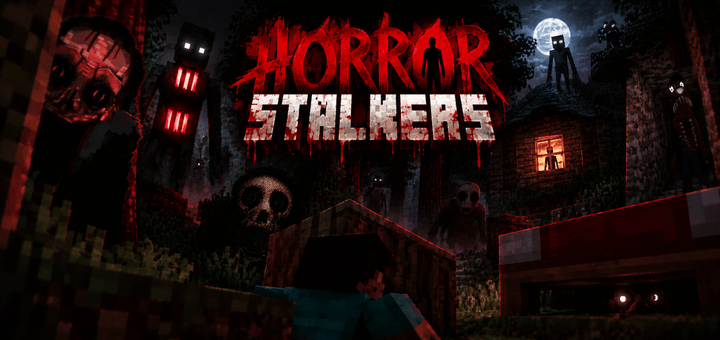
Horror stalkers
BedrockAdd-onHorrorby Hyubi
About this add-on
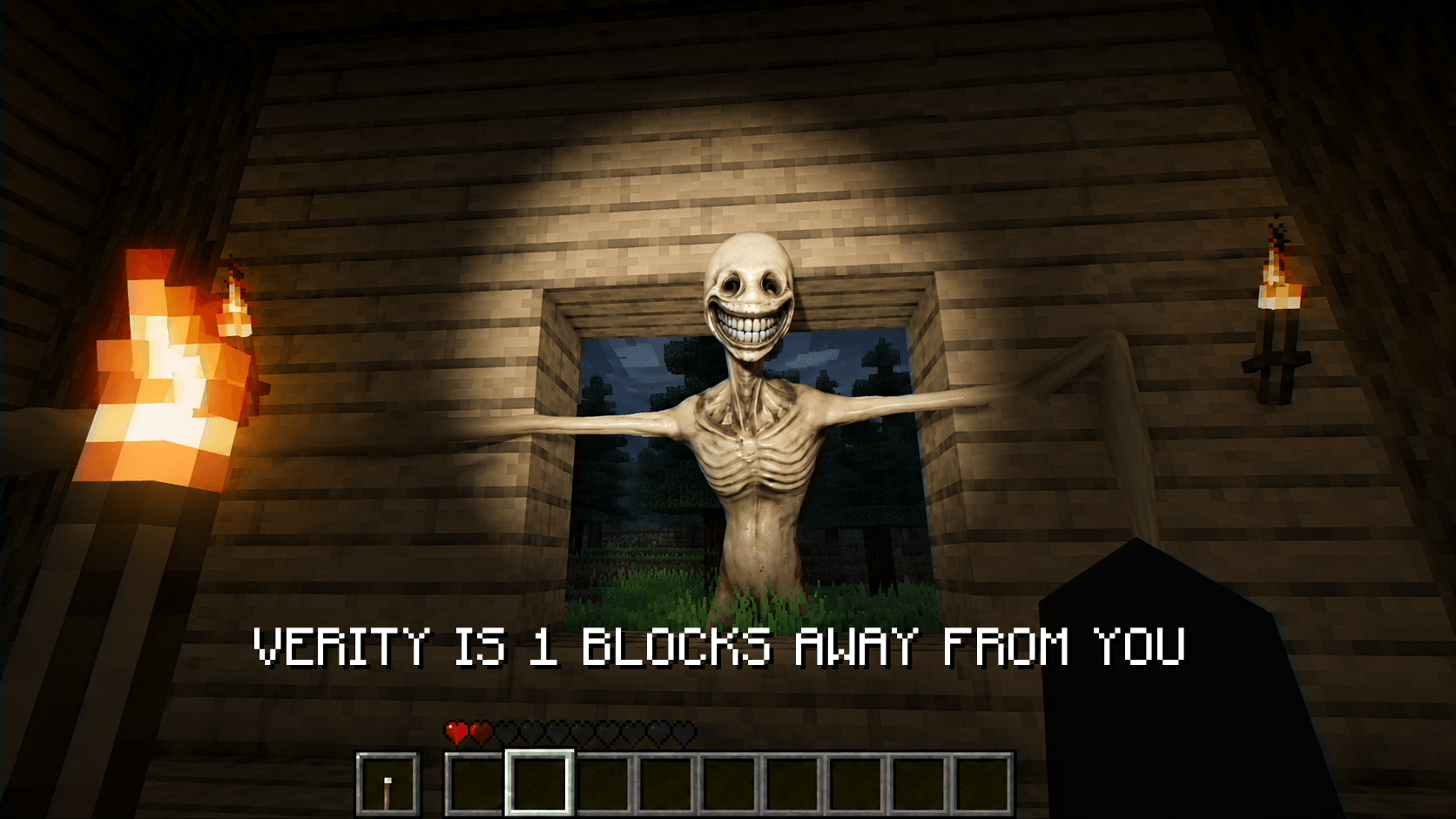
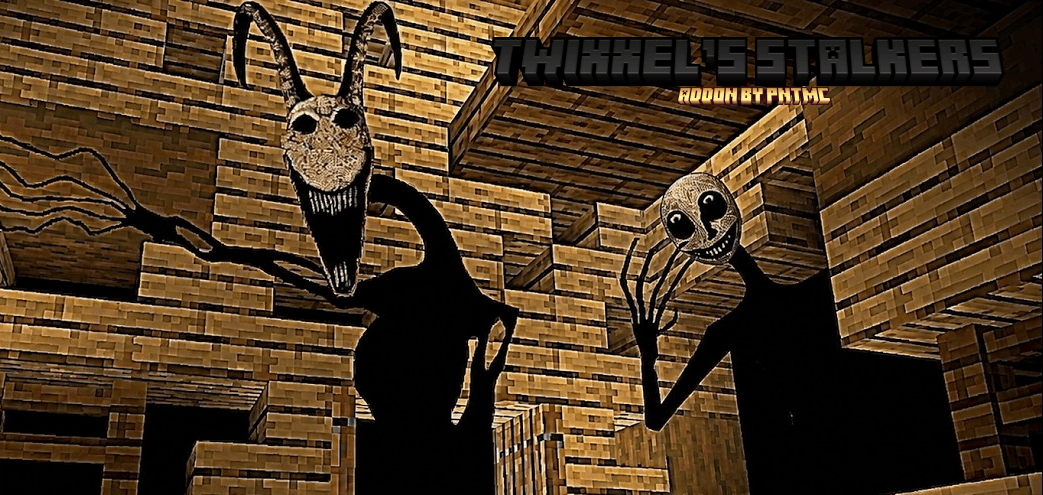
Turn your Minecraft world into a nightmare with Horror Stalkers, featuring creepy creatures that lurk in the shadows, follow you through dark places, and make every moment feel ...
Read the author’s full description (211 words)
Written by Hyubi for the MCPEDL post, shown as published.
Horror Stalkers
Turn your Minecraft world into a place where you can never feel completely safe.
With Horror Stalkers, creepy creatures can appear when you least expect them. They may hide in dark areas, watch you from a distance, or suddenly show up behind you while you are exploring.
One of the most important mechanics is hiding. If things get too dangerous, you can hide under the bed and wait until the danger passes.
But don’t get too comfortable. The stalkers can appear at unexpected moments, so always watch your surroundings and be careful about what is happening behind your back.
How to Use It
Setting up the addon is simple.
First, enter this command in the chat:
/stalker_config
This will open the Stalker Configuration Menu.
Inside the configuration menu, you can customize the addon and change different stalker settings to create the horror experience you want. Adjust the available options and then start playing.
Features
- Creepy stalker creatures
- Unexpected appearances
- Dark and tense atmosphere
- Hide under beds to stay safe
- Stalkers can follow and watch you
- Customizable through /stalker_config
- Great for horror survival worlds
- Perfect for playing alone or with friends
You never know exactly when they will appear.
Stay alert. Check behind you. And when something is coming… hide. 👁️🛏️🌑
What’s new in the latest update
The author’s notes for the file uploaded .
I added new Horror Haloween Stalkers!
How to install
- Download the file below. On iOS or Android, open it from your Downloads with Minecraft; on Windows, double-click it.
- Minecraft imports the pack automatically. Enable it in your world’s settings under Behavior Packs or Resource Packs; an add-on usually needs both.
- Playing on a Realm or server? Everyone needs the same packs, and the host has to enable them.
- Starting a new world? Choose its seed first: the Seed Map shows villages, structures and biomes near spawn for any Bedrock seed.
Advertisement