All texture packs
Newb X Ale | Compatible With v26.60+
BedrockTexture packShadersby Ale
About this texture pack
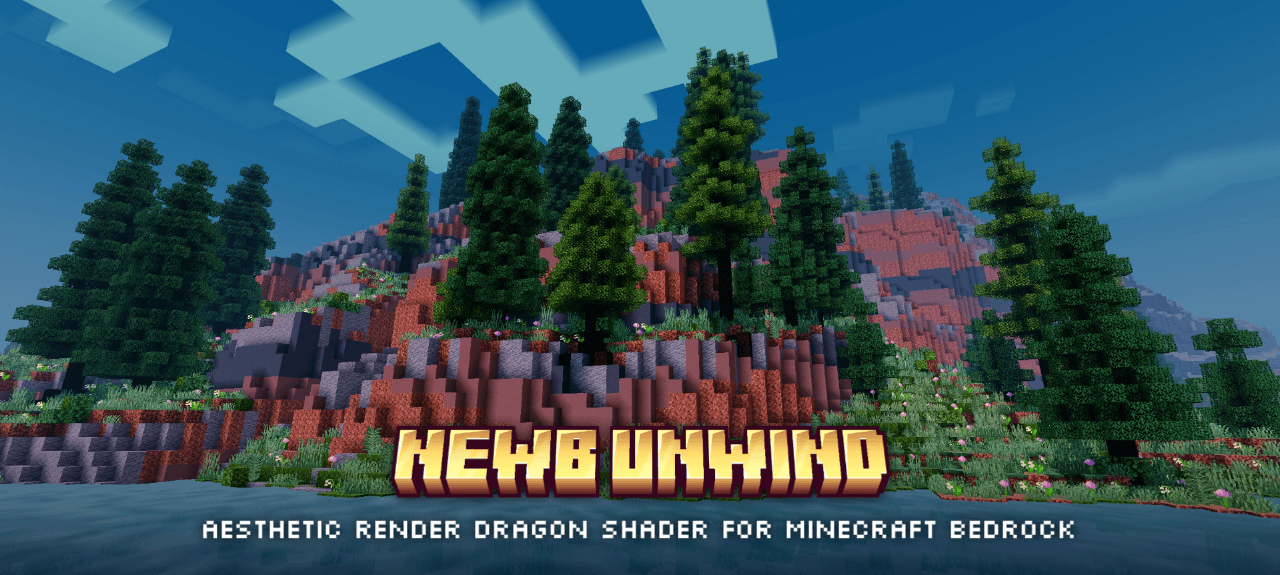
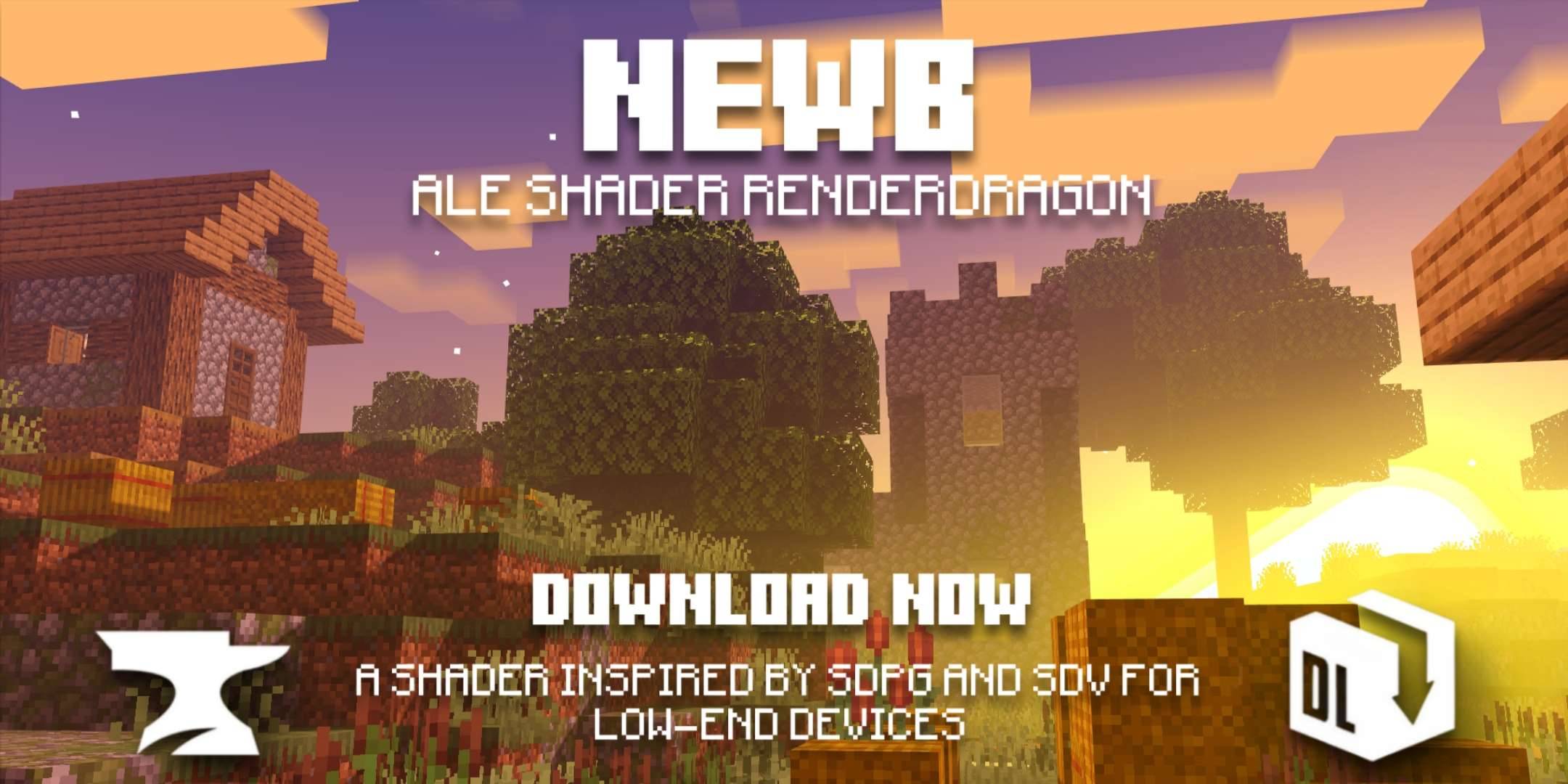
Newb X Ale is inspired by the Super Duper Vanilla Shaders and the Super Graphics Pack (a project cancelled by Mojang) designed for low-end devices without sacrificing quality
Read the author’s full description (263 words)
Written by Ale .
A new update has arrived for this shader one of the first to be compatible with version 26.50 . Newb X Ale is inspired by the Super Duper Vanilla Shaders and the Super Graphics Pack (a project cancelled by Mojang), designed for low-end devices without sacrificing quality.
Newb X Ale Renewed
Newb X Ale Renewed
- Sunset
- Sunrise
- Day
- Water
- Night Light
- Night Water
- Ilumination
- End
Featured
- Black Hole and End based on that of the Super Duper Vanilla Shaders.
- Shiny blocks
- Colorful vanilla skies.
- Clouds 3D, MultiLayer.
- Realistic water.
- Warm lighting.
- Java-like lighting
- Beautiful sunrises, sunsets and night sky.
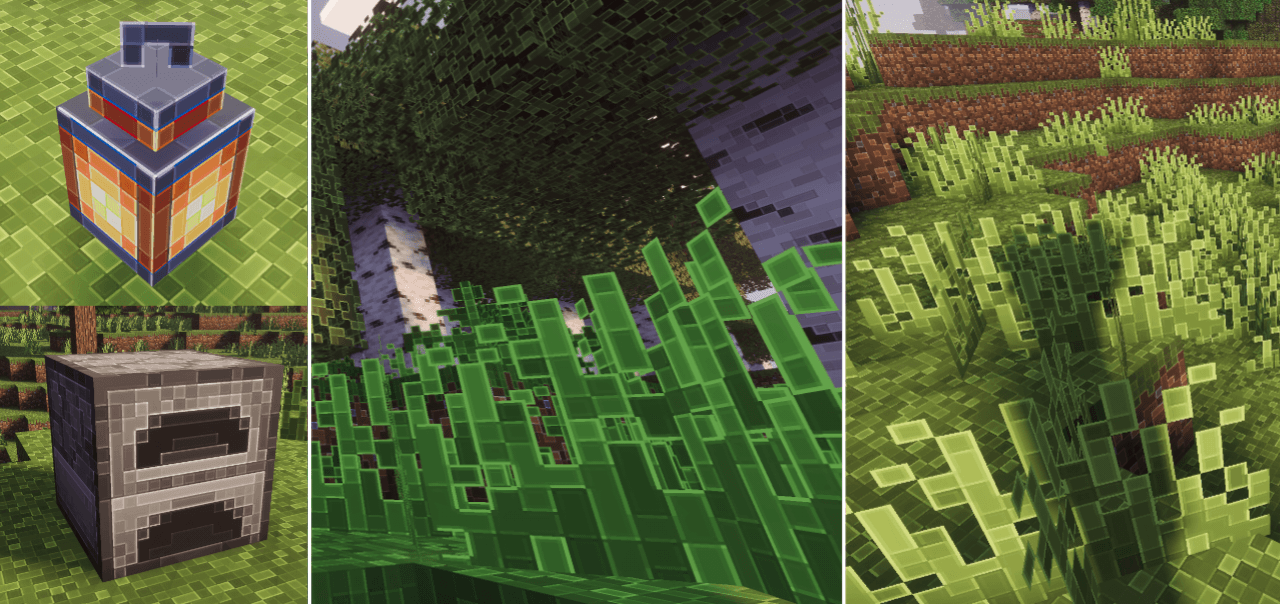
- Movement in plants.
- Realistic shadows.
- Wet effect when it rains.
- Acoustics, sun rays and movement under water.
- Sun rays.
- Bright minerals.
- Compatible with Android
- Compatible with Windows
- Compatible with iOS
- Performance improvements.
- Some important details have been clarified
Notes
- This is a low-resource shader; you won't need a powerful device to run it.
- Need Minecraft v26.50 and MBLoader.
- Need Minecraft Hynis in iOS.
- You need Wyvern for Windows, in case it does not work, use the method of replacing material.bin files with Maject.
- I recommend that you the old version of this shader if you have it installed to avoid errors.
- This shader is only compatible with Android,Windows and iOS
- Use this mcpedl link if you want to share this shader.
- Please do not create another link for this shader.
- This shader may not be supported on some devices, if so tell me about the error on my Discord.
- Credits: Ale
If you want to have better quality content, I invite you to donate your grain of sand.
What’s new in the latest update
The author’s notes for the file uploaded .
compatibility patch for version 26.60
How to install
- Download the file below. On iOS or Android, open it from your Downloads with Minecraft; on Windows, double-click it.
- Minecraft imports the pack automatically. Enable it in your world’s settings under Behavior Packs or Resource Packs; an add-on usually needs both.
- Playing on a Realm or server? Everyone needs the same packs, and the host has to enable them.
- Starting a new world? Choose its seed first: the Seed Map shows villages, structures and biomes near spawn for any Bedrock seed.
Advertisement