All texture packs
Newb X Dragon Shader | Compatible with v26.60+
BedrockTexture packShadersby Ale
About this texture pack
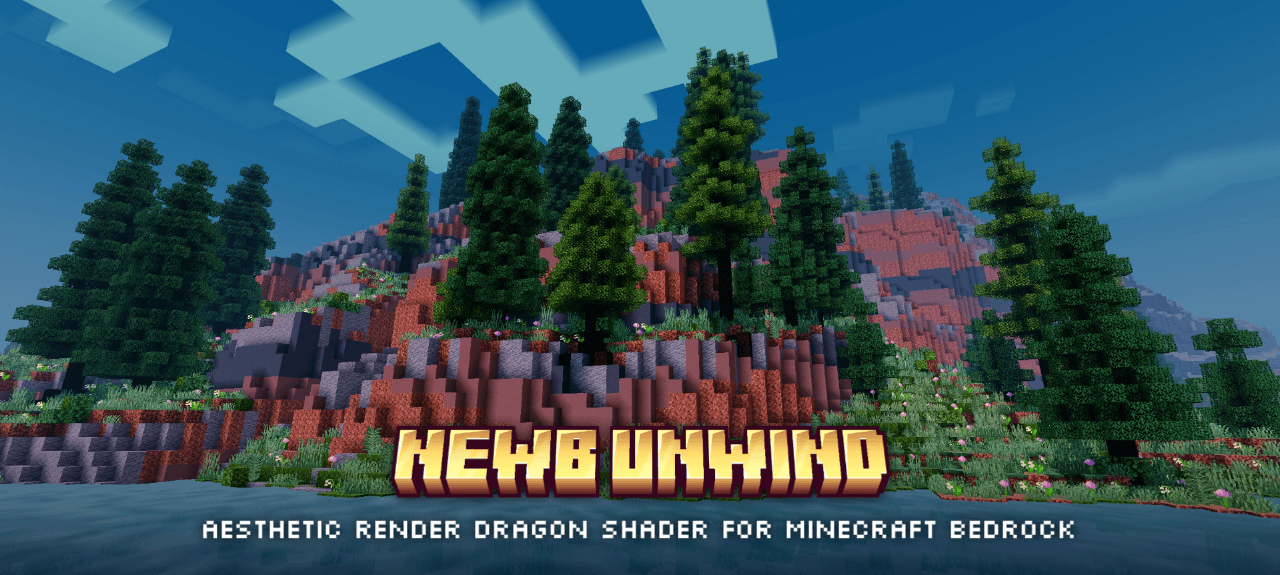
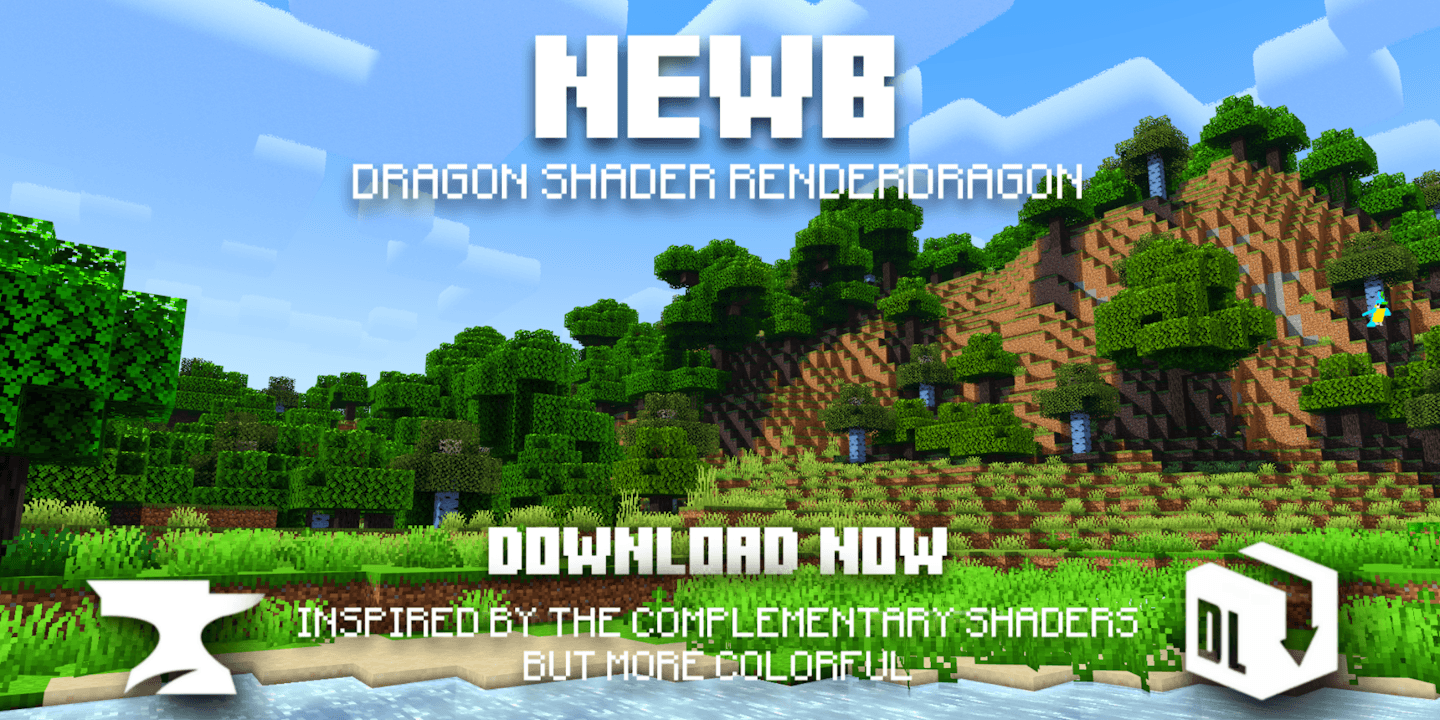
After quite some time, a new update for this shader has arrived, featuring an improved look and new characteristics that are sure to delight and best of all, it is compatible wi...
Read the author’s full description (262 words)
Written by Ale .
After quite some time, a new update for this shader has arrived, featuring an improved look and new characteristics that are sure to delight and best of all, it is compatible with the latest version of Minecraft 26.50
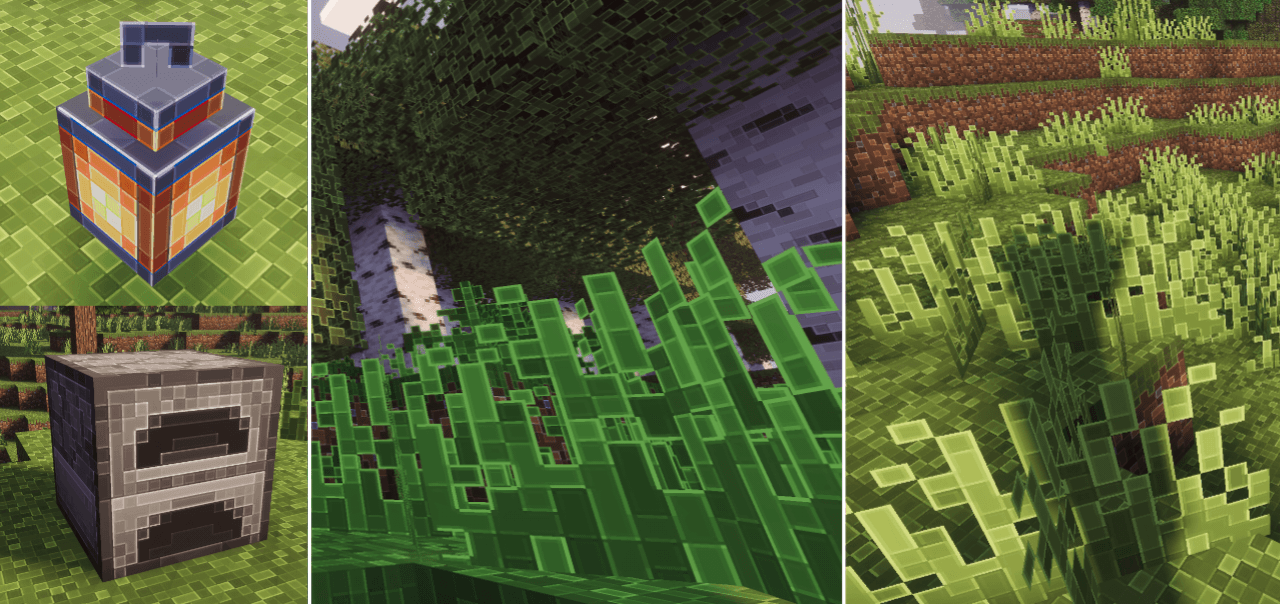
Screenshots REIMAGINED
Screenshots REIMAGINED
- Day
- Water Day
- Sunset
- Godrays Sunset
- Nitht Ilumination
- Night Water
- Rain
- Ilumination
- Underwater ilumination
- EndBeams
- Black Hole
- Nether
Screenshots Unbound
- Day
- Sunset
- Night
- Rain
Featured
- Version Reimagined, Unbound and Lite
- End Complementary with Black Hole
- Glow minerals and blocks
- Clouds 3D, MultiLayer.
- Realistic water.
- Warm lighting.
- Java-like lighting
- Beautiful sunrises, sunsets and night sky.
- Movement in plants.
- Realistic shadows.
- Wet effect when it rains.
- Acoustics, sun rays and movement under water.
- Sun rays.
- Bright minerals.
- Compatible with Android
- Compatible with Windows
- Compatible with iOS
- Performance improvements.
- Some important details have been clarified
Notes
- You must place this shader above the other active packs to avoid errors.
- Need Minecraft v26.50 and MBLoader.
- Need Minecraft Hynis in iOS.
- You need Wyvern for Windows, in case it does not work, use the method of replacing material.bin files with Maject.
- I recommend that you the old version of this shader if you have it installed to avoid errors.
- This shader is only compatible with Android,Windows and iOS
- Use this mcpedl link if you want to share this shader.
- Please do not create another link for this shader.
- This shader may not be supported on some devices, if so tell me about the error on my Discord.
- Credits: Ale
If you want to have better quality content, I invite you to donate your grain of sand.
What’s new in the latest update
The author’s notes for the file uploaded .
compatibility patch for version 26.60
How to install
- Download the file below. On iOS or Android, open it from your Downloads with Minecraft; on Windows, double-click it.
- Minecraft imports the pack automatically. Enable it in your world’s settings under Behavior Packs or Resource Packs; an add-on usually needs both.
- Playing on a Realm or server? Everyone needs the same packs, and the host has to enable them.
- Starting a new world? Choose its seed first: the Seed Map shows villages, structures and biomes near spawn for any Bedrock seed.
Advertisement