The Backrooms
BedrockAdd-onHorrorby Mint Studios
About this add-on
The Backrooms addon introduces a completely new dimensions to Minecraft Bedrock.
Read the author’s full description (484 words)
Written by Mint Studios for the MCPEDL post, shown as published.
🟡 THE BACKROOMS ADDON
🌫️ 1.2.1 – The Transition Update
⚠️ ENTER AT YOUR OWN RISK
For the best experience, create a new world.
The Backrooms are changing…
and not everything behaves as it should.
🆕 THE TRANSITION UPDATE (1.2)
🌫️ The Walls Are No Longer the Same
Something is happening between Level 0 and Level 1.
You may now encounter unstable transitional zones —
distorted spaces that feel like biomes… but wrong.
-
Layouts begin to shift unpredictably
-
The environment subtly changes
-
The silence becomes heavier
-
You feel watched… before you see anything
These zones are not safe.
They are not stable.
They are a warning.
🌌 A NEW INFINITE DIMENSION
Welcome to The Backrooms.
An endless, procedurally generated nightmare:
-
♾️ Infinite horizontal generation
-
📏 Limited vertical space
-
🔁 Repetitive, confusing layouts
Every corridor looks the same.
Every turn feels wrong.
Getting lost is inevitable.
🟨 LEVEL 0 – THE BEGINNING
The classic experience remains… but now it's evolving.
-
Yellow patterned walls
-
Damp carpet floors
-
Buzzing fluorescent lights
Now enhanced with transition zones that distort reality itself.
You think you understand this place…
until it starts changing.
🅿️ LEVEL 1 – THE PARKING ZONE
You made it out of Level 0.
That was your first mistake.
A massive, open parking structure awaits:
-
🚗 Endless concrete spaces
-
🌑 Low visibility
-
🔊 Echoing, distant sounds
⚠️ There is nowhere to hide.
This level is not about getting lost…
it’s about staying alive.
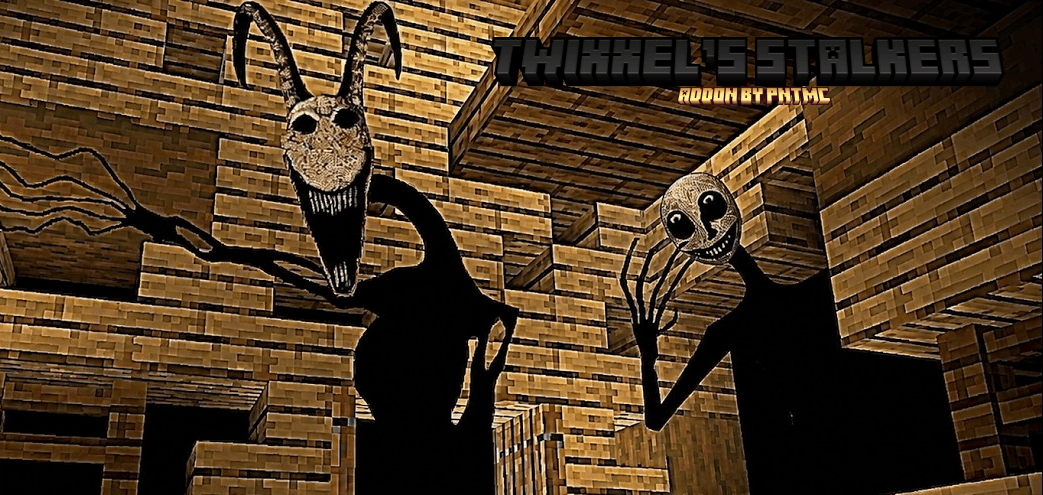
😨 ENTITIES
You are not alone.
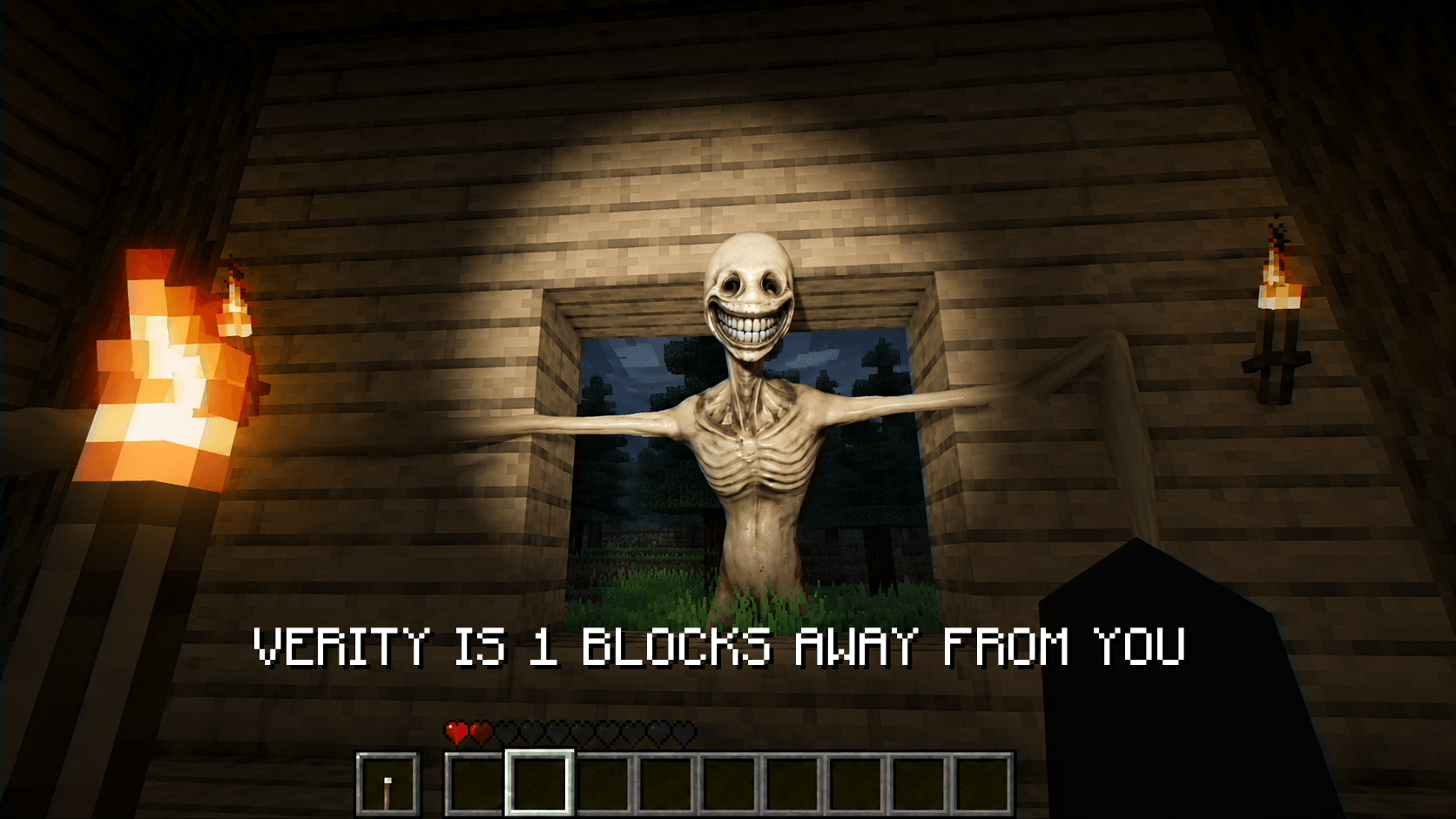
Smiler
-
Extremely aggressive
-
Thrives in darkness
-
Drops rare and valuable loot
Duller
-
Slower, but unpredictable
-
Roams between zones
-
Drops useful crafting materials
They behave differently depending on where you are.
And now… they can appear where you least expect them.
Hound
📡 PRESENCE SCANNER
Your only warning system.
Craft the Enemy Detector to survive:
-
📶 Detects nearby entities
-
⚡ Reacts to distance
-
🚨 Essential in Level 1
Sometimes… it reacts before you see anything.
📦 LOOT SYSTEM
Scattered across the Backrooms:
-
Hidden rooms
-
Basic supplies
-
Survival resources
Now improved with:
-
Better distribution between levels
-
Strategic placement in dangerous areas
More is coming…
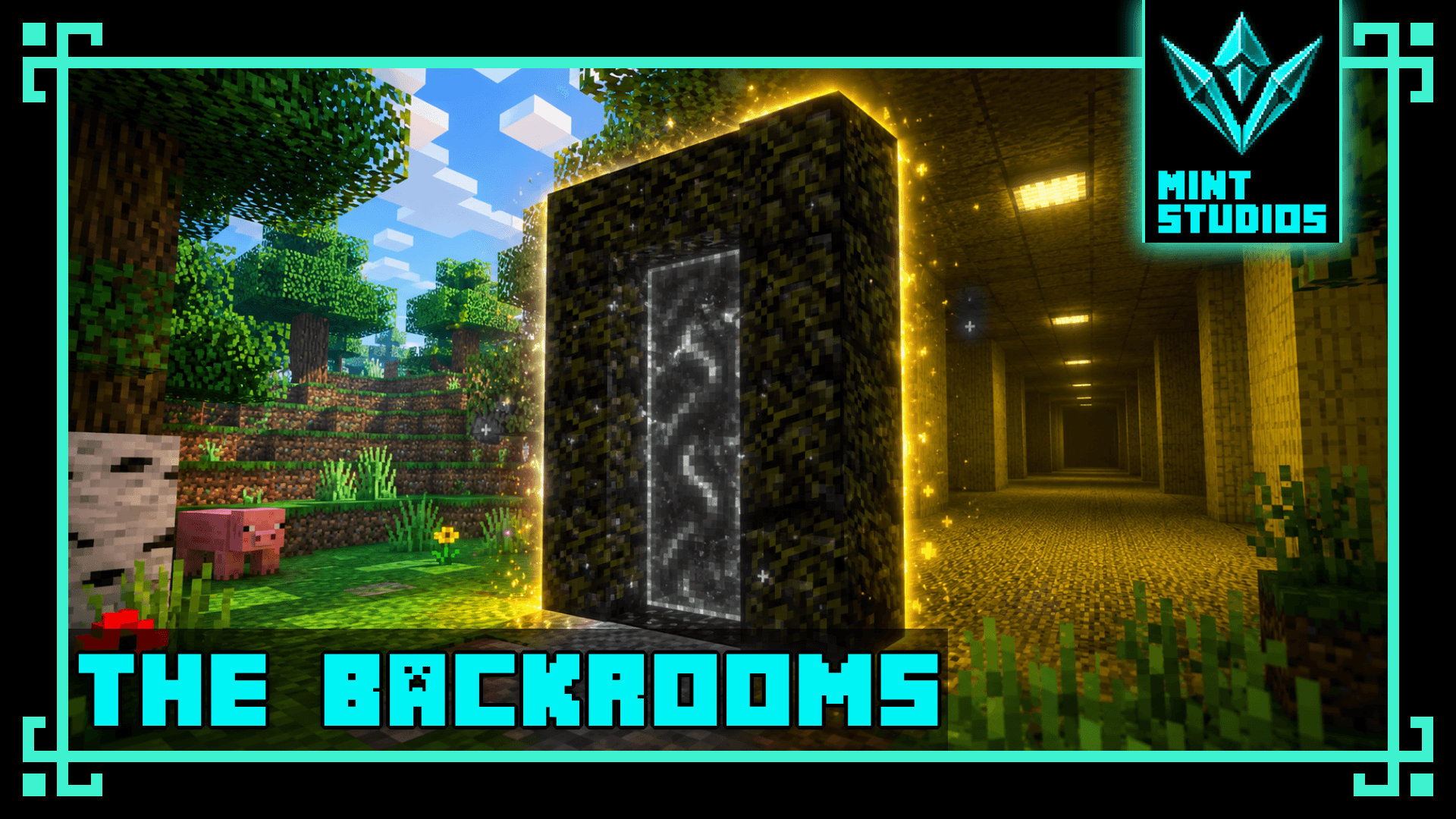
🌀 PORTAL SYSTEM
🔮 How to Enter
Build a portal using:
Crying Obsidian
-
Same shape as a Nether portal
-
Activate with Flint & Steel
✨ Behavior
-
Portal blocks visually transform
-
Can still be broken with a diamond pickaxe
Once you enter…
there is no guarantee you’ll return.
⚙️ COMPATIBILITY
✅ Minecraft Bedrock Edition
✅ Survival-friendly
📥 INSTALLATION
-
Download the addon
-
Import into Minecraft
-
Activate:
-
Behavior Pack
-
Resource Pack
-
-
Create a new world
🚧 FUTURE UPDATES
This is only the beginning.
Planned features:
-
More Backrooms levels
-
Expanded biome transitions
-
New entities & smarter AI
-
Advanced loot system
-
Deeper survival mechanics
🌍 EXPLORE… SURVIVE… ESCAPE?
The lights flicker.
The walls shift.
The space between levels grows unstable.
And something is waiting in the dark.
You are not alone.
💡 SUMMARY
-
🌌 Infinite Backrooms dimensions
-
🟨 Level 0 (expanded)
-
🅿️ Level 1 (parking survival)
-
🌫️ New transitional “biome-like” zones
-
😨 3 custom entities
-
📡 Enemy detection system
-
🌀 Portal system
-
🚧 Active development
📜 CREDITS
Developed by Mint Studios
Inspired by the Backrooms concept.
Created for entertainment purposes.
Comment on Discord what you think
https://discord.gg/27FQ8qrGx2
What’s new in the latest update
The author’s notes for the file uploaded .
- Now 100% custom dimensions
- New entity: 'Hound'
- 3 levels available
- Increased difficulty and a 5% spawn rate for the exit
Video
How to install
- Download the file below. On iOS or Android, open it from your Downloads with Minecraft; on Windows, double-click it.
- Minecraft imports the pack automatically. Enable it in your world’s settings under Behavior Packs or Resource Packs; an add-on usually needs both.
- Playing on a Realm or server? Everyone needs the same packs, and the host has to enable them.
- Starting a new world? Choose its seed first: the Seed Map shows villages, structures and biomes near spawn for any Bedrock seed.
Advertisement