WHERE Shaders By TIUMOX Studios
BedrockTexture packShadersby TIUMOXStudios
About this texture pack
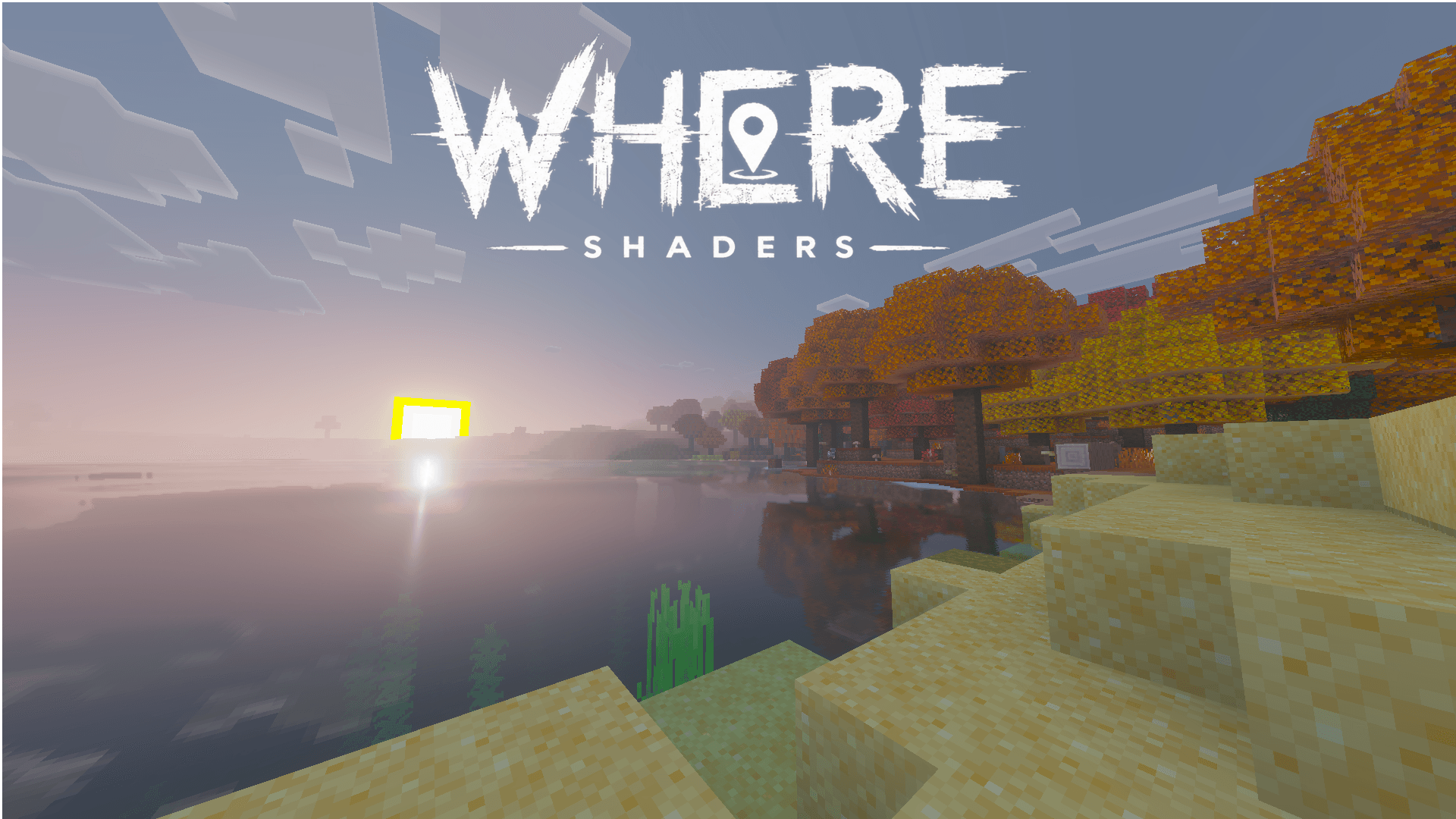
WHERE SHADERS is a visual enhancement pack for Minecraft Bedrock designed to transform your world with immersive atmospheric effects, enhanced lighting, and improved water visua...
Read the author’s full description (350 words)
Written by TIUMOXStudios.
WHERE SHADERS — A New Visual Experience for Minecraft Bedrock!
Transform your Minecraft world into something extraordinary.
Welcome to WHERE SHADERS, a visual enhancement pack designed to bring a fresh atmosphere to Minecraft Bedrock Edition. Explore familiar landscapes in a whole new way, with visual details and environmental effects that give your world a distinctive identity.
Whether you're exploring peaceful forests, crossing endless plains, or discovering the beauty of the world around you, WHERE SHADERS aims to make every adventure feel more immersive.
✨ Features
🌎 Enhanced Atmosphere
Give your Minecraft world a new visual identity with atmospheric changes designed to create a more immersive experience.
☀️ Lighting & Environmental Effects
Experience a different look and feel as lighting and environmental settings shape the world around you.
💧 Water Visuals
Bring more visual interest to water with configurable effects and lighting details.
🌲 Biome-Based Visuals
Explore familiar biomes with a refreshed atmosphere that helps give each environment its own character.
🎮 Made for Minecraft Bedrock
Created for the Bedrock Edition resource pack ecosystem, with a focus on customization and visual immersion.
🌌 A Different Way to Experience Minecraft
WHERE SHADERS isn't just about changing how Minecraft looks. It's about creating a different feeling when you enter your world.
From quiet landscapes to atmospheric exploration, every detail contributes to a unique visual experience.
📦 Installation
1. Download the pack.
2. Open the ".mcpack" file to import it into Minecraft.
3. Go to Settings → Global Resources, or activate it in your world's Resource Packs menu.
4. Enable the required graphics settings if applicable.
5. Enter your world and enjoy!
⚙️ Compatibility
- Game: Minecraft Bedrock Edition
- Target version: 1.21.120
- Graphics: Vibrant Visuals support depends on the features enabled in the pack and your device.
- Platforms: Compatibility may vary depending on your device, Minecraft version, and graphics capabilities.
Note: Some visual effects may require compatible hardware or graphics settings. Please check the supported version and requirements before installing.
❤️ Support the Project
If you enjoy WHERE SHADERS, consider leaving a comment, sharing your screenshots, and letting others discover the pack!
Your feedback helps the project grow and inspires future improvements.
WHERE SHADERS — See Minecraft differently.
Images
How to install
- Download the file below. On iOS or Android, open it from your Downloads with Minecraft; on Windows, double-click it.
- Minecraft imports the pack automatically. Enable it in your world’s settings under Behavior Packs or Resource Packs; an add-on usually needs both.
- Playing on a Realm or server? Everyone needs the same packs, and the host has to enable them.
- Starting a new world? Choose its seed first: the Seed Map shows villages, structures and biomes near spawn for any Bedrock seed.
Advertisement