Using the AI Seed Assistant
JavaBedrockThe assistant is a chat box that can run the finders for you. Ask where the nearest village is and it asks the engine, not its memory, then moves the map there. Some questions never leave your browser at all. What it does well, what it costs you in daily answers, and the questions it will not touch.
Updated · 6 min read · Java & Bedrock up to 26.3
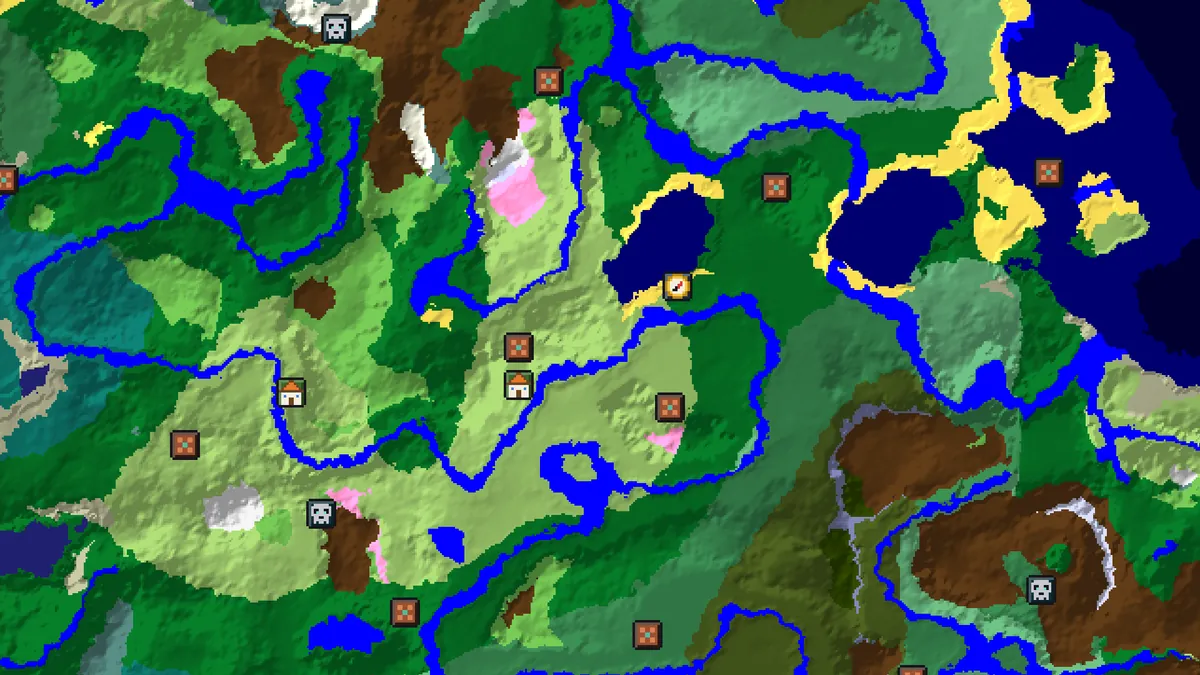
Where it is and who can use it
On the seed map there is an Ask AI button; on phones it sits in the bottom bar next to Seed and Layers. It opens a drawer beside the map with a chat box and a row of suggestions. The same chat lives on its own page at /ai for when you want to read answers without the map in the way.

You need to be signed in. Anonymous visitors see the drawer with a sign-in card instead of the chat box. Signed-in players get 5 answers a day on the free plan and 200 a day on Pro, counted per account and reset at midnight UTC. The instant answers described next do not count, and neither does moving the map.
When the assistant is switched off for maintenance the drawer stays where it is, with a notice and a disabled box. Everything else on the map keeps working; the assistant is a convenience layer over the finders, not something the finders depend on.
Questions that never leave your browser
A handful of tightly worded questions are answered by the map's own engine without talking to any server. They cost nothing and they are instant, which is why the drawer marks them with an Instant badge. The parser is deliberately strict, so the wording has to be close to these.
| Ask | What you get |
|---|---|
| nearest village to spawn | The closest village, its distance and a button to jump there |
| where is the closest stronghold from 1000, -500 | Nearest structure to a point you name |
| biome at 300, 200 | The biome at that position, surface level |
| is 300, 200 in a slime chunk | Yes or no, plus the slime chunks within three chunks |
| strongholds | The strongholds nearest to spawn, with distances |
| spawn | The world spawn estimate and its biome |
| portal at 1600, -800 | The Nether coordinates and the game's search area |
Anything the parser does not recognise goes to the model, which then calls the same engine functions as tools. The difference is only where the thinking happens; the coordinates come from the engine in both cases.
What it can look up
The model is not allowed to answer a world question from memory. It has a fixed set of tools, each of which runs a finder, and every coordinate in an answer traces back to one of these calls. You can see the calls happen: small chips under the answer say things like Found 3 villages within 2000 blocks or Listing strongholds.
- Nearest structures of a type from any point, up to five, out to the finder's maximum radius, so an empty result really means none.
- Every structure in an area, nearest first, when you ask for all the villages within 1,000 blocks.
- Biome at a position, with a Y for cave biomes such as the deep dark.
- Strongholds nearest to spawn, spawn itself, and whether a chunk is a slime chunk.
- A seed overview: spawn biome, biomes within 256 blocks, the nearest village, stronghold, monument and mansion, and the fortress and bastion around the Nether origin.
- Portal maths between Overworld and Nether coordinates.
- Move the map to a point with the right layers on, once per answer.
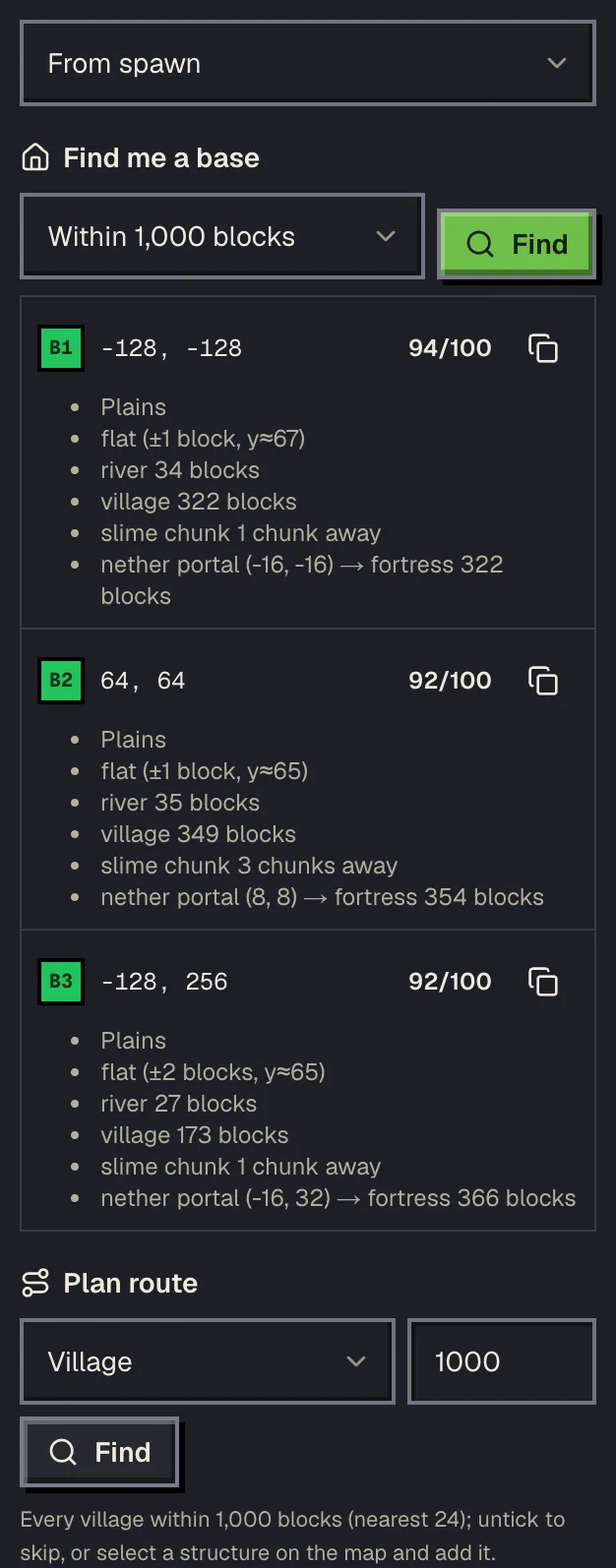
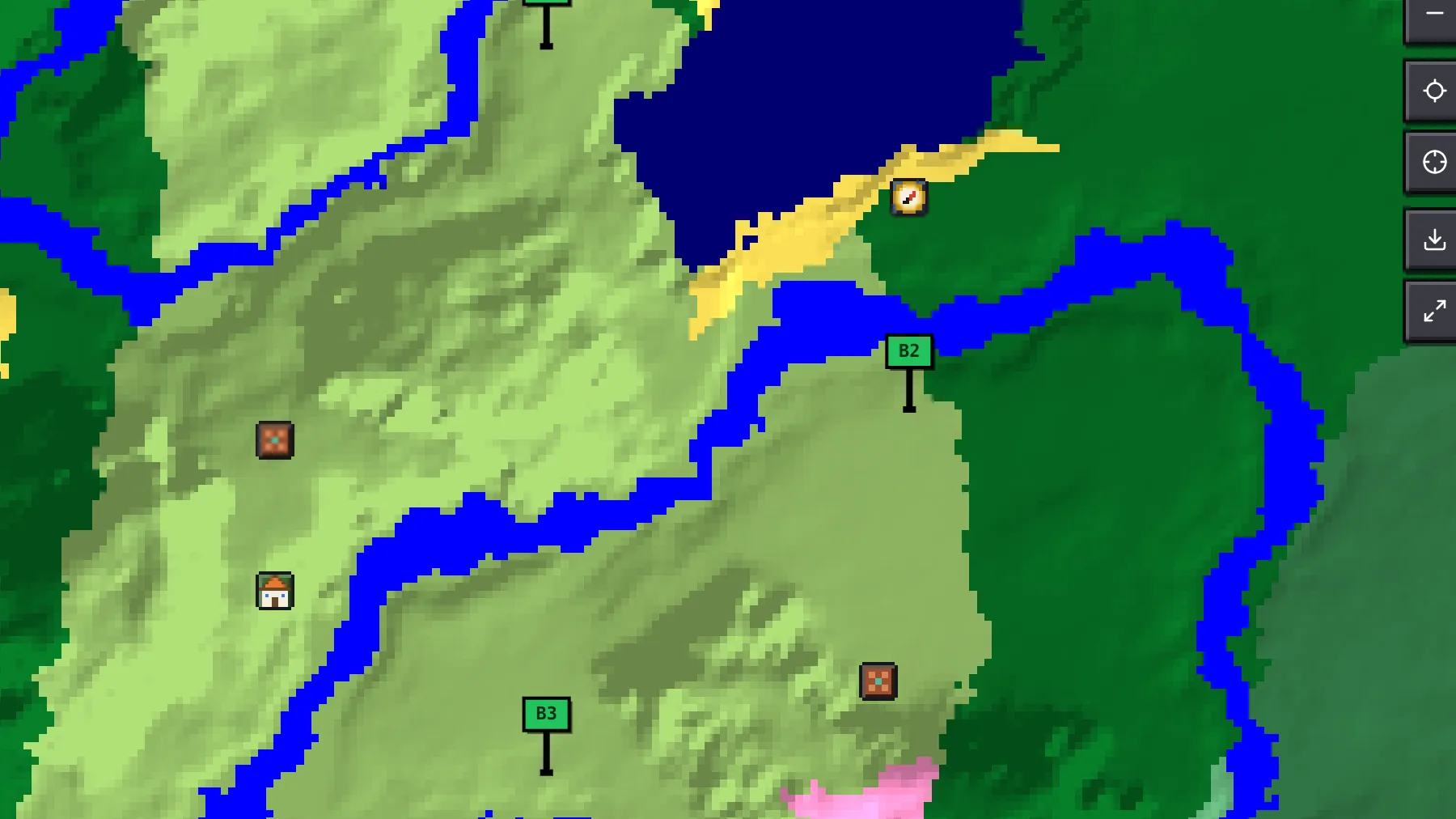
- Best base sites within a radius, scored on biome, flatness, water, villages, slime chunks and the nearest fortress, pinned on the map.
- A route through the structures you name, in the shortest visiting order, drawn on the map with a /tp per stop.
- Public servers, from the same list as the server browser, filtered or ranked for a request in plain words.
Those last three are the same planner tools you can use by hand in the map's planner panel. Asking the assistant is faster when you can say what you want in one sentence; the panel is better when you want to tweak the radius and the structure list.
How to ask so you get an answer in one go
- Name the structure the way the finders do: village, stronghold, ancient city, trial chambers, bastion. Nicknames mostly work, but the finder names always do.
- Give a point, or say spawn, or say here to mean the current map view. Without one it searches from spawn.
- One question per message. Nearest village and nearest stronghold in one line costs two tool calls and a longer answer, and sometimes only one gets answered.
- Use the suggestion chips when you are not sure how to phrase something: Describe this seed, Nearest village to spawn, Where is the closest stronghold?, Find me a base, Plan my route.
- Follow-ups work within a short window. The assistant remembers the last few turns, not the whole conversation, to keep answers fast and cheap.
A good first question for any new seed is Describe this seed. It runs the overview tool once and gives you spawn, nearby biomes, the closest points of interest and the Nether around the origin in one answer, which is most of what the good seed guide asks you to check by hand.
What it will not do
It will not invent a coordinate. If the engine finds nothing within the search radius, the answer says so, which is more useful than a confident wrong number. It will not place Bedrock structures the engine marks Java only, such as End cities, and for Bedrock types marked Approximate it tells you the position may be off by a chunk.
It also does not answer questions that are not about your seed. Crafting recipes, redstone, mod support and the like are outside its tools, and it says so rather than guessing. And identical questions about the same world are answered from a cache for a few days, so if you ask the nearest village twice you get the same text twice; that is expected, not a stuck model.
Privacy, cost and the phone app
A chat message sends the seed, edition, version, your question and the last few turns to our server, which runs the tools and the model. Nothing else leaves your browser; your world files never do. Signed-in players keep a short history of recent chats in their account so an answer can be found again later.
The daily limit exists because each model answer costs us money, and the instant answers exist so the common questions cost nothing. Pro raises the limit to 200 answers a day. In the iOS app the assistant also lets you watch a short ad for one more answer when the day's quota is gone; the website does not offer that.
Questions
Do I need an account to use the AI assistant?
Yes, on the website. Sign in and the chat box appears in the drawer and on the /ai page. Free accounts get 5 answers a day, Pro 200.
Does the assistant make up coordinates?
No. Every coordinate comes from a tool call on the same engine the finders use, and the chips under an answer show which calls ran. If nothing is found it says so.
What are instant answers?
Tightly worded questions such as nearest village to spawn or biome at 300, 200 that the map answers with its own engine in your browser. They are marked Instant and do not use your daily answers.
Why did I get the exact same answer twice?
Identical questions about the same seed, edition and version are answered from a cache for a few days. Change the question or the position and it runs again.
Can it find me a base or plan a route?
Yes. Ask Find me a base or Plan my route, or use the chips. Both are also available by hand in the map's planner panel.
Related guides
Finders and tools in this guide
- Seed MapInteractive biome map with every structure, slime chunk and spawn point on one canvas.
- Village FinderLocate villages by biome type — plains, desert, savanna, taiga and snowy.
- Stronghold FinderFind every stronghold ring and the End portal room nearest to spawn.
- Slime FinderHighlight slime chunks for Java and Bedrock — build the perfect slime farm.
- Nether Portal CalculatorLink Overworld and Nether portals — coordinates ÷ 8 and search ranges.
Written by the Minecraft Tools team from the same world-generation engine that runs the seed map. Coordinates quoted here were computed with it for the stated seed, edition and version, and the engine is tested against the real game.