Why the Map Doesn't Match My World
JavaBedrockNine times out of ten the map is right and a setting is wrong. This is the order we go through when someone writes in, from the thirty-second fixes to the cases where the game really does something the engine cannot see.
Updated · 7 min read · Java & Bedrock up to 26.3
Thirty-second checks first
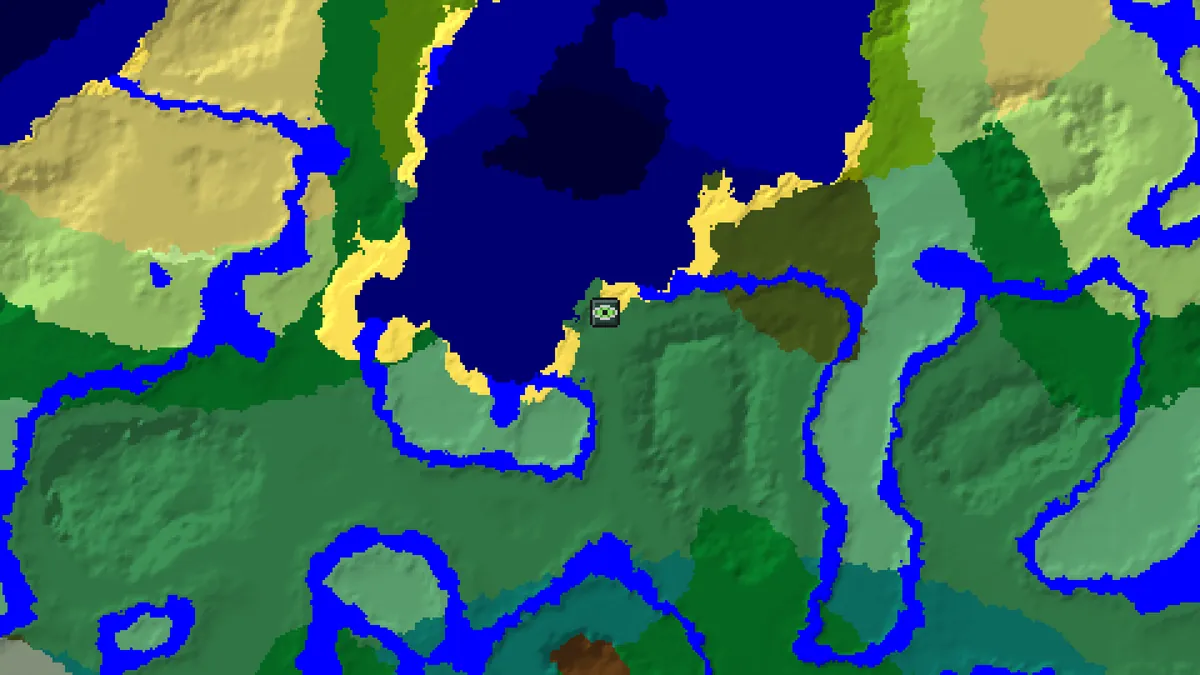
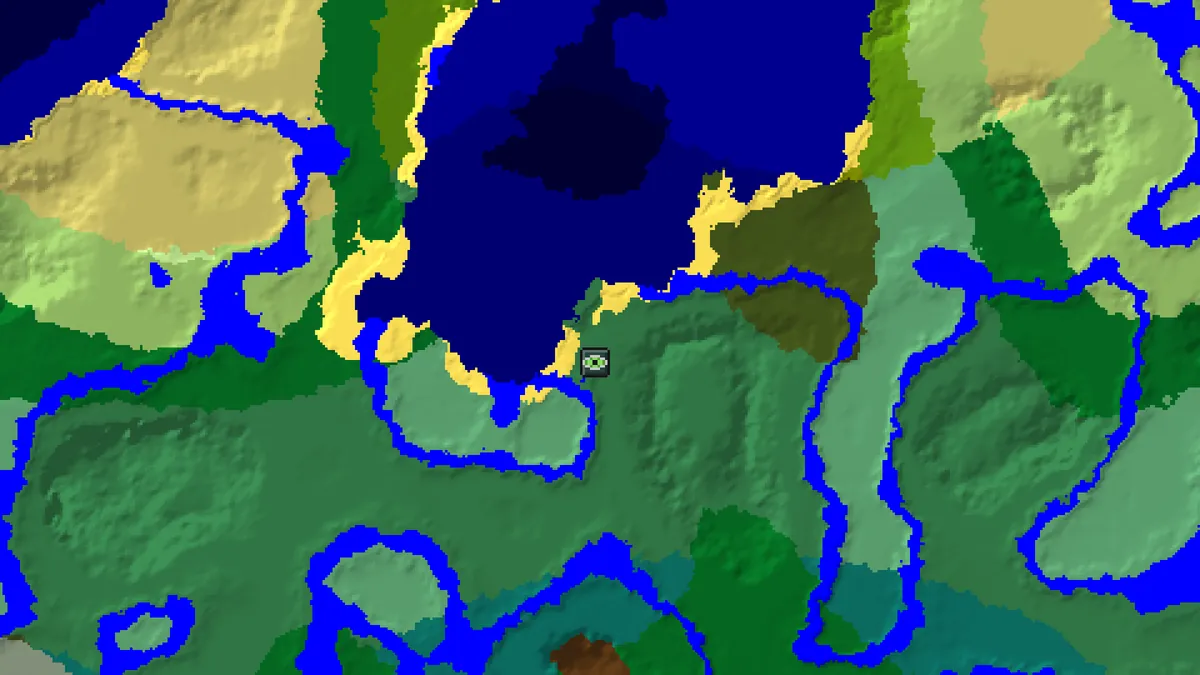
Before anything else, look at the spawn marker. The map's Java spawn matched the game's level.dat on every world in our verification run, so if the marker is nowhere near where you first stood, the inputs are wrong and nothing below applies yet.
Then look at the seed box. A seed copied from a video or a comment often has a stray character, and the box does not warn you, because almost any text is a valid seed. Capital letters matter: Herobrine is seed 10528182 and herobrine is seed -1993439786, two unrelated worlds. A number with a space in it is text too; 4 2 hashes to 51014 rather than being read as 42. The seed converter shows what the box will actually use.

Last of the quick ones, the edition switch. People playing on a phone or console are on Bedrock, and a Java map of a Bedrock world has the right biomes and every structure in the wrong place. If that is you, flip the switch and most of the mystery goes away.
The version, and the age of the chunk
This is the one we see most. World generation changed shape in 1.18 and gained structures in 1.19, 1.20, 1.21, 1.21.4 and 26.3, and the map follows whichever version you select. A world is not one version, though. Every chunk keeps the layout of the version that first generated it, so a world started in 1.20 and updated since has 1.20 terrain near the old base and 26.3 terrain, with abandoned camps, only in chunks loaded for the first time after the update.
The rule is: set the version that generated the area you are looking at. For the land around an old base that is the version the world was created in. For a trip into unexplored territory it is the version you play today. If you use the save import, remember it reads the version the world was last played in, which is the second case, not the first.

Even structures that exist in both versions can shift between them. On seed 123456789 the three first-ring strongholds are identical on 1.21.11 and 26.3, but a second-ring one sits at 2788, 3780 on 1.21.11 and at 2772, 3860 on 26.3, because strongholds are pushed toward valid biomes and the biome edges moved. Eighty blocks is enough to dig in the wrong place for an hour.
Large Biomes and other world types
A Large Biomes world stretches the biome map four times, and because structures are only kept where the biome allows them, the village attempts that survive are different ones. The version list has a Large Biomes entry for every Java version; pick that, not the plain version, and the structure set changes to match.
Amplified, superflat, single-biome and data-pack world types are not modelled at all, and neither are modded generators. A seed is only a seed for the Default and Large Biomes generators. If your server runs a custom world preset, the map can still tell you the biome layout in some cases, but treat every structure as a guess.
You may be reading the other dimension's numbers
When the map shows the Nether, its coordinates are Nether coordinates. A fortress at -160, -304 is at -160, -304 in the Nether, and under -1280, -2432 in the Overworld, because the Nether is one block for every eight. We get mail from players who walked 2,400 Overworld blocks to a fortress marker that was 300 Nether blocks from their portal. The portal calculator converts in both directions; the End uses its own coordinates too, but at least those are 1:1 with themselves.
What a marker points at
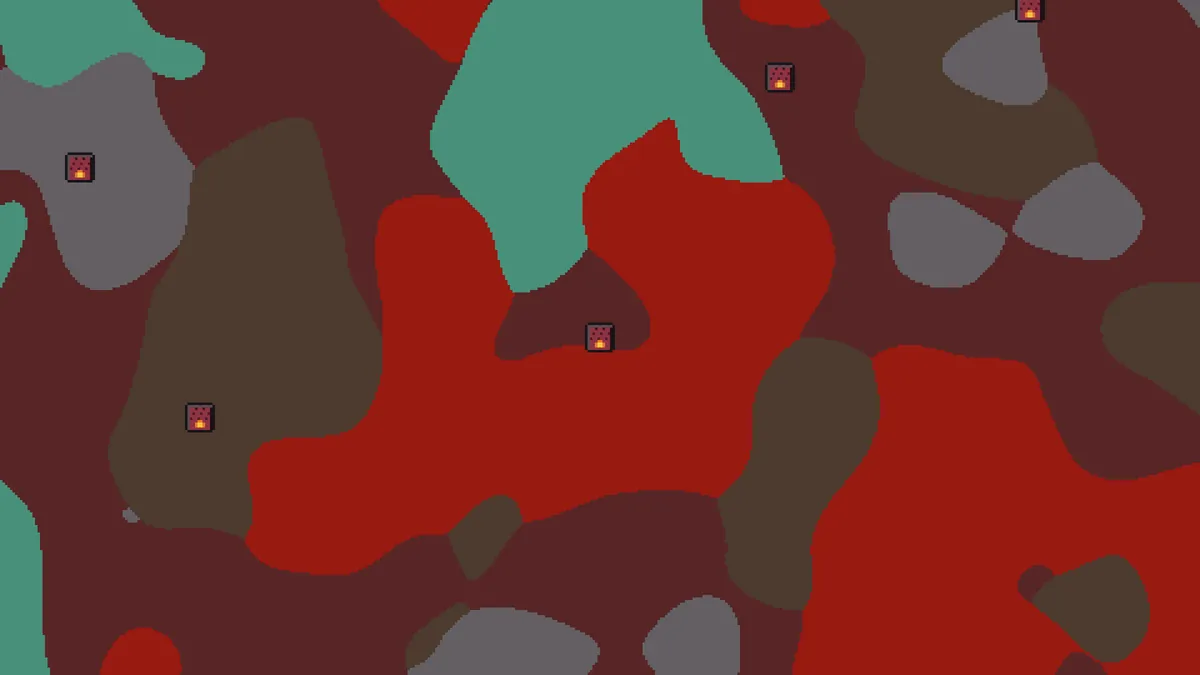
A marker is where the game starts building a structure, and that is not always its middle. For a village it is the chunk the generator picked; the bell can be forty blocks away. For a woodland mansion or an ancient city, both around 200 blocks across, the start can be at an edge. A stronghold's marker is its first staircase, and the portal room is somewhere in the maze beyond it. Mineshafts are tagged ±1 chunk for the same reason: the marker is the origin chunk of a tangle that spreads through several.
A few markers are genuinely precise. Buried treasure is always at block 9, 9 of its chunk, which is why the treasure coordinates for seed 123456789 read 297, -679 and 809, -183. Diamond blocks from the ore finder are individual blocks with a Y. If one of those is wrong, that is interesting to us; if a village bell is 30 blocks from its marker, that is normal.
Approximate means approximate
Some features carry an Approximate badge because the game decides their fate after the position is chosen, using terrain the engine does not simulate completely. Desert wells and geodes can be cut off by caves or the surface. The spawn point depends on grass blocks. On Bedrock, about half of the mansion and shipwreck attempts and one in ten monument and ancient city attempts are cancelled by the game, so those markers say Approximate and mean it. Dungeons were right 86% of the time in testing, which is good for a spawner hidden in a cave wall and still not a promise.
If an Approximate marker is empty, you have found the 10% or the 50%. Check within a chunk or two first; the attempt position is right even when the structure did not survive.
Things that happened to the world after generation
- A plugin or a player removed, moved or regenerated the structure. The map describes a fresh world from the seed, nothing more.
- A server pre-generated its map with a tool under an older version, then updated. Those chunks follow the older version even though nobody has visited them.
- A snapshot or beta generated the area. Pre-release generation changes weekly and is not supported; the nearest release is at best a hint.
- The world was converted from another edition or from a very old save. Converted worlds keep their terrain and lose the connection to their seed.
When it really is our mistake
It happens. The engine is a re-implementation of the game and new versions can break a type until the next verification pass catches it. If you have ruled out the above and a structure marked Exact on a supported version is simply not there, copy a link from the map at the marker and send it through the contact page. The link carries the seed, edition, version and position, which is everything we need to reproduce it, and confirmed misses go into the next verification run against the official server.
Include which block you dug to and what you found. A miss by 40 blocks and a miss by 4,000 are different bugs, and the first thing we do is load your link and look.
Questions
The spawn marker is in the wrong place. What now?
Check the seed text, the edition and the version in that order. The Java spawn matched the game on every world we tested, so a wrong marker almost always means one of those three is wrong, or the world type is not Default or Large Biomes.
My village is 40 blocks from the marker. Is the map wrong?
No. The marker is the chunk where the game started the village; the buildings spread from there. Mansions and ancient cities can extend 200 blocks from their marker.
I updated my world and the structures near my base are different from the map.
Chunks keep the layout of the version that generated them. Set the map to the version the world was created in for old areas, and to the current version for chunks you load for the first time now.
The fortress coordinates are tiny compared with my Overworld base.
Nether structures are given in Nether coordinates, one eighth of the Overworld's. Multiply by eight to find the Overworld point above them, or use the portal calculator.
How do I report a wrong position?
Copy a link from the map at the marker and send it through the contact page with what you found when you dug. The link contains the seed, edition, version and position.
Related guides
Finders and tools in this guide
- Seed MapInteractive biome map with every structure, slime chunk and spawn point on one canvas.
- Spawn Point FinderSee the exact world spawn and the surrounding spawn chunks.
- Stronghold FinderFind every stronghold ring and the End portal room nearest to spawn.
- Biome FinderSearch for any biome, from cherry groves to mushroom fields and deep dark.
- Seed ConverterTurn a text seed into its numeric value (String.hashCode, same on Java and Bedrock).
- Nether Portal CalculatorLink Overworld and Nether portals — coordinates ÷ 8 and search ranges.
Written by the Minecraft Tools team from the same world-generation engine that runs the seed map. Coordinates quoted here were computed with it for the stated seed, edition and version, and the engine is tested against the real game.