How to Find Your Minecraft World Seed
JavaBedrockYou can only map a world you have the seed for. Where the seed lives on each edition, what to do on a server or Realm where you cannot run commands, and how to load a Java save into the map without typing anything.
Updated · 6 min read · Java & Bedrock up to 26.3
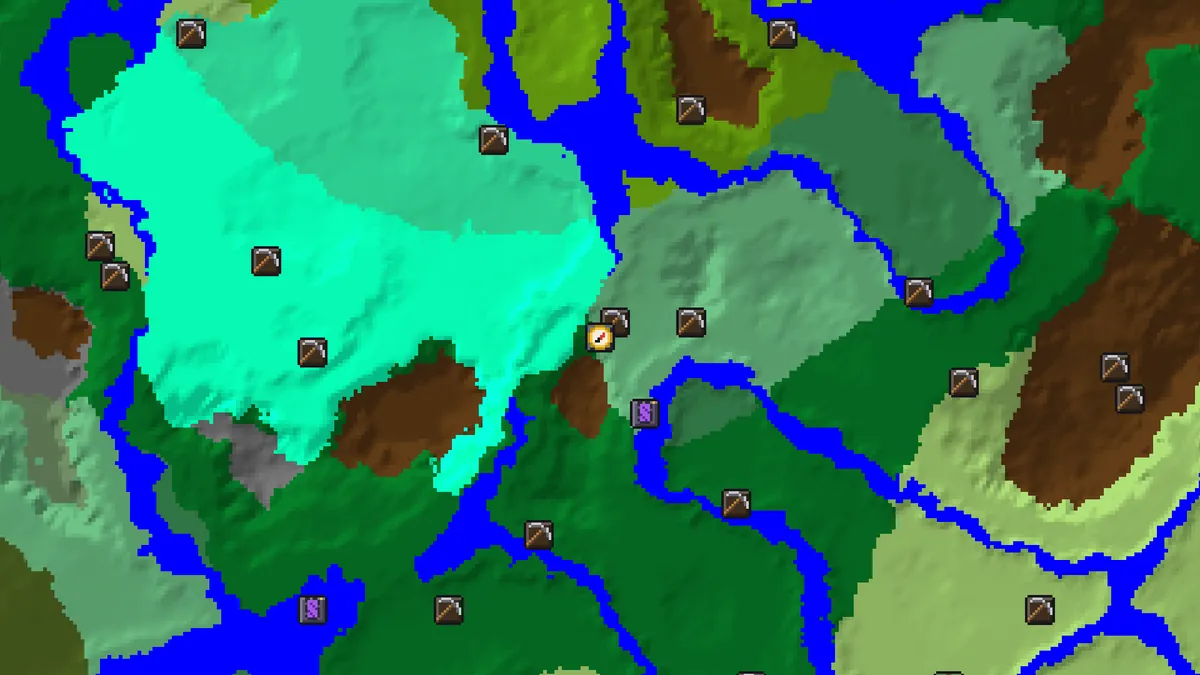
Java Edition: the /seed command
In a single-player world, open chat and type /seed. The game prints the seed as a number in square brackets, and clicking it copies it to the clipboard. The command works in any world where cheats are on. If cheats are off, open the pause menu, choose Open to LAN, switch Allow Cheats on and start the LAN world; /seed then works for that session and nothing about the world is changed permanently.
There is a second place to read it without commands. In the world list, select the world and choose Re-Create. The world creation screen opens with the original seed already filled into the seed field. Copy it and back out; you do not have to create anything.
Note that /seed always prints a number, even if the world was created from a text seed. That is fine: the number is the world, and the map accepts it directly.
Java Edition: read it from level.dat
Every Java world folder contains a file called level.dat, a compressed NBT file. Since 1.16 the seed is stored as Data → WorldGenSettings → seed; older worlds store it as Data → RandomSeed. Any NBT editor can show it, but you do not need one: the seed map's Load from save button reads level.dat directly, or a .zip of the whole world folder, and fills in the seed, the version the world was last saved in and the world spawn.

Where to find the folder: on Windows it is %APPDATA%\.minecraft\saves\<world name>, on macOS ~/Library/Application Support/minecraft/saves, on Linux ~/.minecraft/saves. The file is parsed in your browser and never uploaded, so this is also the right method for a world you would rather not run commands in, such as a hardcore world you do not want to switch to LAN.

Bedrock Edition: world settings
On Bedrock the seed is shown in the world's settings. From the Play screen, press the pencil icon next to the world, open the Game tab, and scroll to the Seed field under World options. It is read-only once the world exists, but you can select and copy it. The same field is where you type a seed when creating a new world.
Bedrock accepts text seeds the same way Java does, hashing them to a 32-bit number, so a world created from the text “chunkscout” shows the seed -1507551055 in its settings. Numeric seeds are 64-bit on current Bedrock versions, and the map uses the same number for both editions. That shared number is the reason the Overworld biomes line up between them from 1.18 on.
Choose Bedrock on the map before entering the seed, and then pick the Bedrock version band that matches your game, for example 26.50 and later, which the engine maps to the 26.3 generator. The map's structure positions for Bedrock come from Bedrock's own placement algorithm, so a Java version selected by mistake gives wrong coordinates even though the biomes look identical.
Servers and Realms
On a server you can only run /seed with operator rights. Ask an admin; many servers post the seed on their website or Discord, and the one thing a seed cannot do is harm the server, so there is rarely a reason to refuse. Our server list shows version and status for public servers but not seeds, because those are the owners' to share.
On a Java Realm, the owner can download a backup of the world from the Realm's settings. The download is a normal world folder with a level.dat inside, which the Load from save button reads. On a Bedrock Realm, the owner sees the seed in the Realm's world settings the same way as for a local world.
If nobody will share the seed, there is no legitimate shortcut. Tools that claim to recover a seed from screenshots exist for research purposes, but they need very specific information and hours of computation, and they are outside what this site does.
Load it into the map and check it
Type or paste the seed into the seed map, choose the edition and the version, and compare the map with something you know. The spawn marker is the quickest check: on Java the map's spawn estimate matched level.dat exactly on every world we tested against the official server, so if the spawn on the map is nowhere near where you first appeared, the version or edition is wrong, or the seed was mistyped.
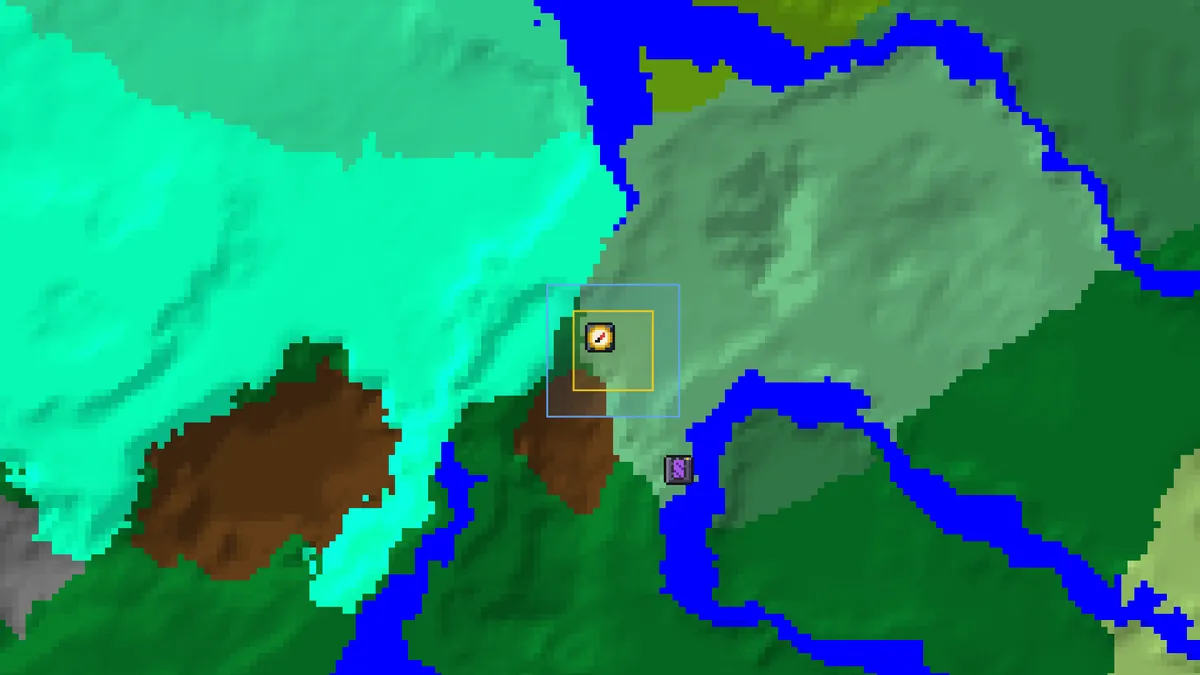
A second check is the nearest village. Stand at its bell in the game, press F3 on Java to read your coordinates, and compare with the village icon's popup. A match within a few blocks confirms the seed, the edition and the version in one go.
Try it with seed -1234567890123Java 26.3 · spawn at -16, 16 in an old growth birch forest, a ruined portal 93 blocks away at 32, 96Keep it with the world
Save the seed to your library with the version in the note. Worlds that live for years cross several versions, and the question that comes up later is always the same: which version generated the chunks I am about to explore? A world created in 1.20 and updated to 26.3 has 1.20 terrain near spawn and 26.3 structures, including abandoned camps, only in chunks you first load now.
When you plan a trip into unexplored territory in such a world, set the map to the current version, because those chunks will be generated by it. When you look for something near the old base, set the version the world was created in.
Questions
Can I find the seed of a world without cheats on Java?
Yes. Use Re-Create in the world list, which shows the seed in the creation screen, or load the world's level.dat into the seed map with the Load from save button. Neither changes the world.
Does /seed exist on Bedrock?
Read the seed from the world's settings instead: pencil icon next to the world, Game tab, Seed field. That works for local worlds and, for the owner, for Realms.
Is my seed sent anywhere when I load level.dat?
No. The file is read in your browser with JavaScript and the seed is used by the engine running on your device. The server never sees the file or the seed.
The map's spawn does not match where I spawned. Why?
Usually the version or edition is wrong, or the seed was mistyped. The map's Java spawn matched level.dat exactly on every world in our verification, so a large mismatch is a settings problem, not an engine one.
Does the seed change when I update the world?
No, the seed stays the same forever. What changes is how new chunks are generated: chunks created after an update follow the new version's rules, chunks that already existed keep their old terrain and structures.
Related guides
Finders and tools in this guide
- Seed MapInteractive biome map with every structure, slime chunk and spawn point on one canvas.
- Spawn Point FinderSee the exact world spawn and the surrounding spawn chunks.
- Seed ConverterTurn a text seed into its numeric value (String.hashCode, same on Java and Bedrock).
- Spawn Chunk CalculatorWhich chunks stay loaded around world spawn, by version.
Written by the Minecraft Tools team from the same world-generation engine that runs the seed map. Coordinates quoted here were computed with it for the stated seed, edition and version, and the engine is tested against the real game.