Coordinates, Chunks and Regions Explained
JavaBedrockEvery coordinate on the seed map is a block position in the same system the game uses. Once you know how blocks become chunks, chunks become regions, and the Nether compresses everything by eight, every number on the map makes sense and most calculators become unnecessary.
Updated · 6 min read · Java & Bedrock up to 26.3
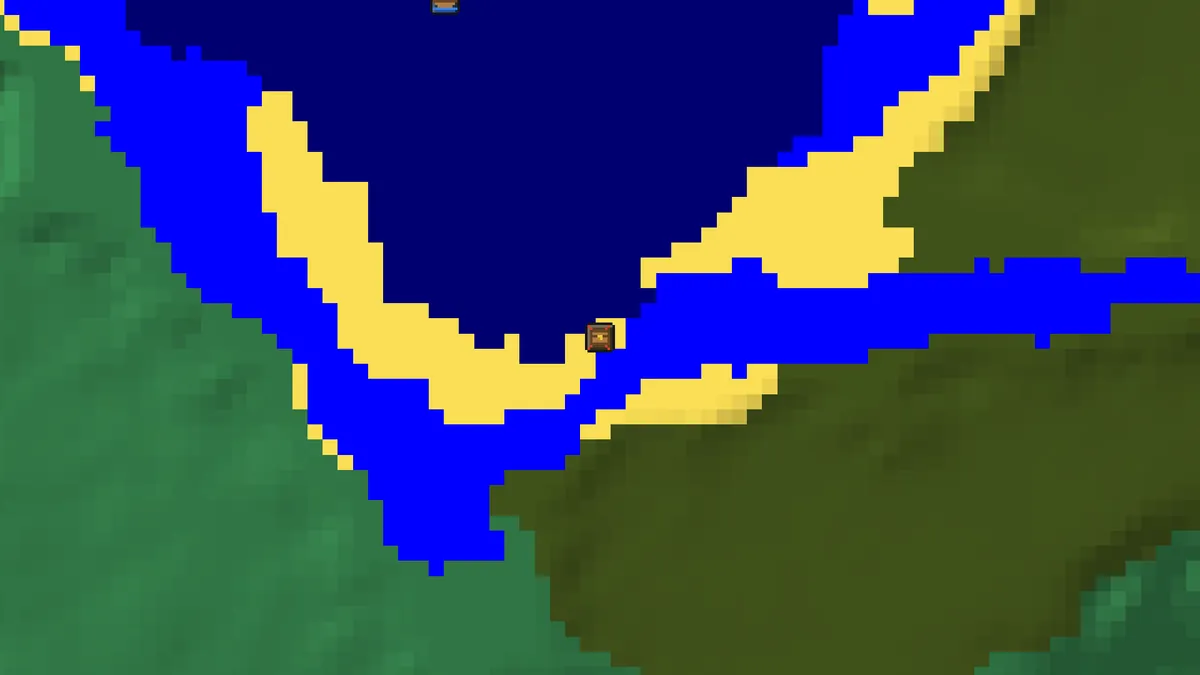
X, Y and Z
Minecraft positions are three whole numbers. X runs east (positive) and west (negative), Z runs south (positive) and north (negative), and Y is height. Since 1.18 the Overworld spans Y -64 to Y 319, with sea level at Y 63 and bedrock at the bottom; the Nether and the End keep Y 0 to 255 and 0 to 255 respectively. The origin 0, 0 is not special in the game beyond being where the world spawn is searched from, but it is the centre of the stronghold rings and of the seed map's default view.
On Java, press F3 to see your position as XYZ with decimals, the integer block you stand in, and a Chunk line. On Bedrock, turn on Show Coordinates in the world settings; the numbers appear at the top left. Both editions count the same way, so a coordinate from the map works in both, provided the edition on the map matches your game.
The seed map's readout shows the block under the cursor and the popup of every structure gives its X and Z. Y is only given where the feature has one, such as a dungeon spawner or a diamond block, because structures like villages sit on the surface wherever that happens to be.
Chunks: the 16-block grid
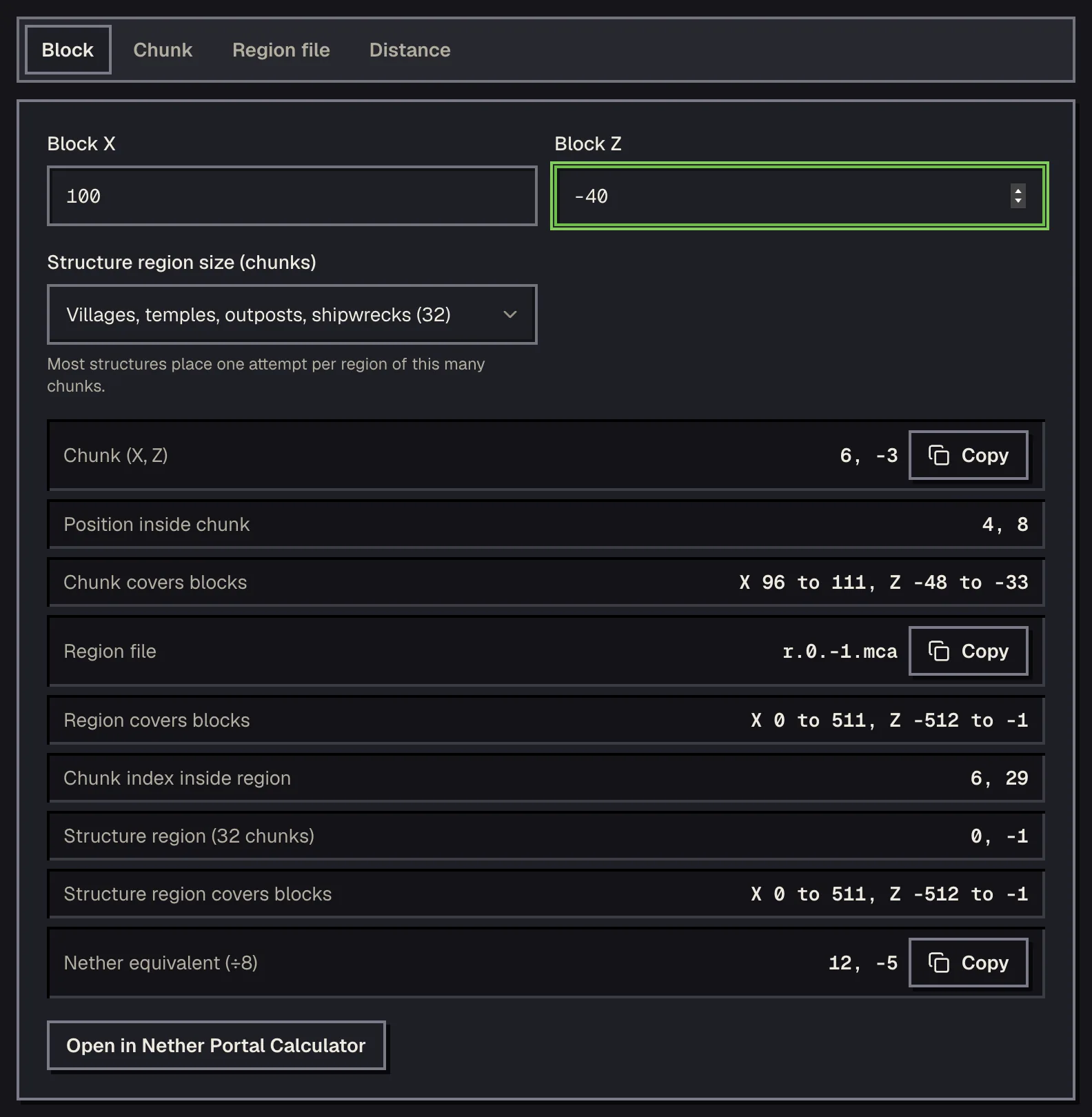
The world is generated and saved in chunks of 16 by 16 blocks, the full height of the world. Chunk coordinates are block coordinates divided by 16 and rounded down, so block 100, -40 is in chunk 6, -3 (100 ÷ 16 = 6.25, rounded down to 6; -40 ÷ 16 = -2.5, rounded down to -3). The rounding down matters for negative numbers, which is the mistake most people make once.
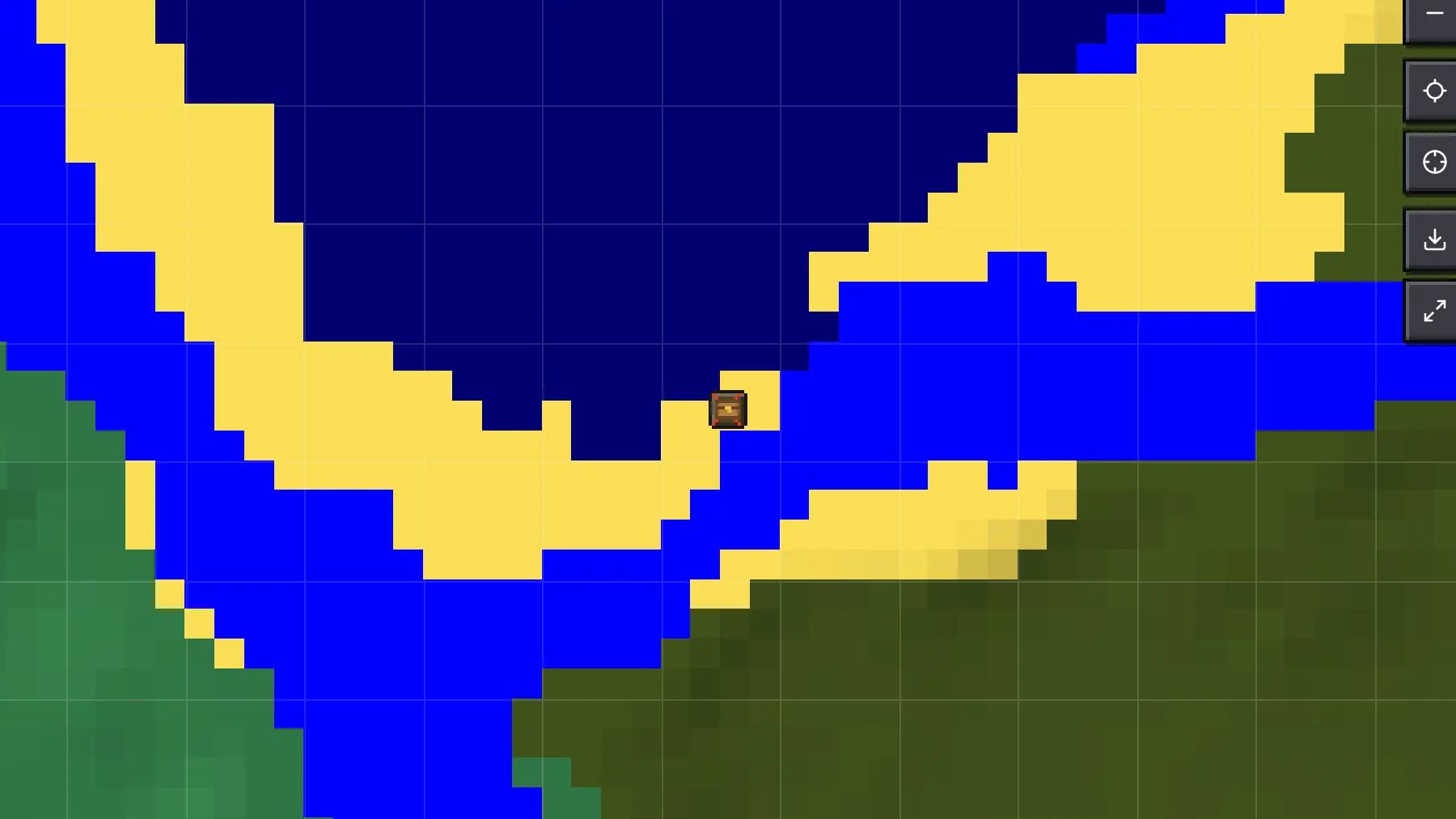
Chunks are the unit of almost everything in world generation: slime chunks are whole chunks, structures start at a chunk, ores are placed per chunk, and the map's Grid layer draws the chunk borders for counting. The coordinate calculator converts in both directions and gives the block range of any chunk.
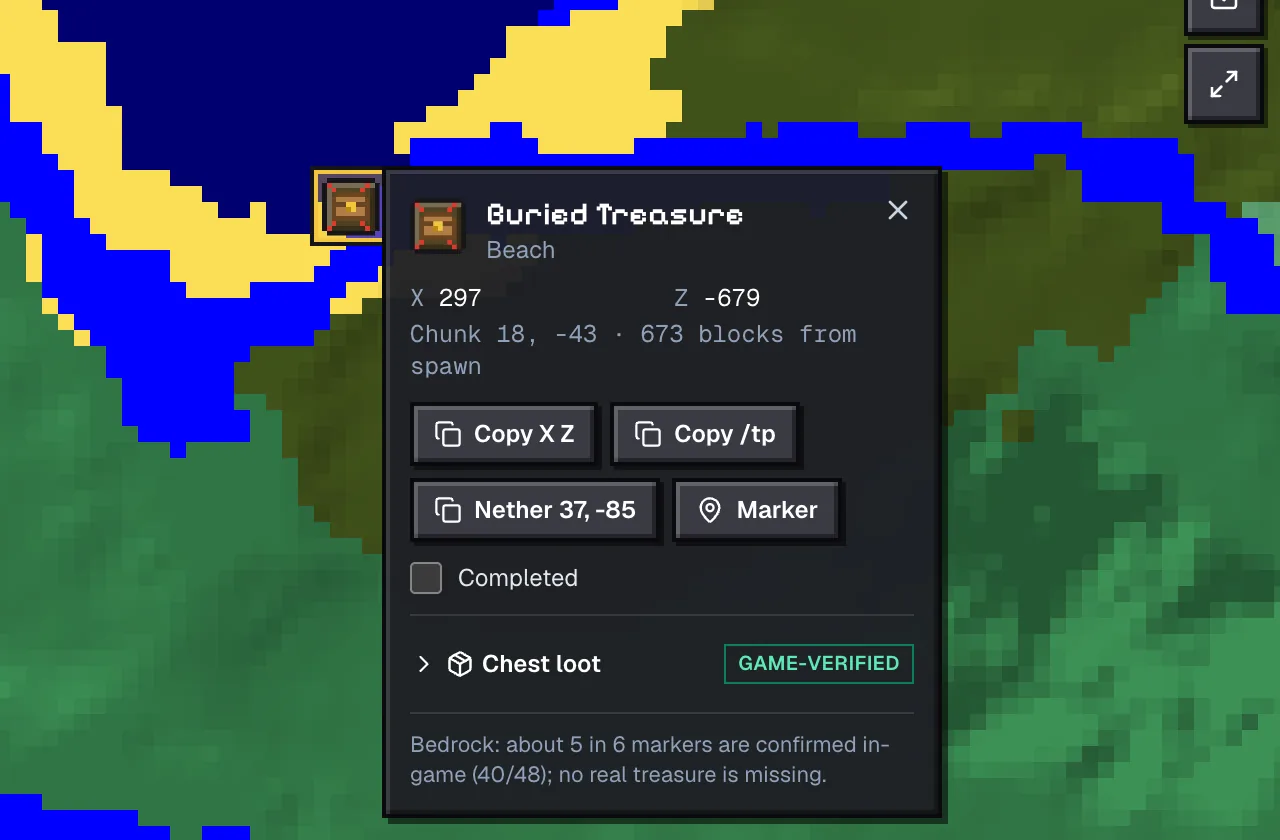
Buried treasure is a good example of chunk thinking. Its chest is always at block 9, 9 inside its chunk, so the treasure coordinates on the map for seed 123456789 come out as 297, -679 and 809, -183: both end in 9 when you take them modulo 16.
Regions: 32 chunks and one file
Java saves chunks in region files of 32 by 32 chunks, 512 by 512 blocks, named r.x.z.mca after their region coordinates. Region coordinates are chunk coordinates divided by 32 and rounded down, so chunk 6, -3 lives in r.0.-1.mca. You need this when you delete or copy part of a world, or when a server tells you a corrupted region file's name.
Do not confuse region files with structure regions. Each structure type uses its own grid for placement, in chunks: villages one attempt per 34×34 chunks, trial chambers per 34×34, ancient cities per 24×24, mansions per 80×80. The map's Grid layer shows the 512-block file regions, not those grids; the structure grids are only visible in the spacing of the icons.
In-game maps have their own grid as well: a map at zoom level 0 covers 128 by 128 blocks and larger zoom levels double that each step, aligned to multiples of the map size. The Grid layer can draw these cells, which makes it easy to plan a map wall that lines up.
The Nether is one eighth the size
Horizontal coordinates in the Nether are Overworld coordinates divided by 8; Y is unchanged. A portal at 1600, -800 in the Overworld links to 200, -100 in the Nether, and travelling 250 blocks along a Nether tunnel moves you 2,000 blocks in the Overworld. The seed map switches to Nether coordinates when you choose the Nether dimension, so a fortress marked at -160, -304 is at -160, -304 in the Nether and under -1280, -2432 in the Overworld.
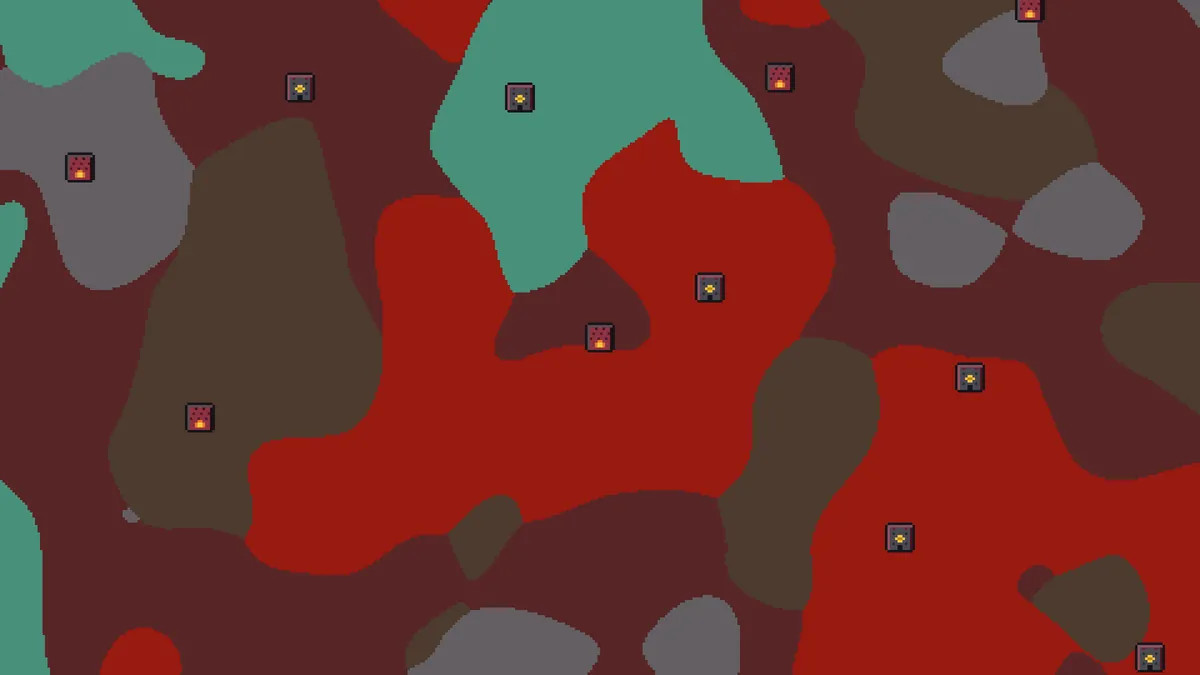
When you light a portal, the game looks for an existing portal within 128 blocks in the Overworld or 16 blocks in the Nether of the scaled position before it builds a new one. The portal calculator shows both the converted coordinates and that search area, which is how you stop two portals from linking to the same one.
Distance, direction and /tp
Distance between two points on the map is the straight line, the square root of the squared differences in X and Z, which is also what the Nearest list sorts by. Walking distance is longer, of course, and in the Overworld a boat along a river or a Nether tunnel changes the answer completely.
Direction follows from the signs: a structure with a larger Z is south of you, a larger X is east. The map's compass and the F3 Facing line agree, and the ore finder's popups give the compass direction from spawn in words for anyone who does not want to think about signs.
Every structure popup offers a /tp command. On Java it reads /tp @s X ~ Z, where the tilde keeps your current height so you do not teleport into stone; a block Y is used where the feature has one. On Bedrock the same command works with cheats enabled. Teleporting disables achievements on Bedrock and advancements are unaffected on Java, so use it on a copy of the world if that matters to you.
Spawn chunks and the world border
The area around the world spawn stays loaded even with nobody there, so farms built in it keep running. How big that area is depends on the version: the classic square of loaded chunks was reduced in 1.20.2 to a small fully processing core with a larger ring that only keeps terrain loaded. The spawn chunk calculator draws the exact chunks for your spawn point and version, and the Spawn chunks layer shows them on the map.
The world ends at the world border, 29,999,984 blocks from the origin in each direction. The map draws it when you zoom all the way out, mostly as a reminder of how little of a world anyone ever visits: a 128-stronghold ring system fits comfortably inside the first 25,000 blocks.
Questions
How do I find which chunk I am in?
Divide X and Z by 16 and round down, remembering that -2.5 rounds down to -3. On Java, F3 shows the chunk directly; the map's readout shows it under the cursor.
Why does the Nether fortress have small coordinates on the map?
The map shows Nether coordinates when the Nether dimension is selected. Multiply X and Z by 8 to find the Overworld position above it.
What is a region file?
A r.x.z.mca file in the world's region folder holding 32×32 chunks, 512×512 blocks. Region coordinates are chunk coordinates divided by 32, rounded down.
Are coordinates the same on Java and Bedrock?
Yes, the axes and units are identical. What differs is where structures are placed, so set the edition on the map to match your game before copying a coordinate.
Does /tp from the map work on Bedrock?
Yes, with cheats enabled. Bedrock keeps your height when you use a tilde for Y, the same as Java.
Related guides
Finders and tools in this guide
- Seed MapInteractive biome map with every structure, slime chunk and spawn point on one canvas.
- Slime FinderHighlight slime chunks for Java and Bedrock — build the perfect slime farm.
- Spawn Point FinderSee the exact world spawn and the surrounding spawn chunks.
- Coordinate CalculatorConvert between block, chunk and region coordinates, and measure distance.
- Spawn Chunk CalculatorWhich chunks stay loaded around world spawn, by version.
- Nether Portal CalculatorLink Overworld and Nether portals — coordinates ÷ 8 and search ranges.
Written by the Minecraft Tools team from the same world-generation engine that runs the seed map. Coordinates quoted here were computed with it for the stated seed, edition and version, and the engine is tested against the real game.