AnshModer Lite Graphics (Max ultra)
BedrockTexture packShadersby AnshModer

About this texture pack
Turn your plain minecraft into a amazing world.
Read the author’s full description (268 words)
Written by AnshModer for the MCPEDL post, shown as published.
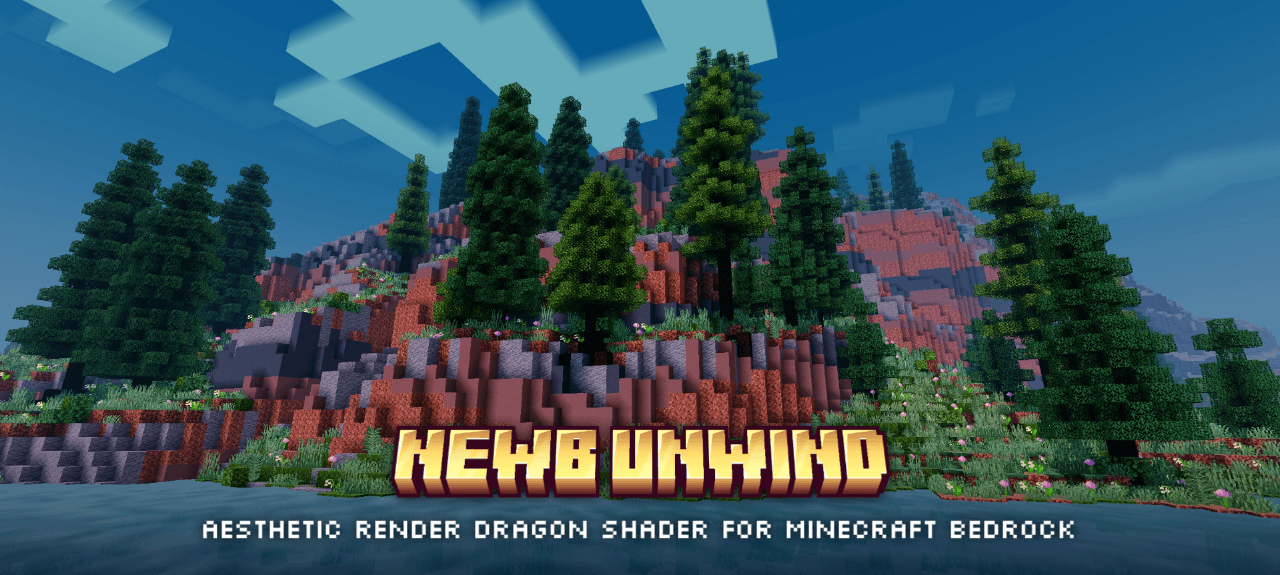
Transform Minecraft Bedrock 26.52 (1.26.52) with AnshModer Lite Graphics [MAX ULTRA] — featuring 512×512 HD cloud skyboxes, glowing 3D-faceted ores, 32-frame animated caustic water, ACES filmic color grading, and dual-engine support for both Classic RenderDragon and Vibrant Visuals PBR.
Full Release Showcase Description (Copy-Paste Ready for MCPEDL / CurseForge / YouTube):
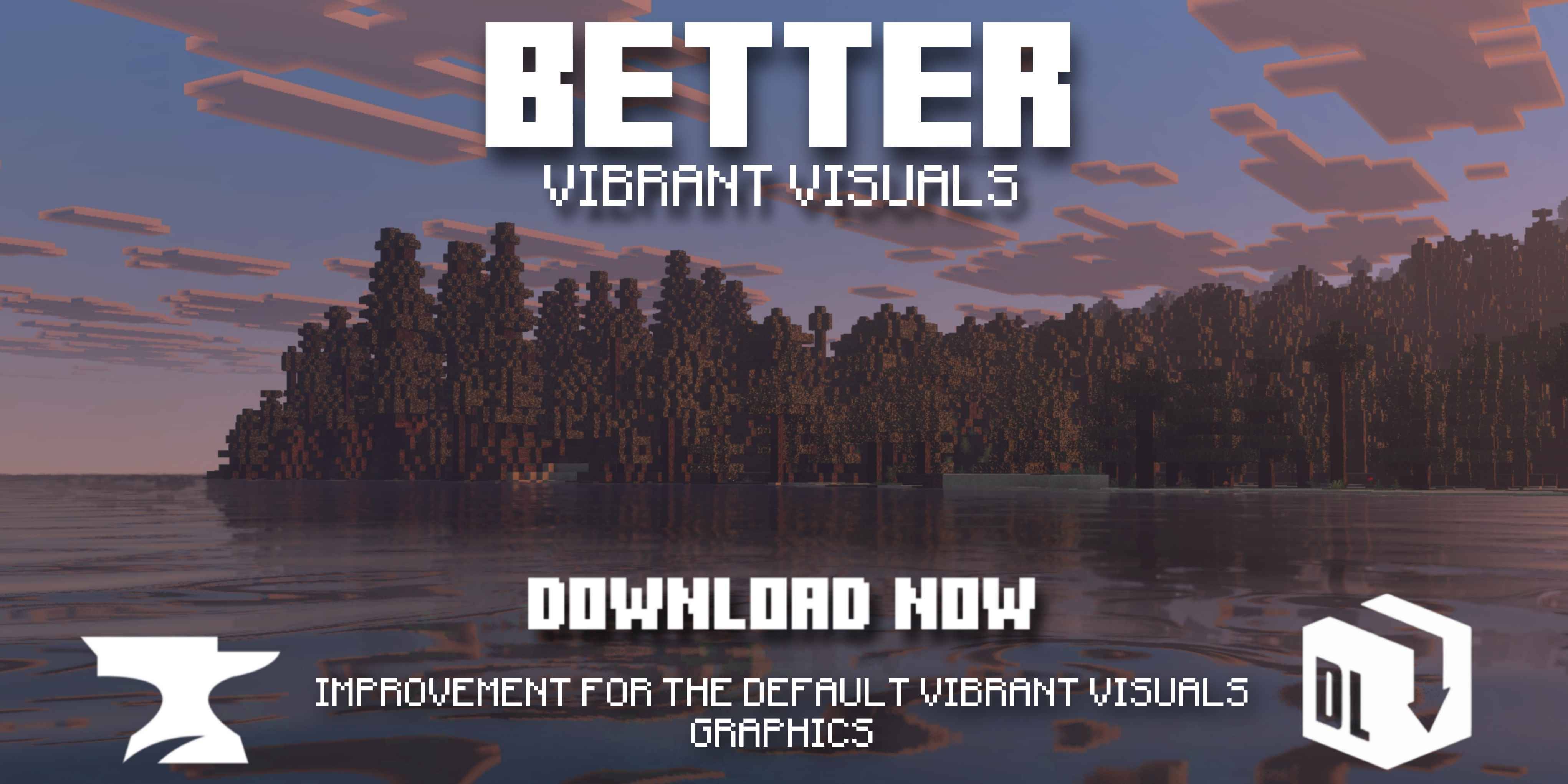
Overview: Created by AnshModer (anshpk), AnshModer Lite Graphics [MAX ULTRA] pushes Minecraft Bedrock visuals to their highest supported fidelity without requiring a patched APK or external shader loader. It supports both Classic RenderDragon on mobile devices (such as the Redmi Note 12 4G) and Vibrant Visuals (Deferred PBR) on supported hardware.
512×512 HD Volumetric-Style Skyboxes (overworld_cubemap): Renders multi-layered cumulus and cirrus clouds, golden-hour rim lighting, Rayleigh/Mie horizon scattering, and radial sun shafts (Bedrock Wiki Pack Structure).
3 Switchable Subpack Modes: Select the pack's Gear icon in Global Resources to switch between Ultra Max Daylight Sky, Cinematic Golden-Hour Sunset Sky, and Dynamic Sky Max (vanilla day/night cycle).
22 Glowing Emissive Ores & Precious Blocks (64×64 HD PBR): Includes baked emissive bloom rims for Classic RenderDragon plus _mer.png (Metalness, Emissive, Roughness) and _normal.png maps for Vibrant Visuals across all 14 Stone & Deepslate ores and 8 precious/light blocks (bedrock.dev Texture Sets Docs).
HD Animated Caustic Water & 20-Octave Waves: Pairs 32-frame water_still_grey.png and water_flow_grey.png flipbooks with 1.21.120 physical water configurations for animated underwater caustics and 20-octave surface ripples (bedrock.dev Water Docs).
ACES Filmic Color Grading, Point Lights & Volumetric Fog: Combines ACES tonemapping (color_grading/anshpk_cinematic_aces.json) (bedrock.dev Color Grading Docs), 1.26.0 keyframed sun/moon illuminance, 24 colored point/static lights (local_lighting/local_lighting.json) (Microsoft Learn Lighting Docs), and 17 biome fog presets with Henyey-Greenstein light shafts (Microsoft Learn Volumetric Fog Docs).
Images
What’s new in the latest update
The author’s notes for the file uploaded .
Added Dual-Engine PBR & Vibrant Visuals Support: Enabled "capabilities": ["pbr"] in manifest.json (Microsoft Learn Manifest Reference) and wired all 63 biomes/*.client_biome.json files to atmosphere_identifier, color_grading_identifier, lighting_identifier, and water_identifier components (bedrock.dev Client Biomes Docs).
Added 22 HD Glowing Ore & Block Texture Sets (88 Files): Added 64×64 color, normal, and MER textures (*.texture_set.json) for Diamond, Emerald, Gold, Redstone, Lapis, Iron, and Copper ores (Stone + Deepslate) plus Diamond, Emerald, Gold, Iron, Amethyst, Glowstone, Sea Lantern, and Shroomlight blocks.
Added 32-Frame Animated Caustic Water & 20-Octave Wave Configs: Added water_still_grey and water_flow_grey PBR flipbooks alongside 4 water/anshpk_*_water.json presets.
Upgraded Sky & Celestial Textures to HD: Upgraded overworld_cubemap to 512×512 per face (with Daylight and Golden-Hour Sunset subpacks), sun.png to 256×256, moon_phases.png to 512×256, end_sky.png to 512×512, and added clouds.png (256×256) and weather.png.
Added ACES Color Grading, Atmospherics & 1.26.0 Lighting: Added color_grading/anshpk_cinematic_aces.json, 4 atmospherics/anshpk_*_atmosphere.json presets (bedrock.dev Atmospherics Docs), lighting/global.json, local_lighting/local_lighting.json (24 light sources), and pbr/global.json.
Upgraded All 17 Fog Presets to 1.21.90: Added height-layered volumetric density, RGB media scattering coefficients, and henyey_greenstein_g forward scattering to all fogs/anshpk_*_fog.json files.
Optimized pack_icon.png Under 100 KB: Quantized the 256×256 custom emblem icon from 125.8 KB down to 36.3 KB.
v1.0.0 — Initial Lite Release:
Implemented Core RenderDragon Enhancements: Created initial manifest.json, 17 distance fogs, 63 client_biome definitions, biomes_client.json fallback (Mojira MCPE-187270), 8 256×256 biome colormaps (Minecraft Wiki Color), and lightweight 64×64 / 128×128 environment textures.
How to install
- Download the file below. On iOS or Android, open it from your Downloads with Minecraft; on Windows, double-click it.
- Minecraft imports the pack automatically. Enable it in your world’s settings under Behavior Packs or Resource Packs; an add-on usually needs both.
- Playing on a Realm or server? Everyone needs the same packs, and the host has to enable them.
- Starting a new world? Choose its seed first: the Seed Map shows villages, structures and biomes near spawn for any Bedrock seed.
Advertisement